Participating Frequently
April 28, 2012

P: LR4 RC2 Differences in rendering in Library and Develop modules

  • April 28, 2012
  • 33 replies
  • 714 views

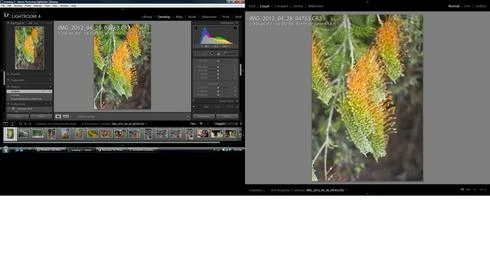
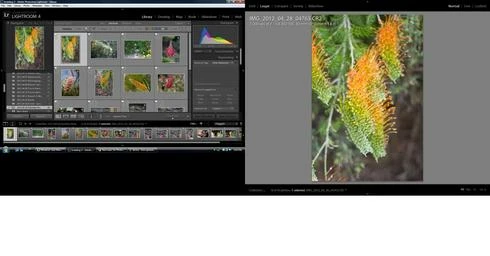
The rendering of a photo in develop is sometimes less saturated than it is in library.

To reproduce:

Select a CR2 file in library with loupe view on a second monitor.
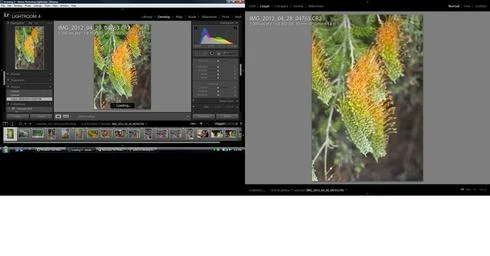
Switch to develop, the saturation decreases slightly.
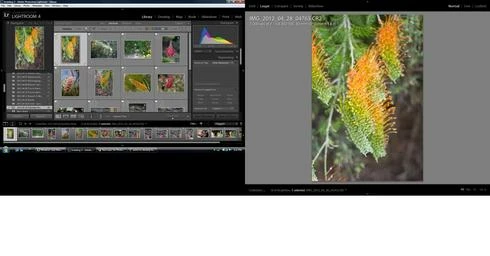
Switch to library and the saturation increases slightly.
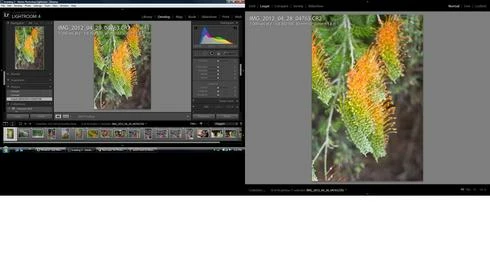
Switch back to develop and the saturation remains the same
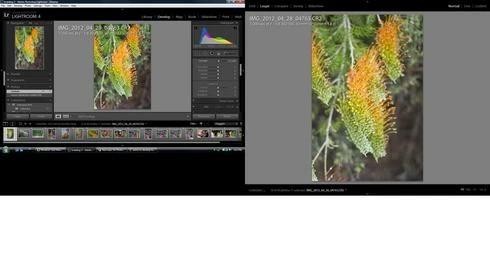
Move the contrast to 10 and then back to 0 and the saturation decreases.

A sequence of screen shots shows the effect.
This topic has been closed for replies.

33 replies

Inspiring
May 30, 2012
It looks like this issue has now been resolved with the LR 4.1 release made generally available this evening.

Thanks!
Participant
May 29, 2012
This is unsatisfactory Adobe. I am not a happy camper. I use 2 displays for my workflow. FIX THIS and GET IT TO US ASAP. Fix the gallery export, slow response of sliders, slow performance in general, etc. You are costing me a lot of time and money. Get it together, please.
Participating Frequently
May 23, 2012
my solution/fix...i got rid of rc2 and went back to rc1 with a little help from victoria brampton...well, until the updates arrive with fixes...

http://www.lightroomforums.net/showth...
dorin_nicolaescu
Inspiring
May 23, 2012
Exactly.
Participating Frequently
May 23, 2012
I expect that "Solved" means that the solution is the internal fix that will be distributed with the next release (either RC3) or final 4.1 - it's only my own interpretation.
Inspiring
May 23, 2012
Since it is solved, what is the solution ? Could anyone share it with the likes of us ? 🙂
Inspiring
May 23, 2012
Lightroom 4.1 Have Problem. in the Second Monitor view mode lost rgb profile

Participating Frequently
May 18, 2012
With LR 4.1RC2 I noticed very different ( and wrong ) colors on my second monitor in the develop module.

The same monitor does display the pictures with correct colors and contrast in the manage module with loupe view.

I think I got this new "feature" with RC2. RC1 was ok if my memory does not foul me.

System: Windows 7 64Bit

Does anybody else did discover this behavior?

regards

Peter Heuchert

Inspiring
May 16, 2012
I'm running LR4 RC2 on a dual monitor setup under Windows 7 x64.


When I load a .dng file in the develop module and zoom the image in the primary display to 1:1, my primary monitor correctly displays the image, but the image on the secondary monitor changes colour balance from it's initial load and no longer matches the colour balance of the primary monitor.


This results in two totally different colour balance views of the same image file while using the develop module with dual monitors.

Participating Frequently
May 12, 2012
I can confirm the same issue (the original issue discribed at the begining of the topic) with LR 4.1 RC2 on Mac OS X 10.7.4 now.

Bartek