
Inspiring
October 21, 2020

P: Poor photo in the library and develop module - smart previews

  • October 21, 2020
  • 162 replies
  • 9592 views

I have a problem with version 10.0,
the photo is of poor quality in the library and in the develop module. I use smart previews (the disk with the original photos is disconnected).
smart previews in version 10.0 have poorer quality than in version 9.4
When I install the older version (9.4), the same photo with the same preset is of better quality (also smart previews).

It looks like there is a higher grain in the photo
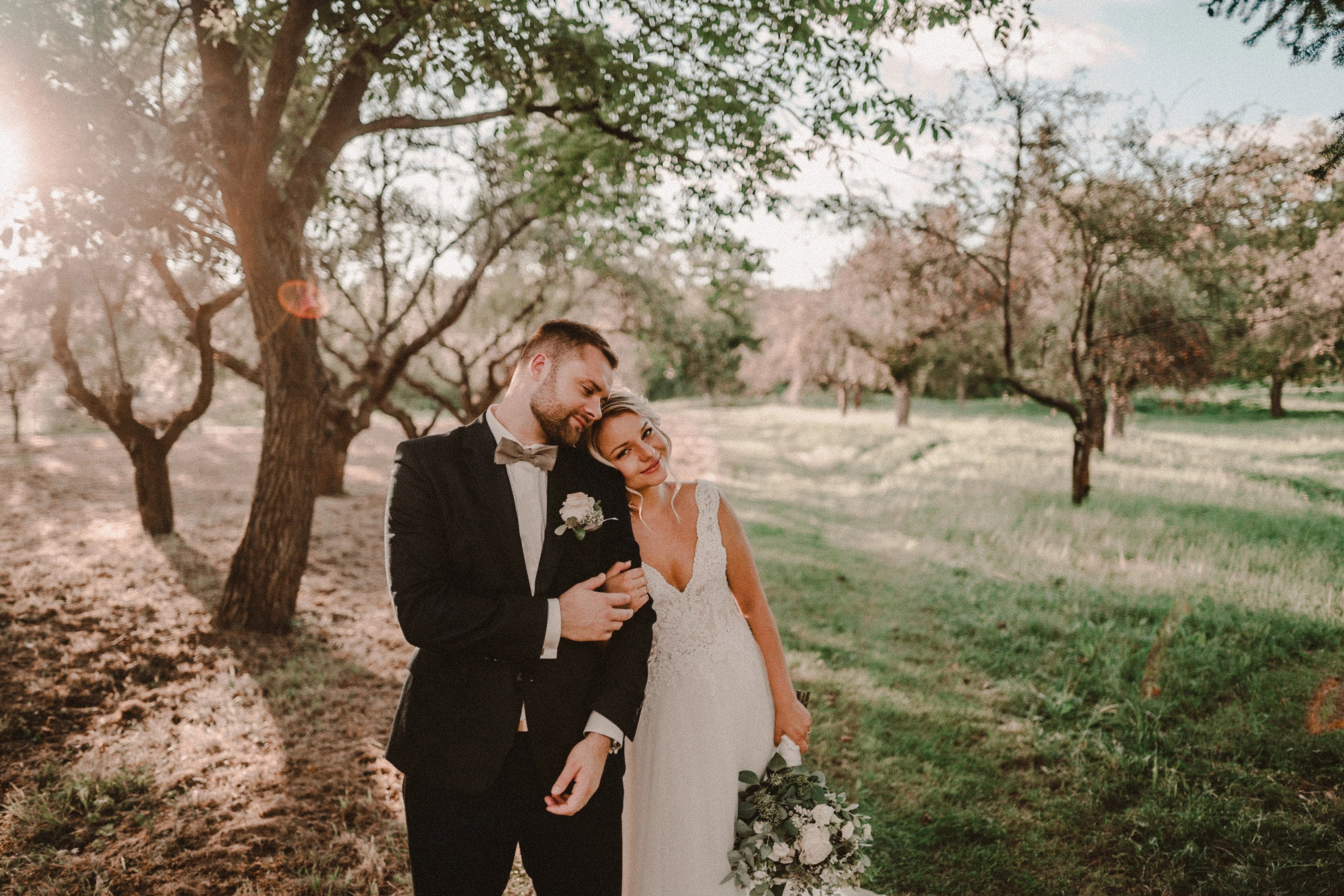
Here are photos exported from smart previews.

Tested on: Mac pro 2013 (6core, 16gb ram, D500)

Macbook Pro 2014 2,7 ghz 4 core, 16gb ram


10.0:
9.4:
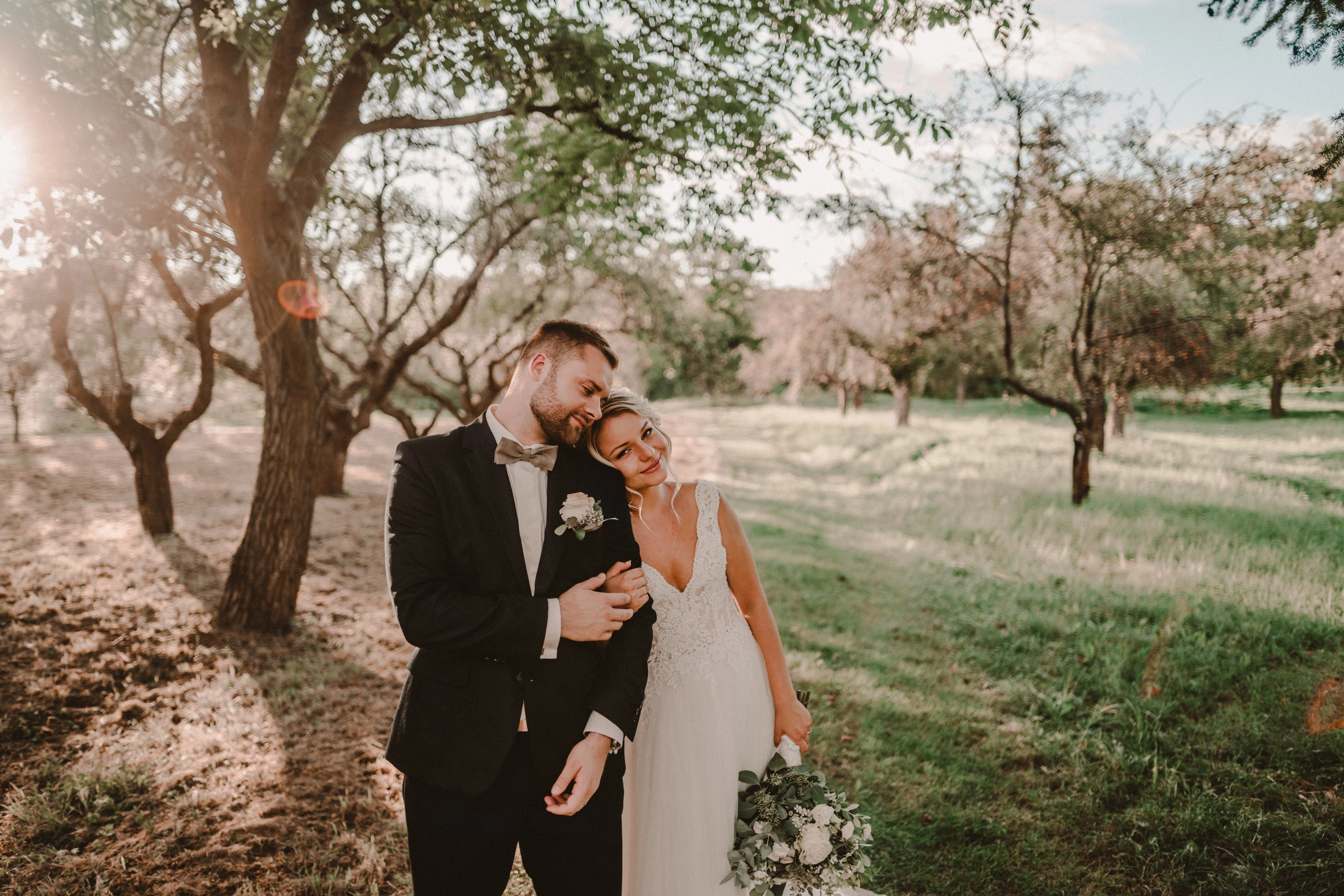
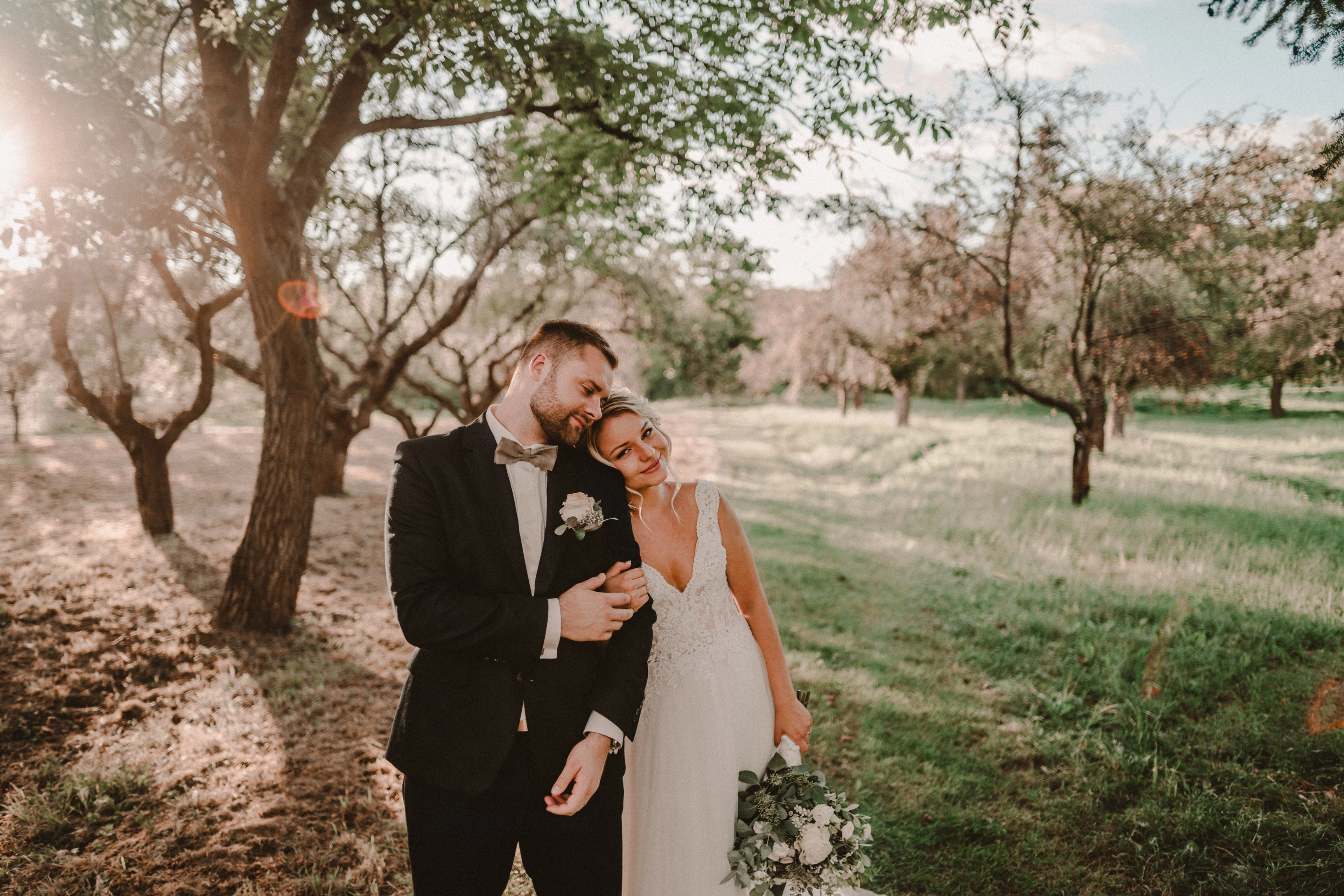
Photo exported after attaching a disk with the original photo:
This topic has been closed for replies.

162 replies

Participating Frequently
October 28, 2020

*andrewmaybury Yes, same. I use Smart Previews to edit my work whilst out in the field so this is a pain.

Inspiring
October 28, 2020

This issue is really frustrating. I add grain to most of my work, and do a lot of my processing with smart previews while away from my desk. Before version 10 the grain would remain the correct size relative to the full size raw file - now it seems to be applying the grain based on the size of the preview / smart preview, rather than the original image. And this is the case with new images shot and imported since the update, and images already in the catalogue before the update. It's also not affected by any of the obvious performance preferences. Please fix it ASAP Adobe!

Participant
October 28, 2020

yes, you’re right -  that’s why I add the grain just before exporting final images. It is the only work-around for this bug now as I am not able to come up with something better. 

Participating Frequently
October 28, 2020

Yes, I'm a professional fashion photographer and add grain to nearly everything I produce (I apply a preset on import) so this is an annoyance but I understand that a lot of people won't add grain as much as I do so it won't impact everyone. 

That being said, it's not just on import. If I apply grain to an image that doesn't have it already it looks bad for a second or so until it renders properly. 

Participant
October 28, 2020

I have the same problem after installation of new version of LR.


The important info is this:

"It's only a problem if noise is added in Develop before".


So if you don't  add any grain in Develop, the previews are OK (the same as in previous versions of LR).


The grain in develop is the cause of all of this. So in import preset I cancelled the noise adjustment and I am OK. 


But this is a BUG in new version of LR, no doubt.

Participant
October 28, 2020

I have the same problem after installation of new version of LR.

The important info is this:

"It's only a problem if noise is added in Develop before".

So if you don't  add any grain in Develop, the previews are OK (the same as in previous versions of LR).

The grain in develop is the cause of all of this. So in import preset I cancelled the noise adjustment and I am OK. 

But this is a BUG in new version of LR, no doubt.

Participating Frequently
October 28, 2020

Hey Arjun, thanks for reaching out. I just checked and I did have that checked. I've unchecked the option now and it's kind of fixed it. 

It now initially shows the super grainy image when I click on the photo but after a second or so that disappears and shows me the image more accurately without me having to zoom in and out. It still reverts to grainy preview when clicking between files as well so it isn't a total fix (or at least it's still different to how the last version of Lightroom worked) but it's certainly faster than having to zoom in and out each time.

My iMac is at the end of it's lifespan now (2013 Quad Core 3.2ghz) so maybe the preview loading time will be faster for other users and not as noticeable, but for me it's certainly a downgrade in efficiency vs the previous version.

Thanks!

Inspiring
October 27, 2020

Yes. I use smart previews as I wrote.
Exact workflow: from the SD card, I choose to import to LR with the destination folder on the external disk (the originals are moved there). The import is set to create smart previews. When the import is complete, I will unmount the original photo disc.

You are right about the grain size. The smaller the photo, the smaller the grain must be (although the same value)

Todd Shaner
Legend
October 27, 2020

The actual OP fotimelasku in his very first post above said, "I have a problem with version 10.0, the photo is of poor quality in the library and in the develop module. I use smart previews (the disk with the original photos is disconnected)."

TheDigitalDog
Inspiring
October 27, 2020

No such admission from the original OP reporting this issue earlier:

https://feedback.photoshop.com/conversations/lightroom-classic/lightroom-classic-image-previews-with-grain-are-very-very-very-bad/5f90576d35f40c2520b9ea58

Last post asks a useful question from an Adobe person:

Hi @MokusoUK ,


Do you have this preference (Use Smart Preview instead of Originals for image editing) checked ? If yes, could you uncheck that and let us know if you are still facing this issue ?


Thanks,

Arjun

Again, be useful if those making these reports would let us know if and how they are using Smart Previews. 

Author “Color Management for Photographers" & "Photoshop CC Color Management/pluralsight"