
Participant
October 7, 2015

P: Preview Thumbnails are Black

  • October 7, 2015
  • 42 replies
  • 1976 views

Hello
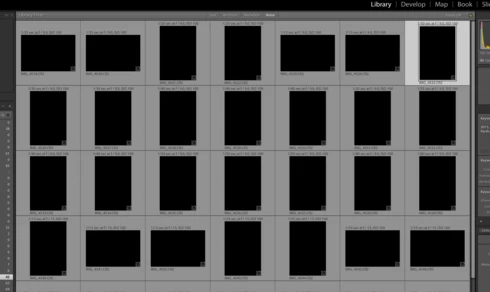
Just did my first import....but after import finish in Library all previews/thumbnails show BLACK, see imagine. I have ReSync'd even Exit out then come back and Previews not showing. All other folders are OK, just not the NEW import. Checked with Actual folder on MAC Finder and these ok. Any ideas?
This topic has been closed for replies.

42 replies

skyfox61Author
Participant
October 7, 2015
Victoria, thanks. I decided to revert back to 6.1.1 as there also was other issues. Its good to know this, so will save for when and if then I eventually move into 6.2
Victoria Bampton LR Queen
Community Expert
Community Expert
October 7, 2015
In the Preferences dialog > Presets panel, uncheck the Auto Tone checkbox for future imports. That'll prevent it happening again until Adobe get a fix out.

For those existing photos, select all in Grid view and hit the Reset button in the Quick Develop panel, and then the Auto Tone button to get the auto tone state applied properly.
Victoria - The Lightroom Queen