


P: Assets missing from Apple Photos Library Migration
macOS Sonoma Version 14.3.1 (23D60)
Lightroom-Version: 7.2 arm64 [ 20240214-0910-27200e9 ] (Feb 14 2024)
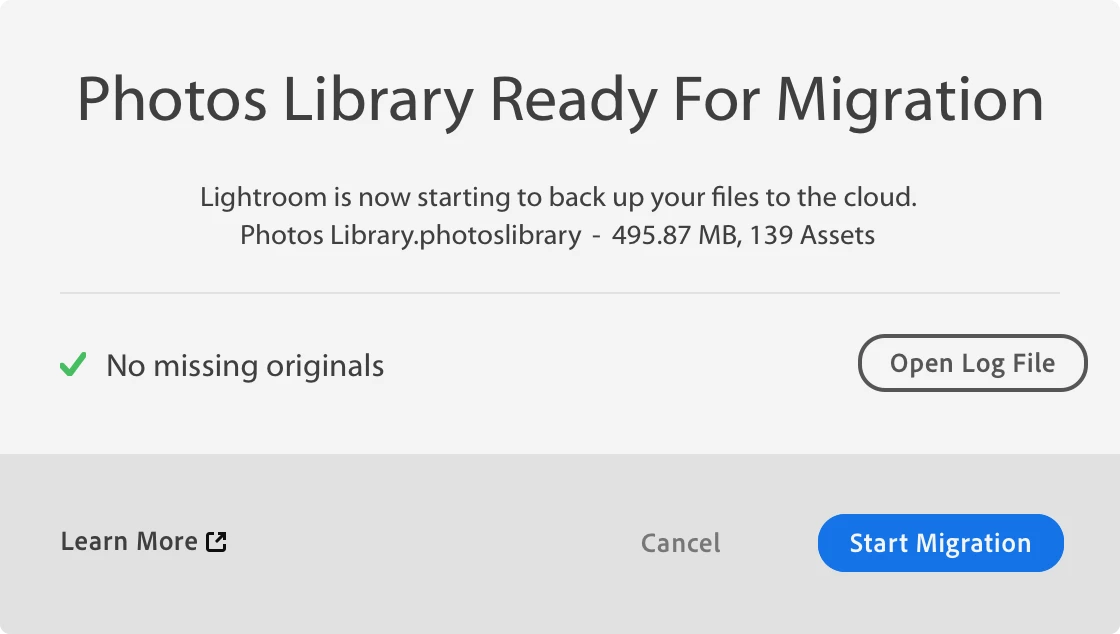
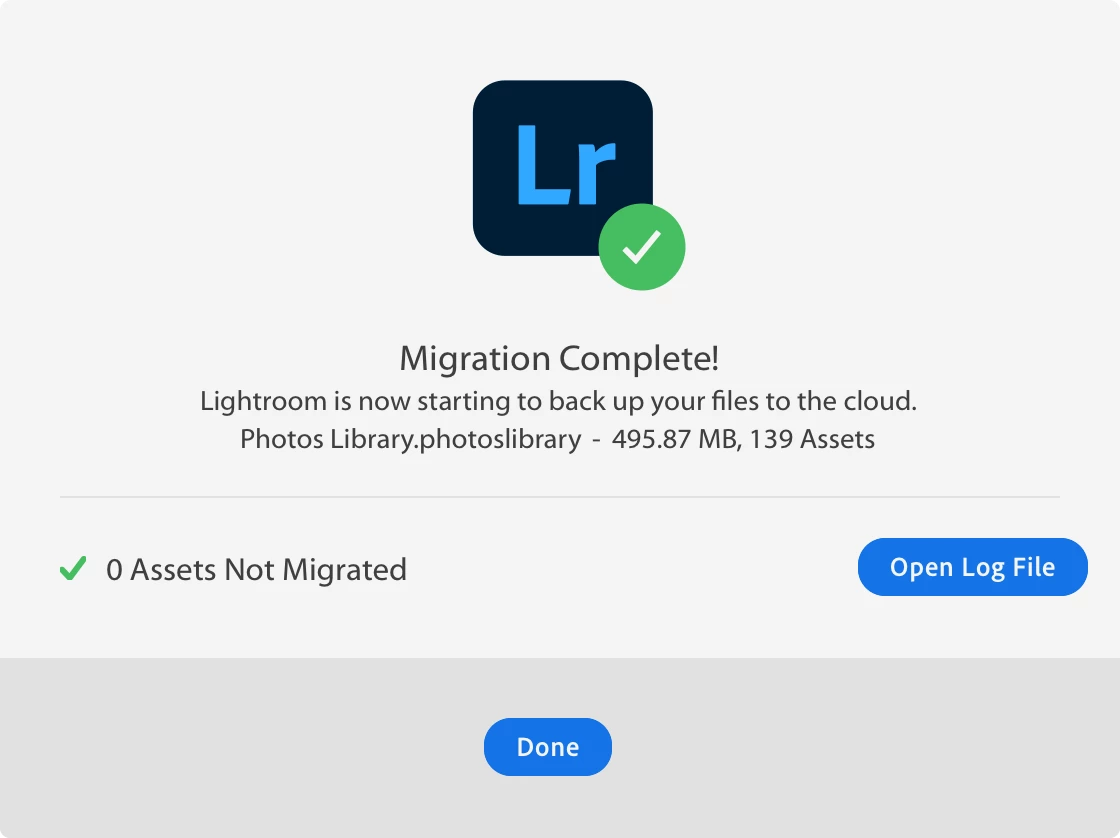
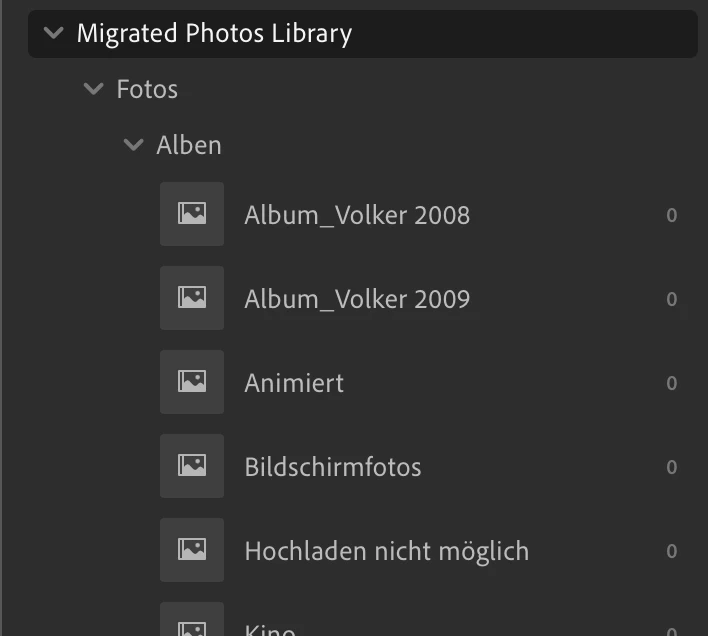
I tried to import my Apple Photo Library (marked as system library) to Lightroom CC, but the photos won’t migrate - only the metadata (folders, albums,…).
See the following screenshots and migration summary:
*******************************
MIGRATION SUMMARY
*******************************
STATUS : [ COMPLETED with NOTIFICATIONS ]
Source Catalog : ApplePhotos
Assets from Catalog : 139
Assets Migrated to Lightroom : 0
Number of Collections Migrated : Migrate-able( 20 ) After Migration( 22 )
Number of Stacks Migrated : 0 of 0
Number of Stack Assets Migrated : 0 of 0
Number of Virtual Copies Migrated : 0 of 0
Number of Assets with Metadata Migrated : 139 of 139
Number of User Keyword Migrated : 0 of 0
Number of Person Keyword Migrated : 0
*******************************
NOTIFICATIONS
*******************************
Warning Messages
-------------------------------
* assetImportError
* skippedAlbumAssets
Any ideas?
I first tried it with a much larger library (same issue), but for testing purposes I did create a small system library with 2 albums and 139 photos (no videos, no RAW, no HEIF).
 AdChoices