


January 22, 2026

P: Crash on launch (11838691)

  • January 22, 2026
  • 返信数 7.
  • 94 ビュー

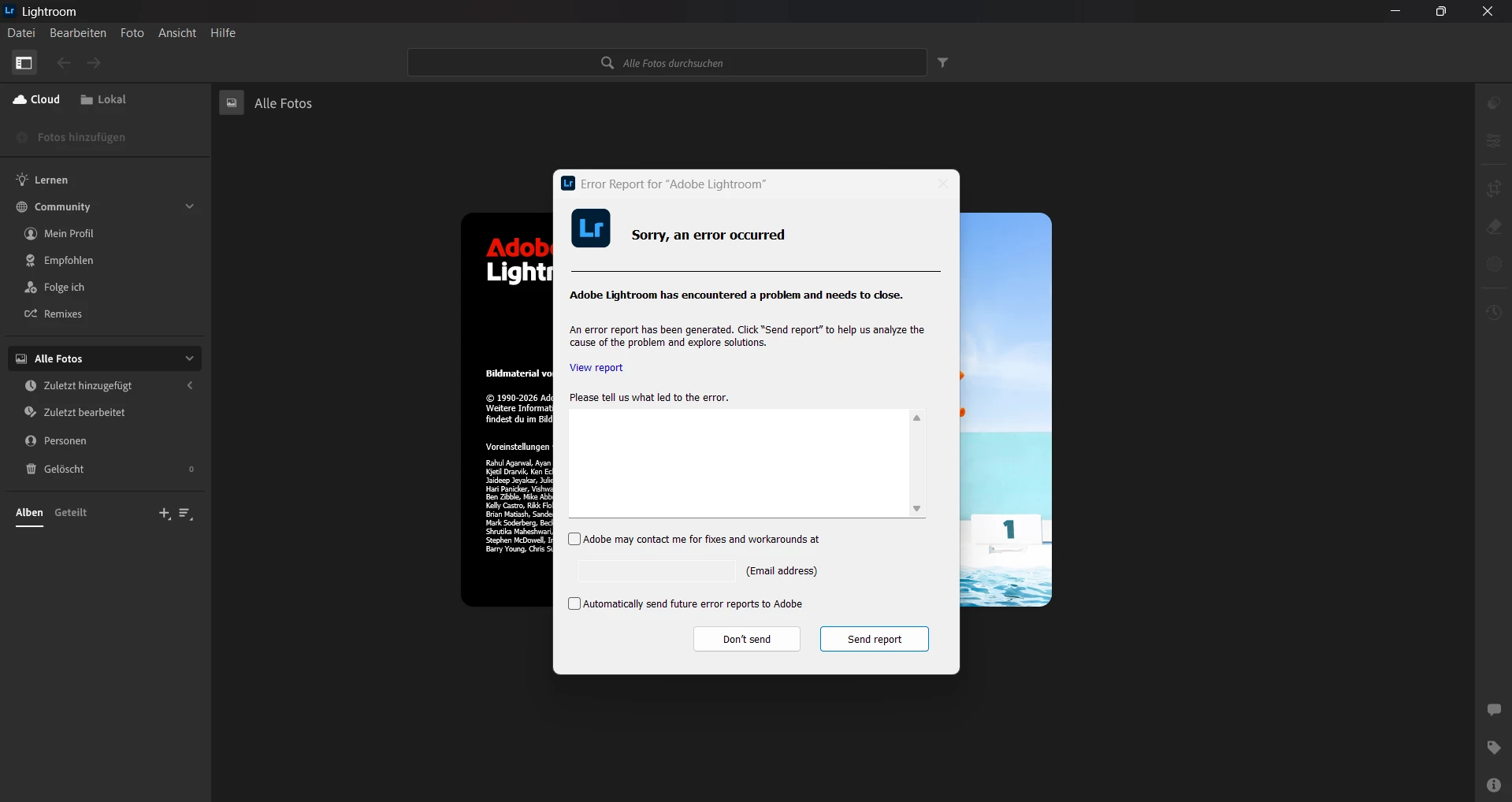
hello everybody, im done with my nerves. yesterday i downloaded lightroom again but my problem is or was that it crashed after starting and froze with a error. after many many tries with troublehooting and help from the discord server we didnt came far. After doing the CC adobe software to delete everyhing my lightroom wonnt start now at all... pls help me somebody.
返信数 7

gabr_3174作成者
January 26, 2026

I have the same problem but still no solution... i was in contact with nvidia and adobe

January 23, 2026

My Lightroom keeps crashing when I launch it, and I don't know what else to do.
The problem has been going on for about two months.
The application gets to the loading screen and immediately crashes.

I've tried basically all the basic and advanced methods that are usually recommended:
All the latest updates are installed:
Windows 11 (latest version),
NVIDIA drivers,
Creative Cloud, and Lightroom itself (official subscription).
I did a clean reinstallation of the video card drivers.

I performed a complete cleanup of Adobe:
removal via Creative Cloud,
Adobe Cleaner Tool,
manual removal of all Adobe folders and caches,
then a clean installation from scratch.
I ran the application file recovery (damaged files were found and repaired).

Unfortunately, none of this helped - Lightroom still crashes immediately upon launch.
At the same time, my subscription is active, and I am paying for something I cannot use.

According to the logs, the crash is caused by EXCEPTION_ACCESS_VIOLATION in the graphics module, so I suspect a bug or conflict between Lightroom and Windows 11 and/or NVIDIA drivers.

I would appreciate any non-obvious solutions or confirmation that this is a known issue.

JohanElzenga
Community Expert
Community Expert
January 24, 2026
Rikk Flohr_Photography
Community Manager
January 22, 2026

Until a fix is issued, you could try to revert to a previous version of your Video Driver. You might have to try several versions to find one that works with your configuration. 


If that still doesn't work, you could go back a version, to LrD 9.0, and see if you see the same failure there. 

After that, I would refer you to Adobe support. 

Rikk Flohr: Adobe Photography Org
gabr_3174作成者
January 22, 2026

I tried that i also updated the driver but it still wont work..

Rikk Flohr_Photography
Community Manager
January 22, 2026

Ensure you are running nVidia's latest Studio driver - not the gaming driver, would be a good first step. 

Rikk Flohr: Adobe Photography Org
gabr_3174作成者
January 22, 2026

Hi thanks for the fast response. So what do i do now?

Rikk Flohr_Photography
Community Manager
January 22, 2026

This is a known issue related to Nvidia's GPU. I've linked your post to our existing bug report. 

Thanks for your report. 

Rikk Flohr: Adobe Photography Org