


Participant
April 18, 2022

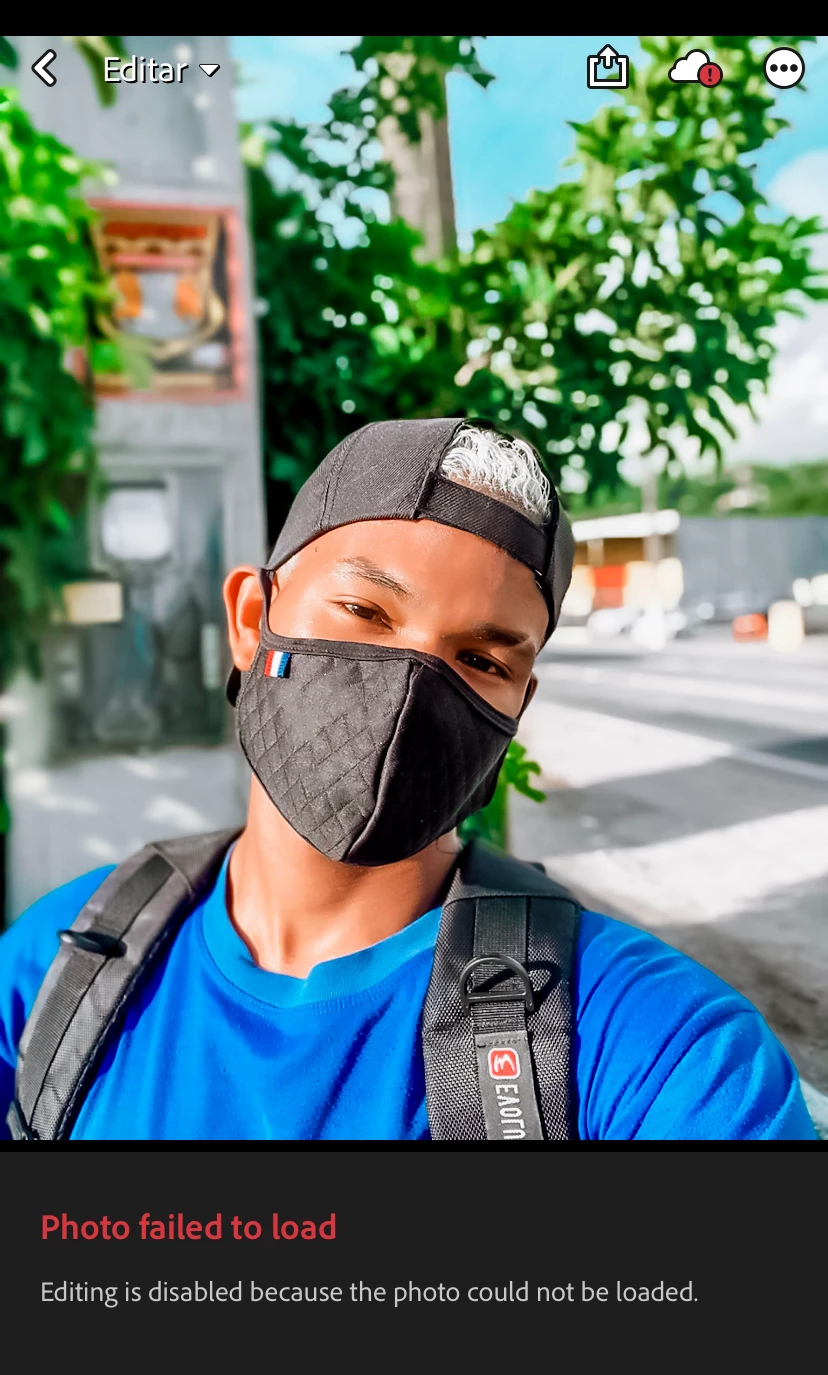
P: Error A100006, Photo failed to load (HEIC)
  • April 18, 2022
  • 18 replies
  • 13914 views

Ao abrir o aplicativo lightroon ao carregar uma foto já editada aparece "foto não editável" sendo que eu já editarei e sempre a foto ficou no app sempre aberta para editar e reajustar. Mais as fotos que já estão editadas dentro do app não abre. Se essa for uma opção deveriam tirá-la para atingir mais usuários 

This topic has been closed for replies.

18 replies

Participant
April 27, 2022
How do I update the Lightroom please? I’ve signed out and signed back in
but it still says error photos failed to load.
Community Manager
April 27, 2022

This issue has been fixed in our 7.3.2 version. The update is available now in the App Store.

Community Manager
April 27, 2022

Hi,

we have released an update (7.3.2 version) to handle this issue.

Thanks,
Ignacio

Participant
April 24, 2022


I keep receiving the error code A100006 when I try and edit a photo on the app. It says photo failed to load editing is disabled because the photo cannot be loaded. 

Participant
April 24, 2022

can someone please help me, my Lightroom is saying not editable. Im unable to import or export photos or edit. All the projects I've worked on is saying bad format. Creative negative core. Even nee photos I import it's saying UN able to edit. Can someone please help?

Community Manager
April 21, 2022

Hi,

thank you for reporting this. 
It would be helpful if we knew how this image was taken.
Is this image by any chance an HEIC image?

What does it say if you tap on the cloud icon?

Thanks,
Ignacio

Participant
April 21, 2022

Hi Ignacio,


Why are HEIC images suddenly not compatible with Lightroom? This appears to be the issue for me, but I'm just curious because this is a very recent change. Wondering if this is a bug from a recent upgrade?


Thanks,

Heather

Participant
April 19, 2022

I can not edit photos on lightroom through my phone. I can uplaod screenshots and edit those, but photos I take or save from somewhere else it will not let me edit them. It says "The photo failed to load. There was an issue loading the photo. Error code A100006. Message: dng_error_bad_format -Internal_CreateNegativeCore." When trying to edit the photo, cloud in the top right corner of the photo has a little red exclamation point by it. When I use the same exact photo and try to edit it on a different phones Lightroom app, it works. Please help me so I can use my own Lightroom on my phone to edit it. Thank you.

Sameer K
Community Manager
Community Manager
April 19, 2022

Hi there,


Thanks for reaching out. We are here to help.

Could you please confirm the version of Adobe Lightroom mobile and the operating system of your mobile(iOS/Android)? Does the issue also occur on images shot on the phone using the phone's camera or Lightroom's in-app camera? Are you using Adobe Lightroom or Lightroom Classic on other desktop surfaces? Is this issue only with a specific set of images or recently imported images? 


  1. You can also log on to Lightroom Web (https://lightroom.adobe.com) to check the total images synced over to the cloud before re-installing the Lightroom Mobile application.
  2. Try to import images from the phone's storage or shoot RAW images from Lightroom's in-app camera and ensure you have sufficient free space on the phone.

If you encounter this with specific images imported from Lightroom Classic or Adobe Lightroom (desktop), please share the original sample files with us here.


Let us know if these steps help. We hope to hear from you soon.

Thanks!

Sameer K.

Participant
April 21, 2022

Hi, i am having this same problem. however this is occurring only with pics i have edited in Facetune. i need to further edit the Facetuned pics in Lightroom but they will not import. HELP!

Participant
April 18, 2022

any update on this? i tried redownloading and still having same issue


Participant
April 19, 2022

I'm running into the same issue, tried the above and chatted with support for well over an hour. I'm hoping it's a bug they work out sooner rather than later...or else I'll be canceling my paid subscription. 

Participant
April 20, 2022

I'm dealing with the same issue. Have been for the past 3 days and I've tried everything. Deleted and reinstalled so many times!