

P: for Desktop: Share Title Issue.
Setting a Title for the web gallery actually changes the Album name, and doesn't put a title into the Web Gallery display.
Share Settings -> Title ____
Whatever I put in here becomes the new name of the Album I'm sharing to the web.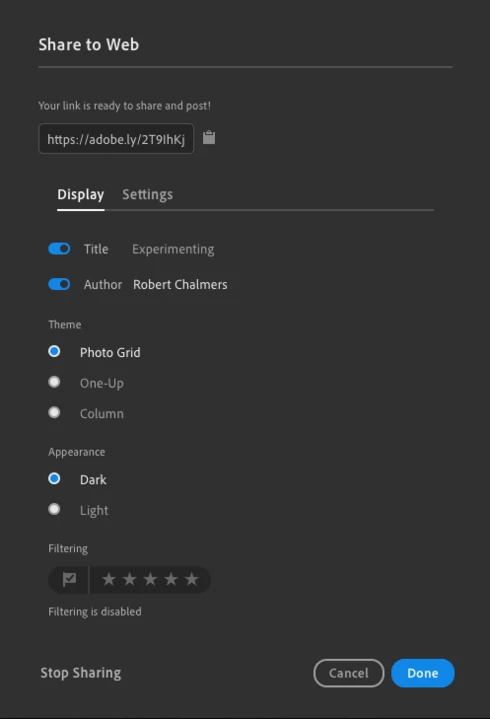
As you see here. It doesn't put the title I entered into the Web Gallery. It changes the Album name...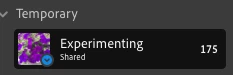
This is the resulting web gallery title.
Which means. I can't avoid this, I have to Select the images carefully that I want to share to the Web, then put them into their own (new) Album, and when it gets a title in Settings, it wil change that album name.
Fine - except that it still doesn't set that album title to what I want. It stays as "Latest Images"
So... Hola - there's something wrong. I need to be able to set the Web Gallery page title, without changing the Album name.
For the interested... this is the link to the Experimental Web Gallery.
https://lightroom.adobe.com/shares/4bfb7a11d1294e18a97edfb9d3af7921
To recap.
The Album is called Experimental, in a Folder called Temporary.
I tried naming the WebGallery set something else - but no matter what, it changes the Album name and not the Web Gallery Title. Leaving it as
Latest Images.
I hope someone is looking at this.
 AdChoices