


P: In-App Notifications Not Updating in Lightroom Mobile App (Android)
Hey Adobe Lightroom Community !
So, I've got this super annoying problem where my notifications inside the Lightroom mobile app just aren't showing up. It's been going on for like two months now, and it's happening on both my iPhone (when I had it) and now my Android phone. Super frustrating!
1. App Version:
Lightroom Mobile App: Version 10.4.2
2. What Phone/OS I'm Using:
Right now: Android 14 (on my Google Pixel)
Before: iOS (on my iPhone 11 Pro Max)
3. How to See the Problem (Steps to Reproduce):
Open up the Lightroom app (Version 10.4.2) on my Android 14 phone.
Go to the in-app notification section (you know, where you see likes, remixes, all that good stuff).
Have something happen that should give me a notification (like someone liking one of my photos, or remixing it, or if I get featured).
But then... nothing new shows up in that notification panel in the app. Nada.
4. What Should Happen vs. What's Actually Happening:
What should happen: I should be seeing new likes, remixes, and features popping up right there in my app's notification panel, nice and quick.
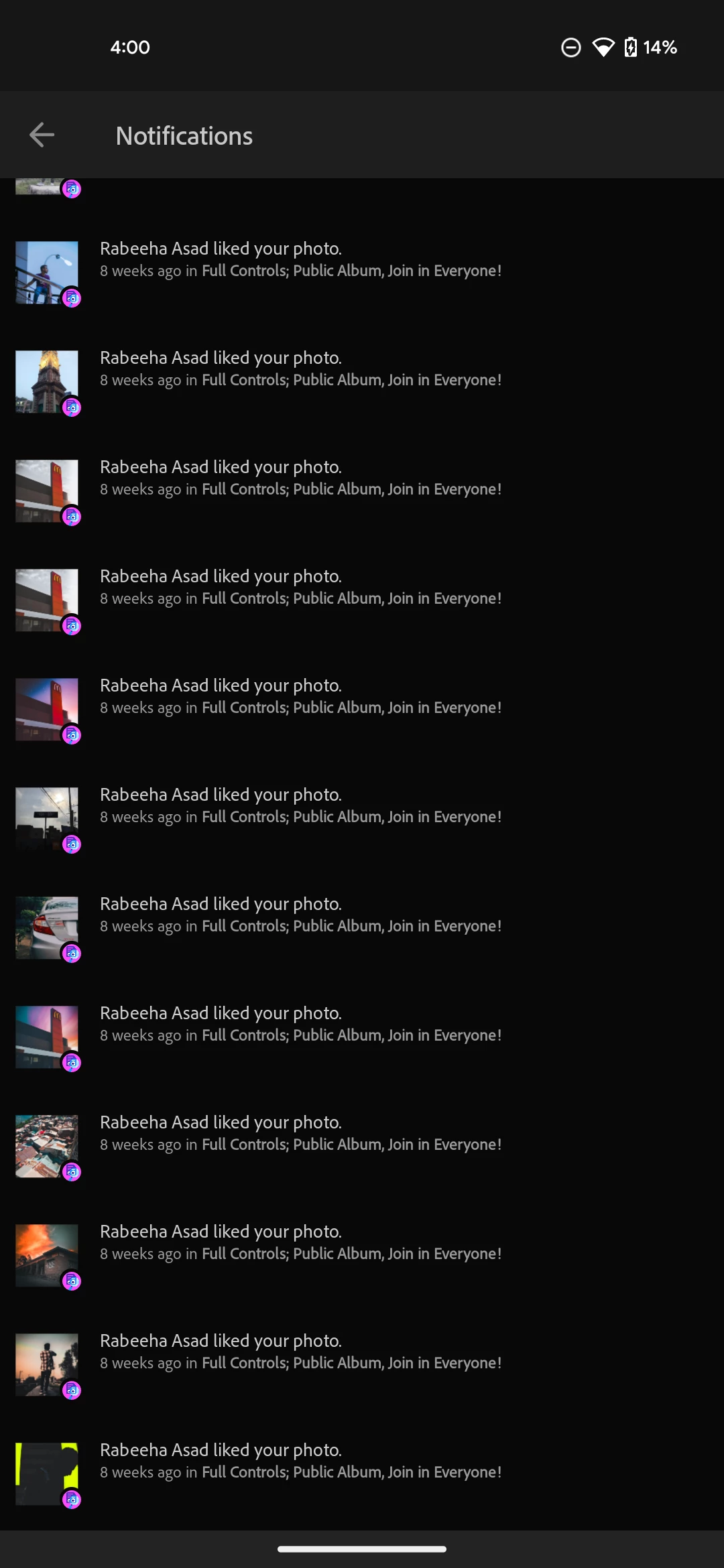
What's actually happening: Zip, zero, zilch new in the app's notification panel (on either Android or when I was on iOS). The only way I even know if anything's happened is if I remember to go check the Lightroom website, which is a total pain and not how it's supposed to work! (You can see in 'Screenshot 2' and 'Screenshot 3' how old my in-app notifications are, but 'Screenshot 1' and the video show all the new stuff that is happening on the web).
Background & What I've Tried:
This whole mess actually started about two months ago when I got my wife, Rabeeha, to go through and like all the photos on my Lightroom profile. Right after that, my in-app notifications just stopped working.
Back then, I was on my iPhone 11 Pro Max. I was even in the iOS beta program for Lightroom at the time. I tried everything: I left the beta, I completely deleted the app, and then reinstalled it on my iPhone. But nope, still no in-app notifications.
Now I'm on my Google Pixel with Android 14, and guess what? Same exact problem. So, it's not just my phone, it feels like it's something with my account or how Lightroom sends notifications to my app.
Stuff I'm Attaching:
Screenshot 1:
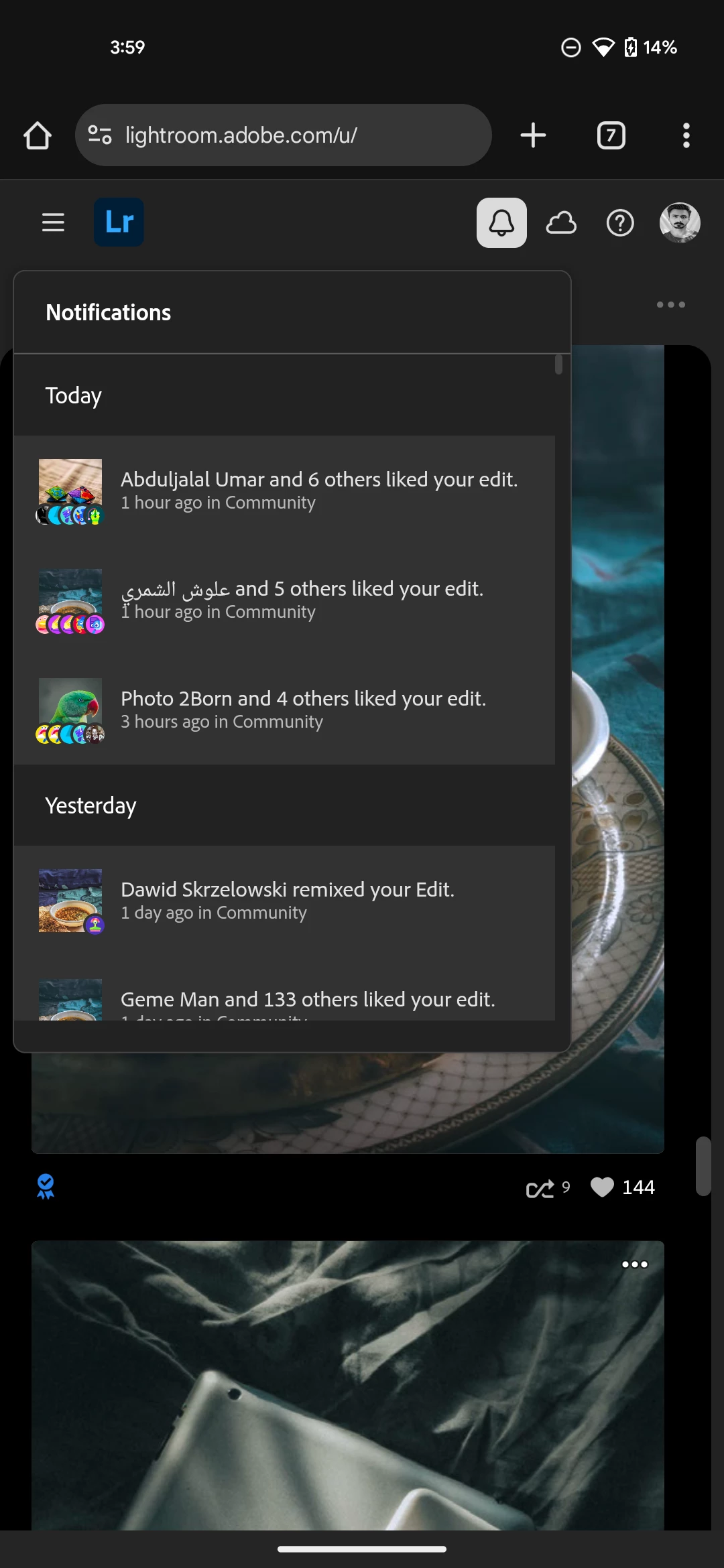
Screenshot 2:
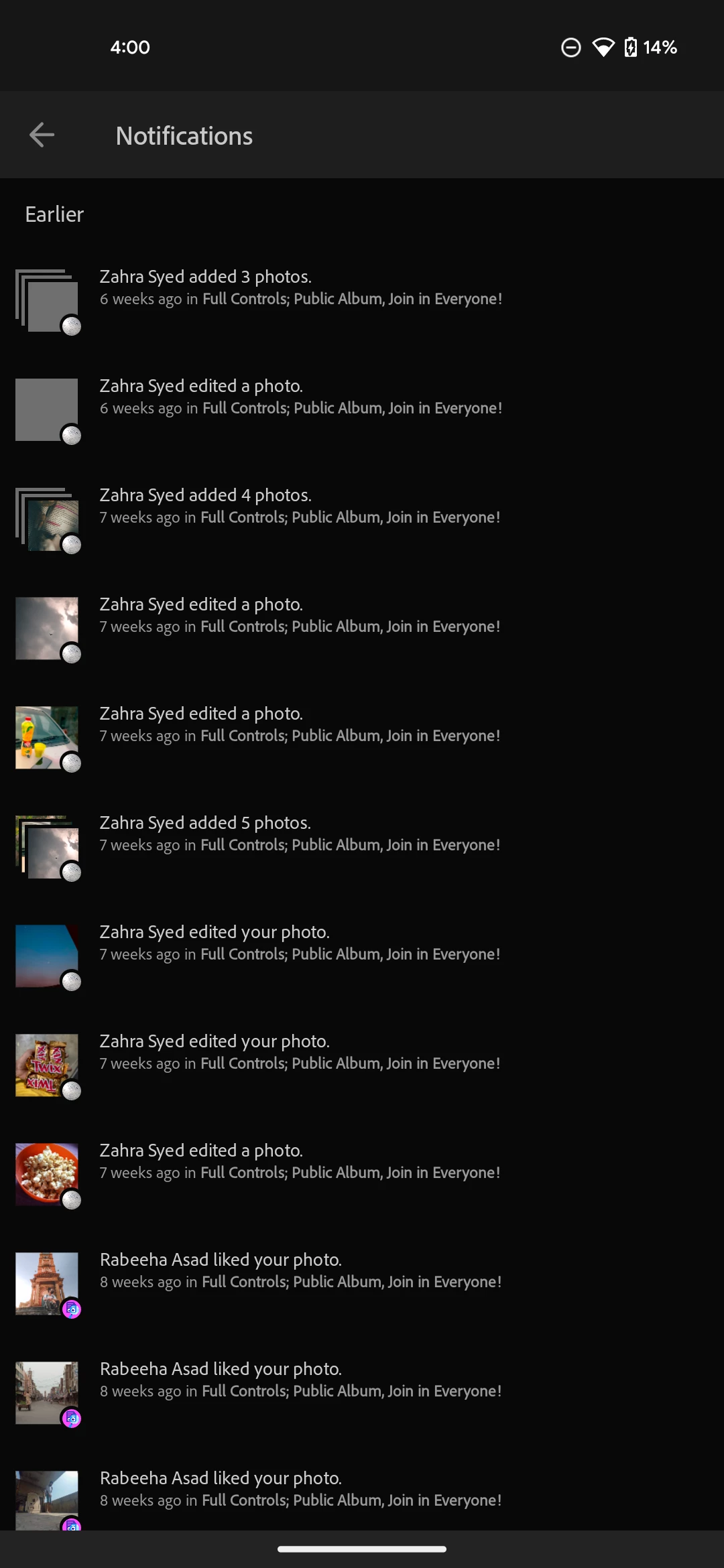
Screenshot 3:
Screen Recording With Voice Over: The Lightroom notification issue
Photo posted for authenticity: Like Or Remix It So I Can Show You My Struggle Of 2 Months
Here's the visual presentation of the photo I posted:
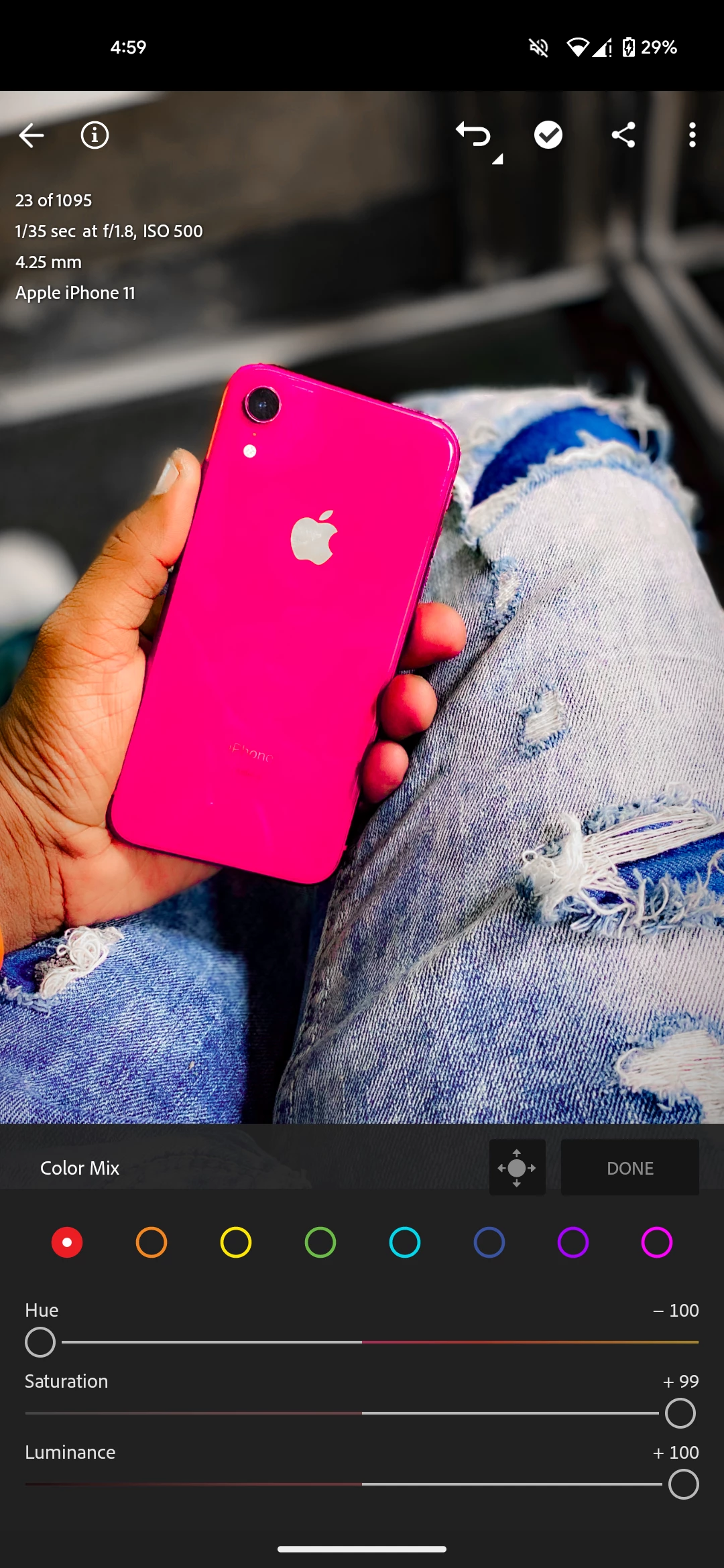
Guys please engage with the photo and I want to see the authenticity and also I want to show you guys the authenticity of my problem I have been facing for 2 months now I have to go to a browser and check the notifications and it's so annoying. I don't want to likes I don't want remixes I just want to test it I just want to show you my claim is valid
Thanks a bunch for checking this out and hopefully fixing it!
 AdChoices