


Participating Frequently
September 20, 2026
Investigating

P: Lightroom (iOS): Sort order is ignored after filtering by Camera
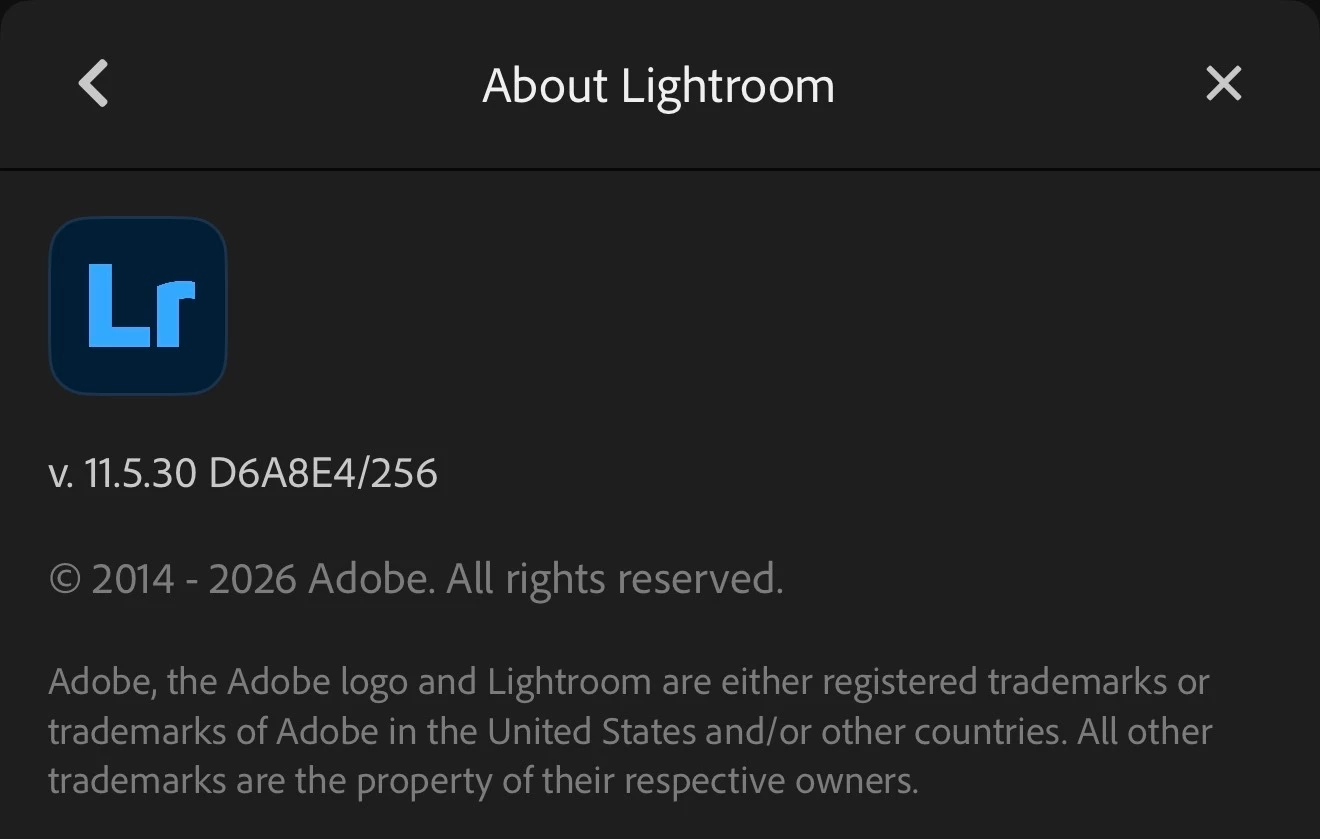
When using iOS (iPhone), I want to only look at photos on a single camera body (I shoot with 2 different cameras).  When selecting the body I want through the “Filter by…Camera”, the order of images disregards any of the options for how to sort them (such as file name, capture time, etc).  The images appear jumbled and out of order.  When attempting to try three different “sort by” options and even “reverse order”, it was the same order of images in their mixed up order.  See the attached video. Screen recording unusual sort and filter behavior on mobile (ios) The attached photo shows the current version being used with all iOS updates installed as of this post. 

    5 replies

    Anshul_Saini
    Community Manager
    Community Manager
    September 21, 2026

    Hi @smb29910,

    Thanks for reporting this and for including the screen recording. The behavior you're showing matches an issue we're already tracking, in which applying a Camera filter can cause the selected sort order and direction to be no longer honored.

    I've added your report to our existing investigation. The team is investigating, so there's no additional troubleshooting needed from you at this point.

    One detail from your report is particularly useful: you've confirmed that this isn't limited to Capture Time sorting, you're also seeing the same behavior with File Name and when reversing the sort direction. I've included that information in the report as well.

    We'll update the thread when we have more information to share.

    Best,
    Anshul Saini

    Translate
    Claire H.
    Community Manager
    Community Manager
    September 10, 2026

    Hi ​@malawadi, welcome to the Lightroom Community Forum! Can you confirm your workflow for organizing your photos?

    1. Apply the Camera Filter: From the context menu, select the filter option for sorting by camera. This will filter your photos based on the selected camera.

    2. Check Sorting Order: After applying the camera filter, check if the photos are still displayed in chronological order. If they are not, proceed to the next step.

    3. Sort by Date Again: Tap the three-dots icon again, and this time, select the sorting option to sort by either Capture Date, Import Date, or Modified Date. Ensure that the sorting order (ascending or descending) is set as desired.

    If they remain out of order, let me know, and we can continue investigating. I hope this helps! ^CH

    Translate
    malawadi
    Participant
    September 10, 2026

    Still same issue. I tried sorting even by file name, import date and capture date. They are still out of order. This happen on my ipad and my iphone. Whenever I use filter. Without filter they are in order

    Translate
    Claire H.
    Community Manager
    Community Manager
    September 14, 2026

    Hi ​@malawadi, Thanks for the update! To better help you with this issue, we would like a few more details. Can you send a diagnostic log from your iOS device and a screen recording of the issue?

    1. Open Lightroom → go to Settings → Help & Support.

    2. Long-press the "Access our Support Forum" link.

    3. The diagnostic log is copied to the clipboard.

    4. The user can then paste it into an email or message to share with you.

    In the meantime, I would recommend trying these basic troubleshooting steps:

    • Clear your cache: Go to the top menu and open Preferences (Edit > Preferences on Windows, or Lightroom > Preferences on macOS). Click the Cache tab, then look for the option to Clear Cache or to adjust the maximum size allowed for stored originals and previews. Remember to check if your cloud sync is fully updated and active before clearing space, so you do not lose unsynced work

    • Reset System Preferences:  https://adobe.ly/4o7JADQ

    If none of these steps work for you, please send over the requested information so we can continue troubleshooting. I hope this helps! ^CH

    Translate
    malawadi
    Participant
    August 28, 2026

    On Lightroom for both iPhone and iPad, my photos are displayed in the correct chronological date order normally. However, whenever I use the filter and select a specific Camera, the photos are no longer displayed in the correct date order.

    The issue happens consistently on both my iPhone and iPad.

    Translate