Antoine HLMN
Known Participant
September 28, 2020

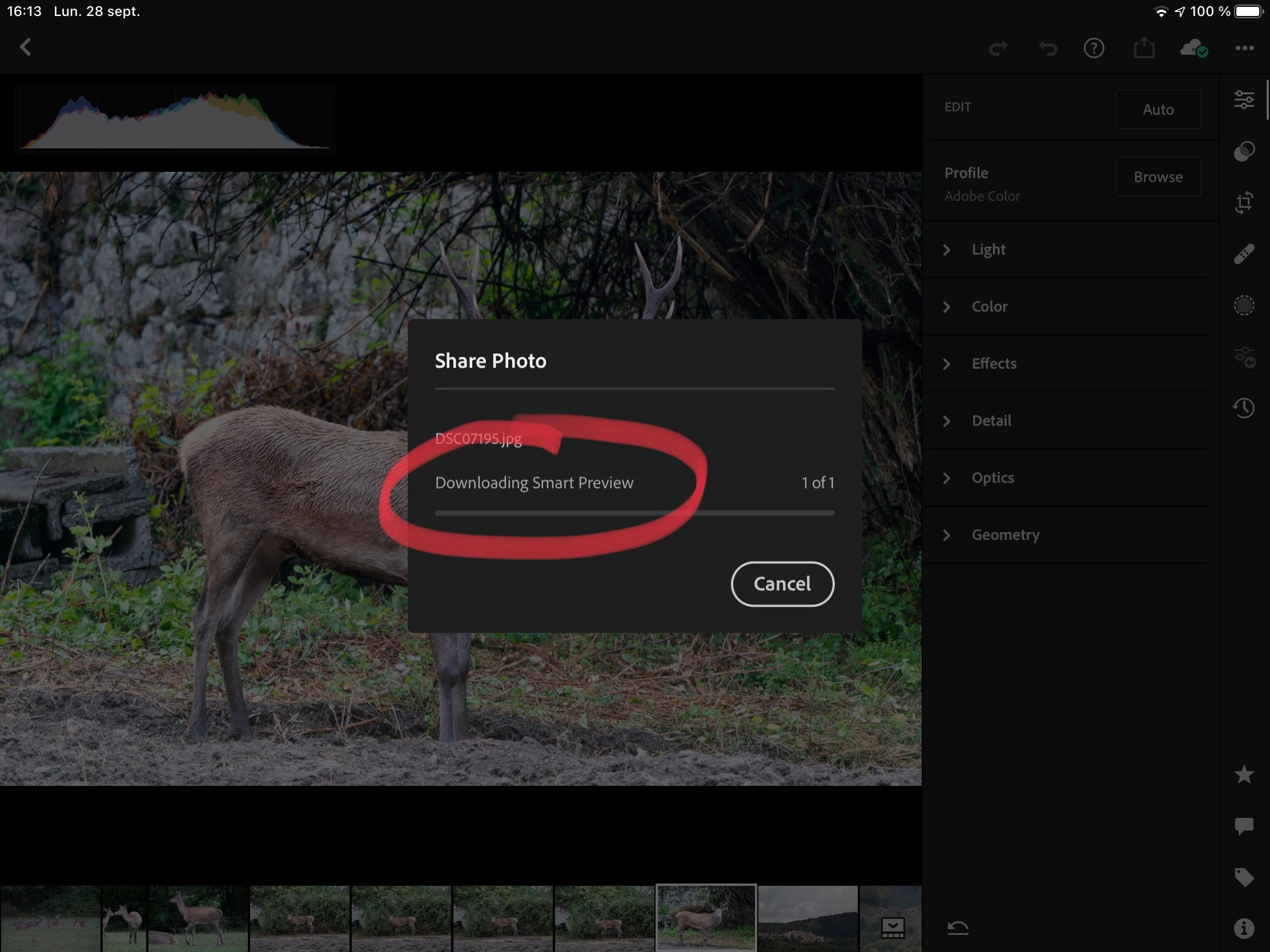
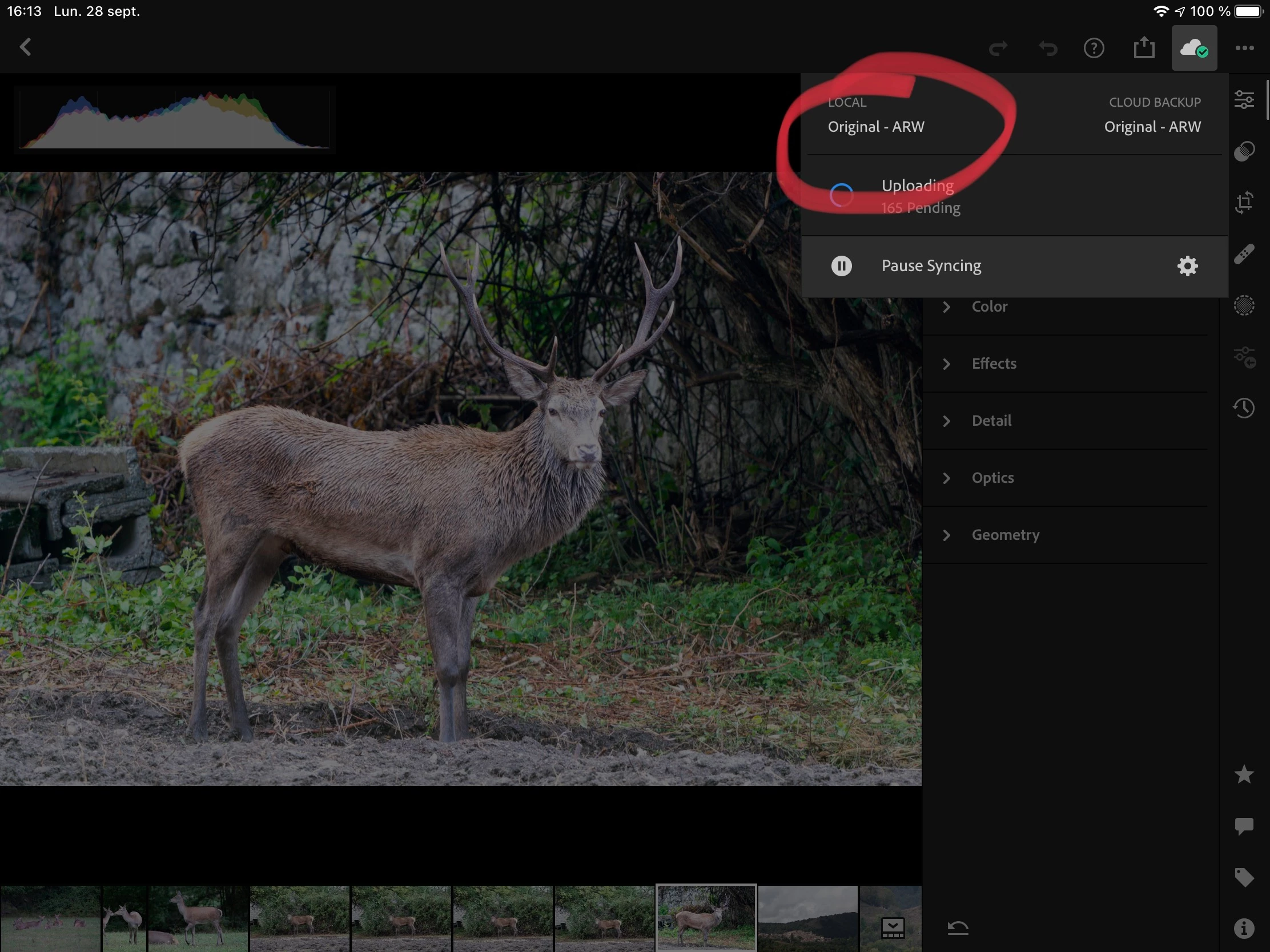
P: Lightroom Mobile: Share fails (tries to download) despite raw available (iOS/iPadOS)

  • September 28, 2020
  • 7 replies
  • 624 views

Sharing fails:


despite having the raw locally:
 

This topic has been closed for replies.

7 replies

Antoine HLMN
Known Participant
December 19, 2020

Hi Rikk,

I couldn’t reproduce the issue, so it seems solved, indeed. Thanks.

However: rendering seems much slower: 10 to 15 s for an image on iPad Pro. I don’t remember rendering being so slow, but I might be biased...

Rikk Flohr_Photography
Community Manager
Community Manager
December 8, 2020

Greetings,

Updates to the Adobe Photography Products were released yesterday and include a fix for this issue. Please install the December update, restart your system and verify that you are no longer experiencing the issue.

Thank you for your assistance in reporting, providing additional information and, most of all, for your patience.

Rikk Flohr: Adobe Photography Org
Antoine HLMN
Known Participant
October 5, 2020

You’re welcome 😉 

Rikk Flohr_Photography
Community Manager
Community Manager
October 5, 2020

We've written a bug on it. Thanks for the info Antoine. 

Rikk Flohr: Adobe Photography Org
Rikk Flohr_Photography
Community Manager
Community Manager
September 29, 2020

I see that too. I don't know if it is significant to the process or a bug. I've asked the team to chime in.

Rikk Flohr: Adobe Photography Org
Antoine HLMN
Known Participant
September 29, 2020

14.7? This build must be pretty darn stable! ;o)


After a reboot of the app, it goes beyond, BUT displaying this “downloading message” makes no sense at all when stored locally. QC?


By the way, despite having downloaded the raws on this device AND toggled the “store locally” (to prevent any data loss!) it often “re-downloads” one last image for a brief moment:


Is this a known behavior, something to worry about data loss? Need to write a new bug?

Rikk Flohr_Photography
Community Manager
Community Manager
September 29, 2020

I am not seeing  this on my iPAd using 5.4.2 and iOS 14.7 13.7. There is a brief progress bar and then the Share dialog appears. 


I have set the raw file to Store locally by Album.  I have the original CR2 local and the original in the Cloud. 


Does your progress bar ever show movement?

Rikk Flohr: Adobe Photography Org