Hi everyone,
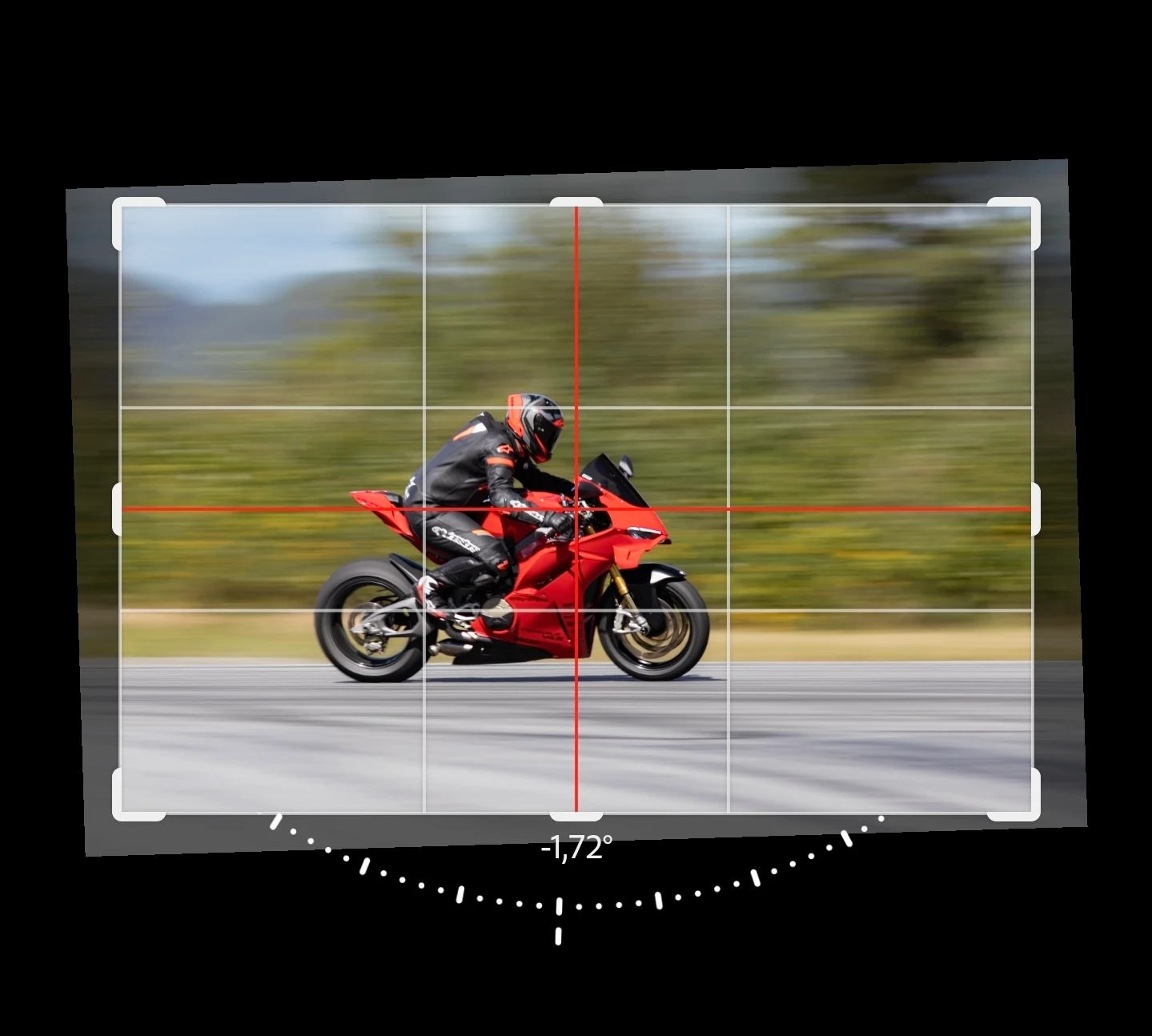
Thank you for all the reports, videos, and feedback about the Crop tool snapping behavior on Lightroom for Android.
An update addressing the overly restrictive snapping behavior was released in Lightroom for Android 11.5.01. Since then, additional Lightroom updates have also been released, and the current version is 11.5.20.
If you’re still using an earlier version, please update Lightroom through the Google Play Store and test the Crop tool again.
After updating, you should no longer encounter the original behavior where snapping could make small crop adjustments difficult or prevent you from positioning the image precisely where intended.
If you’re already running 11.5.20 and are still experiencing overly aggressive snapping, please reply here with:
- Your Android device/model
- Android version
- A short screen recording showing the behavior
That will help us determine whether you’re seeing a remaining case different from the issue addressed in the earlier update.
Thanks again to everyone who reported this and helped us investigate it.
Best,
Anshul Saini



 AdChoices