



Needs More Info
P: People view - segmentation by years issue
I have and issue that if I go into the people view, select a person and switch on segmentation by years. If I do this than there are multiple groups for any given year. E.g. I see 5 sections for the year 2018 with different phots in them. Also these segments are not in order but random. E.g. 2017, 2015, 2018, 2017, 2018, 2015Actually I noticed another issue I noticed is that changing ‚sort by‘ has no effect at all. Changing eg. from capture date to import date does not change the order at all.My guess is that there is generally something wrong with sorting in people view.Happens on iPad and iPhone Also in the all photos view the segmentation by year works fine, seems to be a problem of the people view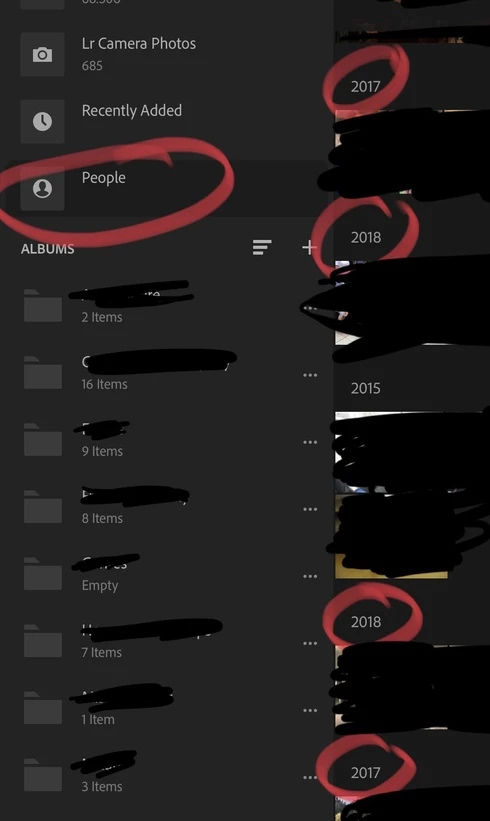
 AdChoices