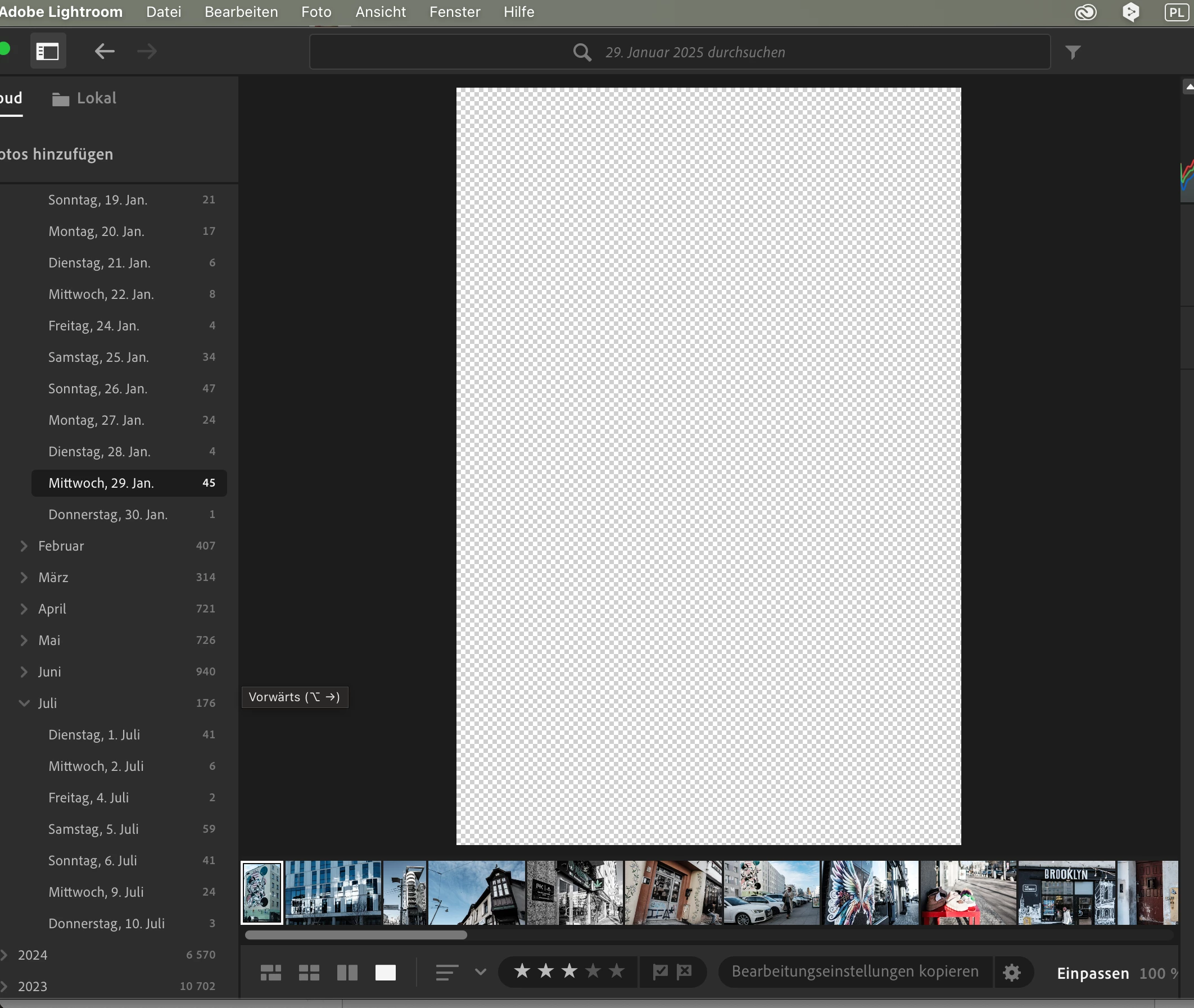
Hi @rema2311, Thanks for the update! Our team is still investigating the issue and will let you know when we have an update. Thanks for reaching out! ^CH
Interne Camera Raw-Version: 17.4 [ 2271 ] Maximale Anzahl Threads, die Camera Raw verwendet: 6 Camera Raw SIMD-Optimierung: Neon Virtueller Speicher in Camera Raw: 3717MB / 6144MB (60%)
Anzeige: 2880x1800
Informationen zum Grafikprozessor: Metal: Apple M4 Grafikprozessordaten: geladen: Ja, unterstützt: Ja, Computing: Ja, Init.: I4_GPU4, Hardware: success, Software: success, al: Ja, dl: Nein Medienfähigkeit des Betriebssystems: true
Anwendungsordner: /Applications/Adobe Lightroom CC Einstellungen-Ordner: /Users/reinermattar/Library/Application Support/Adobe/Lightroom CC Bibliotheksordner: /Users/reinermattar/Pictures/Lightroom Library.lrlibrary
Hi @rema2311, Thanks for reaching out! Sorry to hear about your issue.
Could you please share more information, such as your system configuration (from Help> System Info> Copy and paste it into a text file and attach it to your response)? Since when did you start noticing the issue? Was it after an update to the application or the OS, any significant change in the setup, or after installing any plugins?
While we wait, you can try turning off your GPU to see if that helps. Go to Lightroom > Preferences > Performance tab > Uncheck "Use Graphics Processor" > Restart Lightroom.
Try resetting your preferences: To reset Lightroom preferences, you must close and relaunch the application while holding down specific keys. On macOS, hold down the Option + Shift keys while launching.



 AdChoices