
Cannwyll
Participant
May 1, 2023

P: Presets live preview not working when AI masks are applied

  • May 1, 2023
  • 3 replies
  • 1846 views

Version of the app: Lightroom 6.3.1

Platform and OS version: Windows 11 Pro, 22H2

Intel Core i5-12400F

RAM 32,0 GB

ASRock Z690M-ITX/ax
NVIDIA GeForce GT 1030


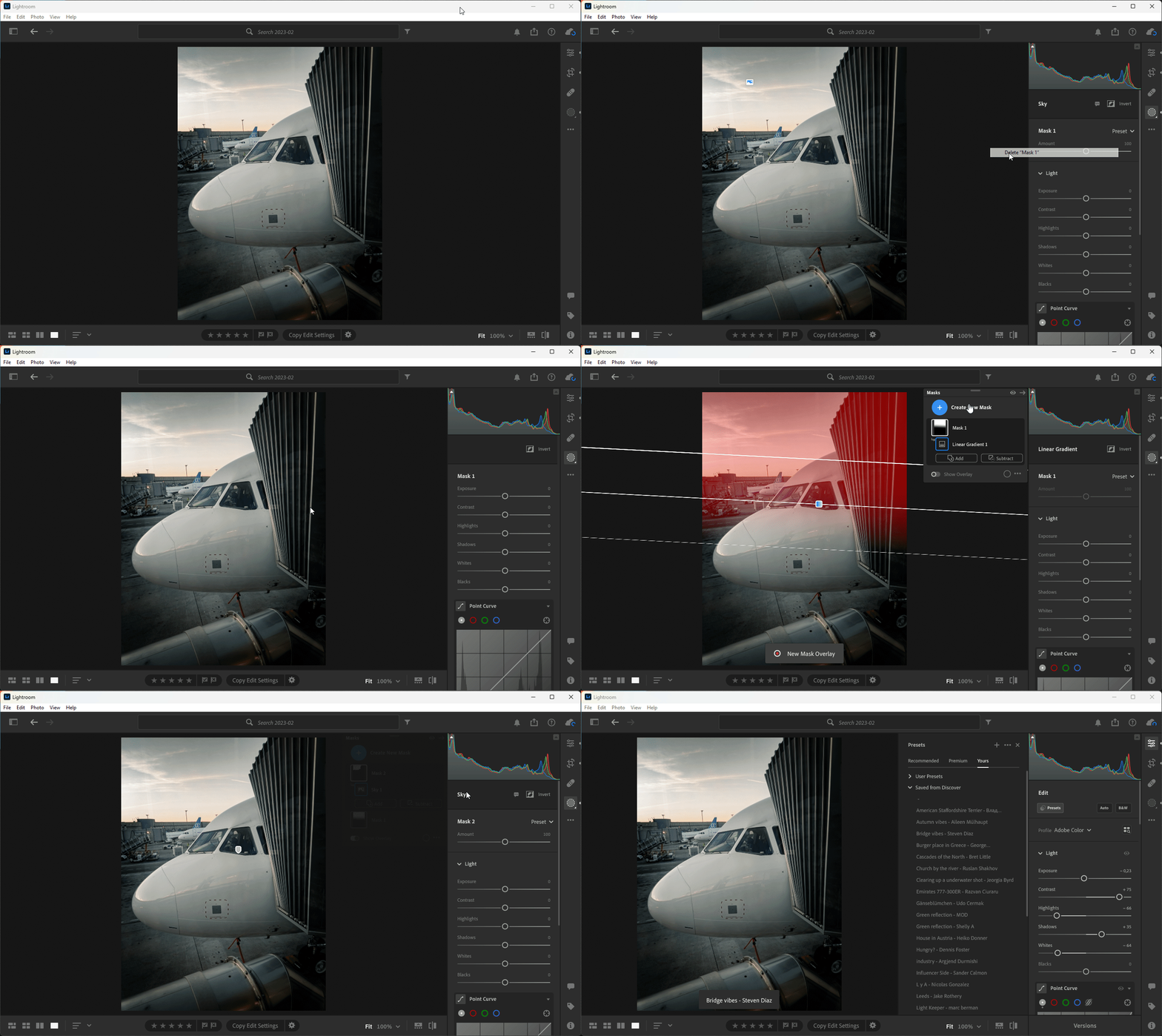
When specific type of masks are applied to photo, live preview of Yours and some Premium presets not working.

The problem concerns "automatic" masks: Sybject, Sky, Background, People and Subject.

The problem does not concern "manual" masks: Brush, Linear, Radial, Color Range and Luminance Range.


I've tried resetting Lightroom preferences (alt+shift), turned on/off GPU acceleration, cleared cache. At the end I reinstalled Lightroom but nothing changed.
 

This topic has been closed for replies.

3 replies

Cannwyll
CannwyllAuthor
Participant
June 14, 2023

I confirm that the problem descriped above is gone after updating LR to the latest version (6.4, build 20230601-0912-70a59ed). Thank you.

Rikk Flohr_Photography
Community Manager
Community Manager
June 13, 2023

Greetings all,


Updates for Adobe Photography products have been released.  The June 2023 updates contain a fix for this issue. 

If you do not see the update in your Creative Cloud Application, you can refresh it by hitting [Ctrl/Cmd]+[Alt/Opt]+[ R ].

Note: It may take up to 24 hours for your update to be available in your Creative Cloud app.


Thank you for your patience.

Rikk Flohr: Adobe Photography Org
Sameer K
Community Manager
Community Manager
May 1, 2023

Thanks for the details & the supporting info enabling us to reproduce this on test machines.

Setting status & adding bug number.

Sameer K.