Participant
December 3, 2021

P: Unable to Edit; Smart Previews won’t load. (iPadOS, LR v. 7.0.2)

  • December 3, 2021
  • 2 replies
  • 351 views

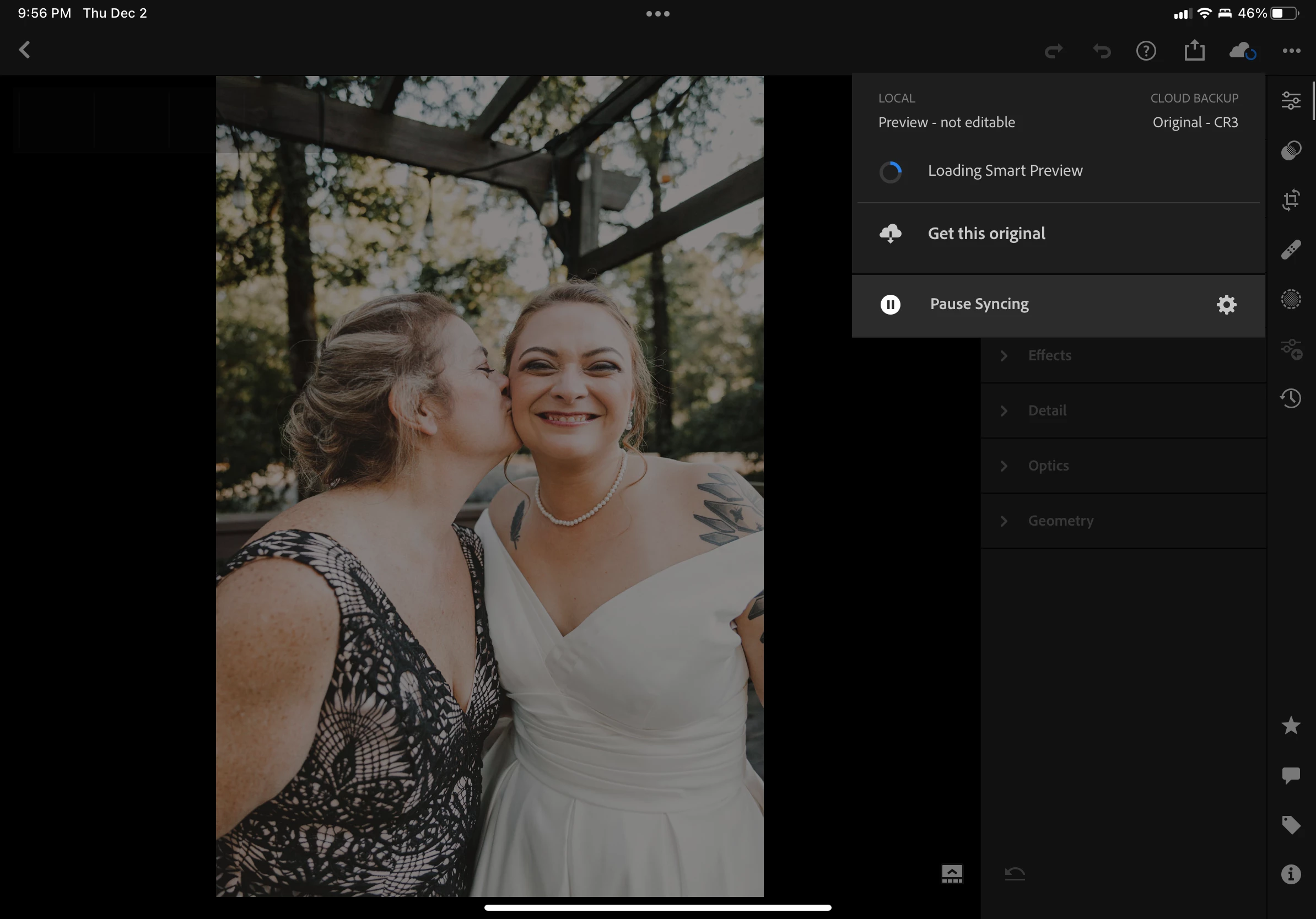
I'm unable to edit any more than 5 photos at a time before all options are unavailable. I've tapped the cloud symbol in the top right corner to confirm the status: "Loading Smart Preview" but it never loads. I can force close the application, but I'll only be able to edit another 5 photos before the issue returns. Nothing changes even if I try to download the original photo, clear cache, or attempt to pause and restart sync.

I'm running iPadOS 15.0.2 | Lightroom v. 7.0.2



This topic has been closed for replies.

2 replies

Rikk Flohr_Photography
Community Manager
Community Manager
December 3, 2021

Setting Status

Rikk Flohr: Adobe Photography Org
Community Manager
December 3, 2021

Hi,

What kind of edits are you doing and what device are you on? 
If you wait e.g. 5 minutes, does it get better then?

Thanks,
Ignacio

Participant
December 3, 2021

Hey! Thanks for your response! I'm using an iPad Pro (11-inch) (2nd generation). In this case, I've been doing a lot of selective edits with masks and such. I just tried some basic edits on five pictures and the same thing happened. I tried what you suggested and let it sit for about five minutes and it didn't seem to load the smart preview. I attached a screen recording so you could take a look if it helps.