
Known Participant
Nov 14, 2026 9:57 AM UTC
Open for Voting

Turn off xmp

These xmp files are automatically popping up in my folder each time I save an HDR merge. This just started with the recent update and I've never seen these files before. Can someone please tell me how to turn this off? I have to manually delete these street l after every HDR merge, and as a natural light photographer, I can rack up quite a few each day. 
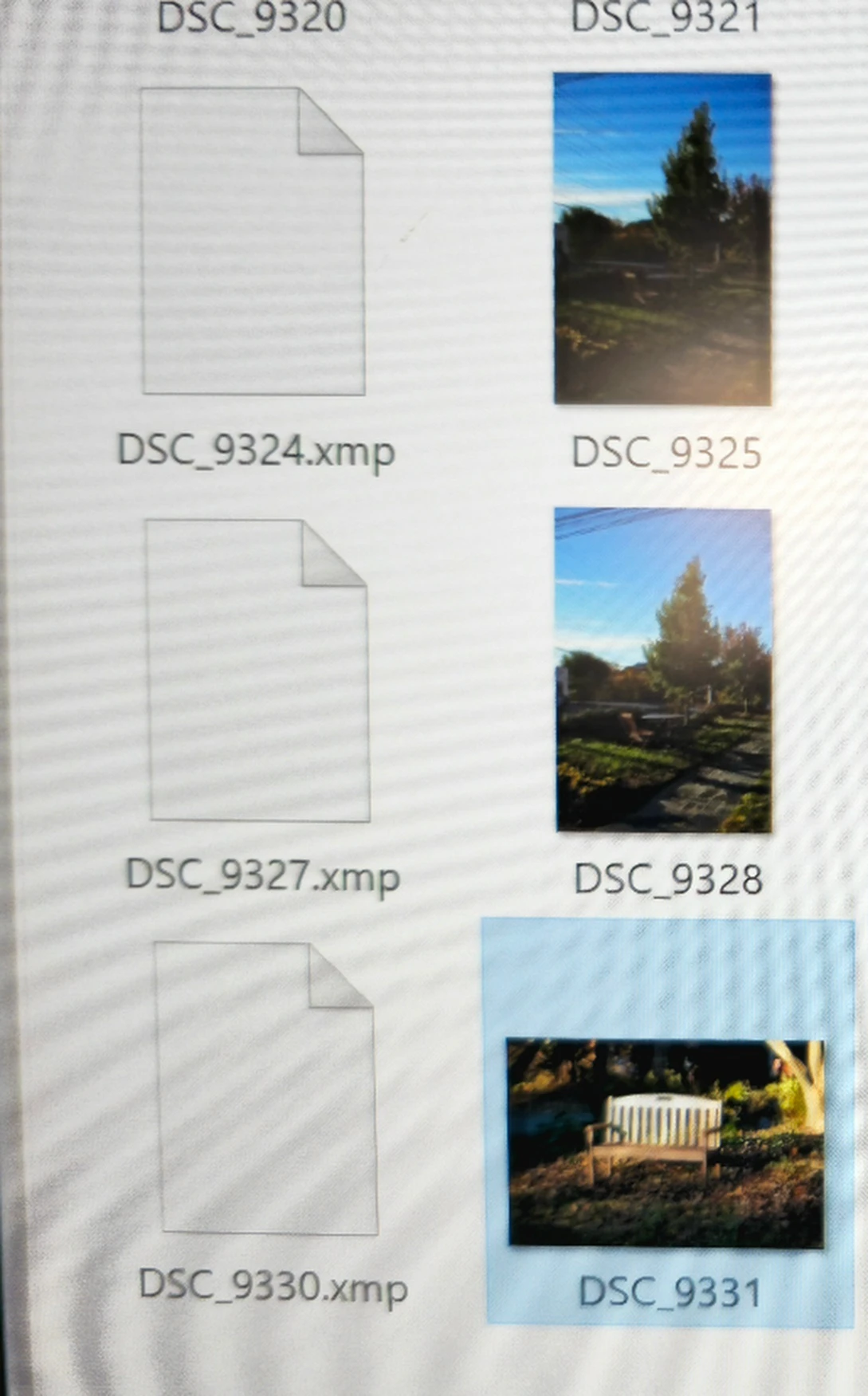
 

    1 reply

    Jim Wilde
    Community Expert
    Community Expert
    Nov 14, 2026 2:08 PM UTC

    Which app are you using: Lightroom Classic (LrC icon) or Lightroom Desktop (Lr icon). If using Lightroom Desktop are you using Local mode?


    If you are using Lightroom Classic, XMP sidecar files will only be created (for Raw files only) if the option in Catalog Settings>Metadata tab to “Automatically write changes into sidecar files (XMP/ACR)” is enabled, OR you manually save metadata to XMP using the Ctrl/Cmd + S command.


    If you are using Lightroom Desktop in Local mode, XMP sidecars files are automatically created when you edit a Raw image. Lightroom is a non-destructive editor, so the XMP sidecar is the only place the edit data can be stored when using Local mode (in that mode there is no catalog where the edit data could be stored).

    Translate