
Participating Frequently
February 28, 2025

P: Beta update not opening

  • February 28, 2025
  • 17 replies
  • 1759 views

Hello there, 


i updated today for the 26,5 Beta (I had the previous one so far), and it doesn't open at all, 

i have only the welcome screen wich disappear without notice and then nothing more


i am on a Macstudio Mac OS 15.2 (24C101) / Apple M2 Max
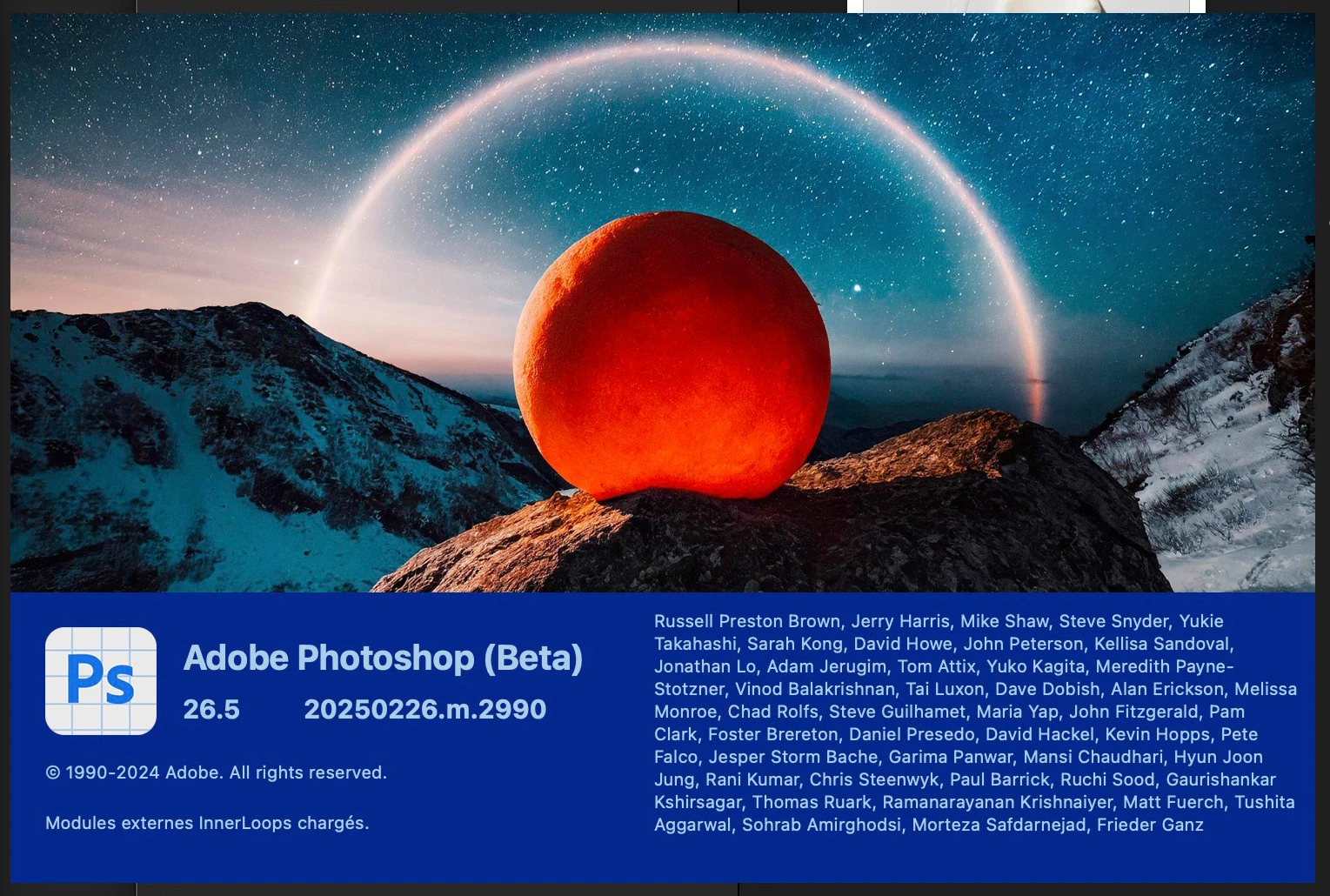


last version was working well


regards


Agathe

17 replies

Jann Lipka
Inspiring
March 6, 2025

The newest build opens correctly even om my OSX 15.3 .1 Mac Studio  - thanks 
somewhat confusing ( made me to waith with uppdate ) 
that the newest improved build have the same name in cloud app as the old / erratic.
( nothing indicating that this is a new build - I woulöd expect something like 26.5.1 at least in the name ) 

CShubert
Community Manager
Community Manager
March 5, 2025

Thank you all for letting us know this has been resolved for you.


Thanks,

Cory - Photoshop Product Manager

Known Participant
March 5, 2025

Problem solved in macOS after downgrading to 26.4 and reinstalling (now a newer build of) 26.5:

26.5.0 20250226.m.2990 7c5d28a x64 <- quit after splash screen
26.5.0 20250303.m.2996 c83a6f2 x64 <- starts normally

Though I did also update macOS from Sonoma to Sequoia 15.3.1 – don't know if that had any effect, but I find it more likely the newer PS Beta build fixed the problem.

CShubert
Community Manager
Community Manager
March 4, 2025

Thanks everyone, have passed on to the team.


Thanks,

Cory - Photoshop Product Manager

Participant
March 5, 2025
The very last Windows update 21:30 or so MST fixed the problem.

Get Outlook for iOS<>
Known Participant
March 4, 2025

Evidently this problem is not OS-specific, as ppl with Win are also reporting it. However, adding that this problem does not occur for me on PS Beta 26.5 on WIN11, for me it happens only on macOs.


I don't know if the "factory reset" works, but it seems to reset everything. Rather wait for new update myself, since preferences are the reason I'm running previous Beta instead of Stable release in this case.

"...permanently deletes a subset of preferences files including settings from the preferences dialog, custom shortcuts, workspaces, and color settings."

https://helpx.adobe.com/photoshop/using/preferences.html#reset-preferences 

Participating Frequently
March 4, 2025

Hello, 


Yes i downgraded to the previous version in order to be able to work 👍

Participant
March 4, 2025

Try to open PS while holding "Alt-Shift-Win" (on Windows) and allow deleting settings. Then it should start again.

Participant
March 4, 2025
Does this do as it says and reset all the settings? Which settings does it reset? There are lots of settings in Photoshop.
I've been reticent to do that.

Tom
Participant
March 3, 2025

Btw, you can easily downgrade to previous version in Creative Cloud app until a new version is out.


Participant
March 3, 2025

Same thing here. The previous version was working well. 26.5 doesn't open...

Participant
March 2, 2025

Same problem.

Affected version: PS Beta 26.5.0 20250226.m.2990 7c5d28a x64

Affected OS (at least): macOs Sonoma 14.6 (23G80)