

TEJAFX
Known Participant
September 23, 2023

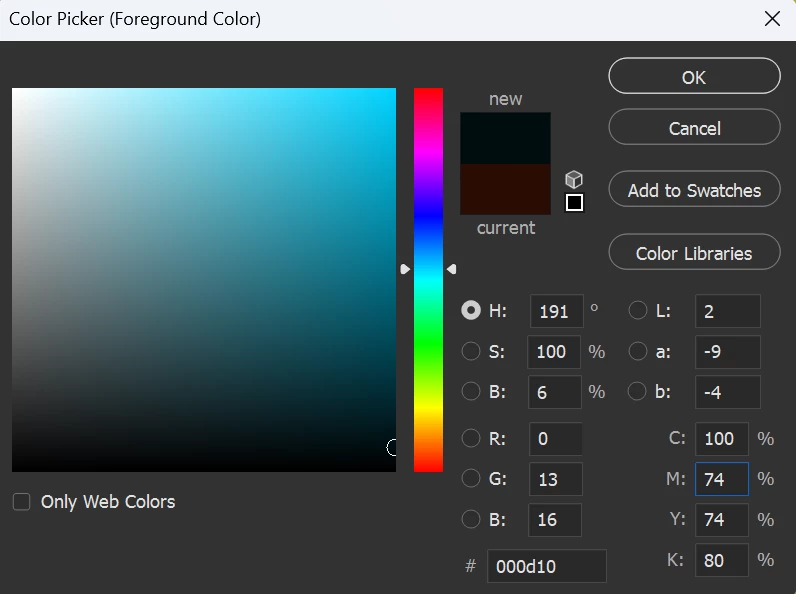
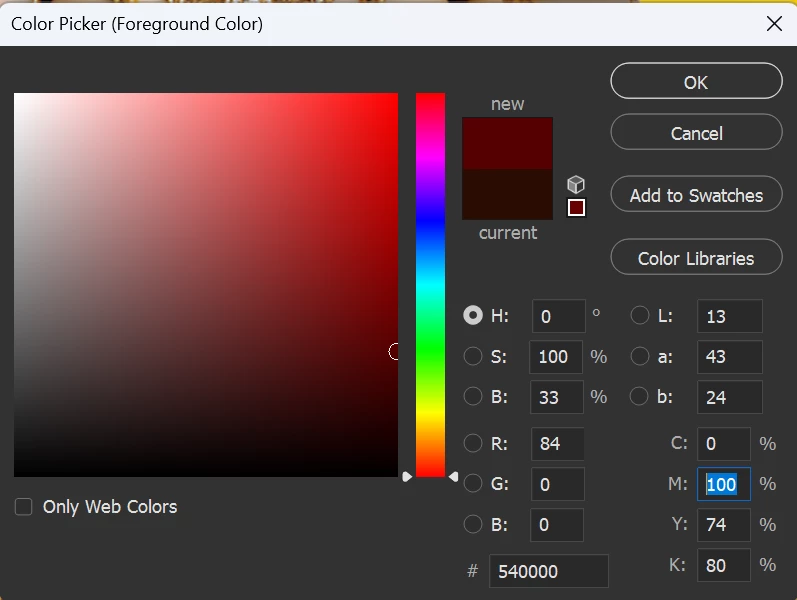
P: Color Picker Issue

  • September 23, 2023
  • 21 replies
  • 2884 views

While Entering Tab key, it Shifts to CMYK Boxes and Fills to Change Number Properly on Old Versions,

But now it is not filling i have to work with Keys (ctrl+shift+right arrow), is there any another solution to restore old version type.
This topic has been closed for replies.

21 replies

CShubert
Community Manager
Community Manager
September 25, 2023

Hi @TEJAFX could you share a bit more of your workflow, ie what are the steps you are trying to do that are not working?  We will try to reproduce here but we need to do what you are doing.


Try resetting Prefs for the Beta:

/Users/yourname/Library/Preferences/ Photoshop Beta Settings (Mac Ventura)

/Users/yourname/Library/Preferences/Adobe\ Photoshop\ \(Beta\)\ Settings (Mac)
C:\Users\user name\AppData\Roaming\Adobe\Adobe Photoshop (Beta)\Adobe Photoshop (Beta) Settings )Win)

Launch BETA Photoshop While Pressing The Keyboard Shortcut

With Photoshop closed, press and hold Shift+Ctrl+Alt (Win) / Shift+Command+Option (Mac) on your keyboard and then Launch Photoshop the way you normally would.

https://helpx.adobe.com/photoshop/using/preferences.html#Manually