Participant
September 25, 2025

P: Generative Fill with Nano Banana / Flux fails / “We have encountered an issue” error

  • September 25, 2025
  • 29 replies
  • 8418 views

Hello,

I’ve been testing the new Nano Banana (Gemini 2.5 Flash Image) and Flux models in Photoshop Beta, but unfortunately, they aren’t working for me. Every time I try to generate with them, Photoshop gives the error “We have encountered an issue and cannot complete your request at this time. Please try again.” Other models seem to work fine, but the two new ones consistently fail.


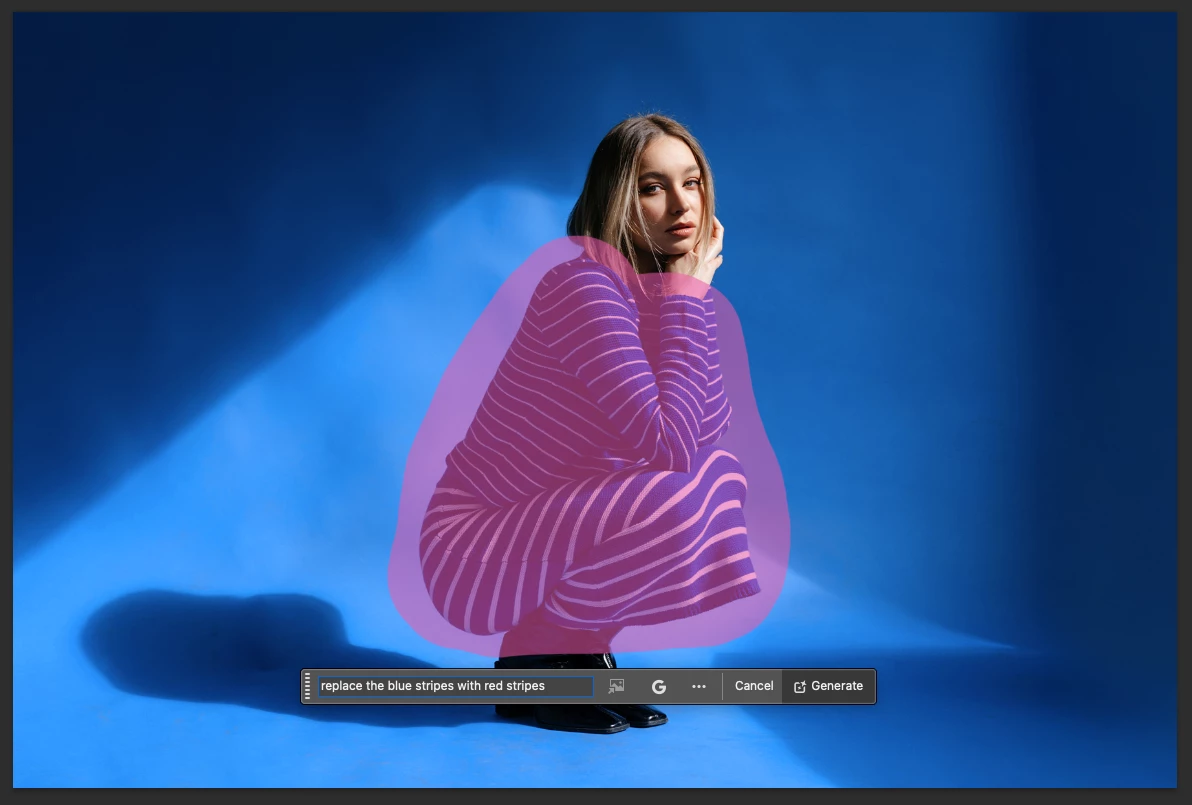
I’m on a MacBook Air M2 running macOS 26 (latest public release), and using the latest Photoshop Beta build. I’ve attached screenshots showing the issue.


1. Version & environment


  • Photoshop Beta version: 27.0.0 (latest beta release)

  • Machine: MacBook Air M2

  • macOS version: macOS 26.0 (latest public release)


2. Steps to reproduce

  1. Open Photoshop Beta
  2. Import or open an image
  3. Make a selection (e.g. using the selection brush)
  4. Invoke Generative Fill
  5. Choose the model “Nano Banana / Gemini 2.5 Flash Image” or “Flux”
  6. Enter prompt (e.g. “replace blue stripes with red stripes”)
  7. Click Generate
  8. Observe error: “We have encountered an issue and cannot complete your request at this time. Please try again.”


3. Expected vs Actual result

  • Expected: The Generative Fill tool uses the selected model (Nano Banana or Flux) and returns image edits per prompt

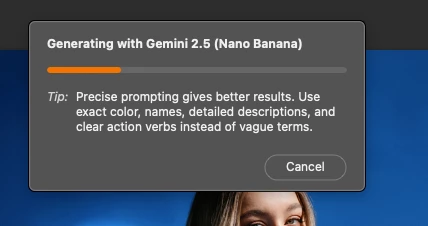
  • Actual: Shows the generating progress bar but, then shows error message (“We have encountered an issue…”) and fails to generate anything


4. Additional notes

  • This happens every time

  • Firefly models work perfectly fine as they did before


6. Workarounds tried


  • Tried re-launching the app (does not help)

  • Tried on a different images & PSDs

  • Making sure I'm on the latest Photoshop Beta

  • Tried other selection types (lasso, brush, etc.)

29 replies

Participant
September 29, 2025

Found the Solution. Also, @karim_0352 posted it just a few minutes ago.

This issue happens to enterprise users who are part of a team. 

Just turn on the option to use non-adobe Ai tools from Admin console, Assets and it's gets fixed.
Tutorial- https://www.youtube.com/watch?v=4zGfKYvOR-8


Participant
September 29, 2025

Guys I had the same issue and this video helped me resolve the issue:

https://www.youtube.com/watch?v=4zGfKYvOR-8

Participant
September 29, 2025

I have the same error here.

Participant
September 28, 2025

me too(windows 11, Photoshop Beta 27.0.0)

We have encountered an issue and cannot complete your request at this time. Please try again.


every time, any images, any IP

Participant
September 27, 2025

Same problem on PC Win11

Participant
September 27, 2025

Same problem here on Windows (German)

Participant
September 27, 2025

same error her, and i use the same macbook air m2

Participant
September 26, 2025

My co-worker and I have been experiencing the same issue. He was looking forward to using the Nano Banana gen AI, since he was using it prior to Photoshop. But neither of us can generate any results. We either get the "We have encountered an issue" error or it attempts to generate but then the loading window just dissappears after a second or two after attempting a generation. 

Participant
September 26, 2025

In the Photoshop 27.0.0 Beta update, even though the Nano Banana and Flux models appear as options, attempting to use them always displays the message: “We have encountered an issue and cannot complete your request at this time. Please try again". 

Participant
September 25, 2025

gemini ai 2.5 flash nano banana erorr;

we have a encoutered the issue cannot complte this time.this erorr showing so please slove this issue,remove this bug

CShubert
Community Manager
Community Manager
September 25, 2025

Hi @Akash_Aksah8359 has this issue persisted or only happened on this one file?  We would need to find out more about what your workflow was when this error happened.


Is there an issue with your network connection?  We need a bit more about what you were doing when this happend.


Thanks,

Cory - Photoshop Product Manager