

Open for Voting
画笔在剪切蒙版图层上编辑时出现的bug
画笔在剪切蒙版上编辑的效果如图,附带更早的bug视频:https://www.bilibili.com/video/BV1vzDHYWEzi/?vd_source=007a4b207bd5e0ade4ca86191e6575ae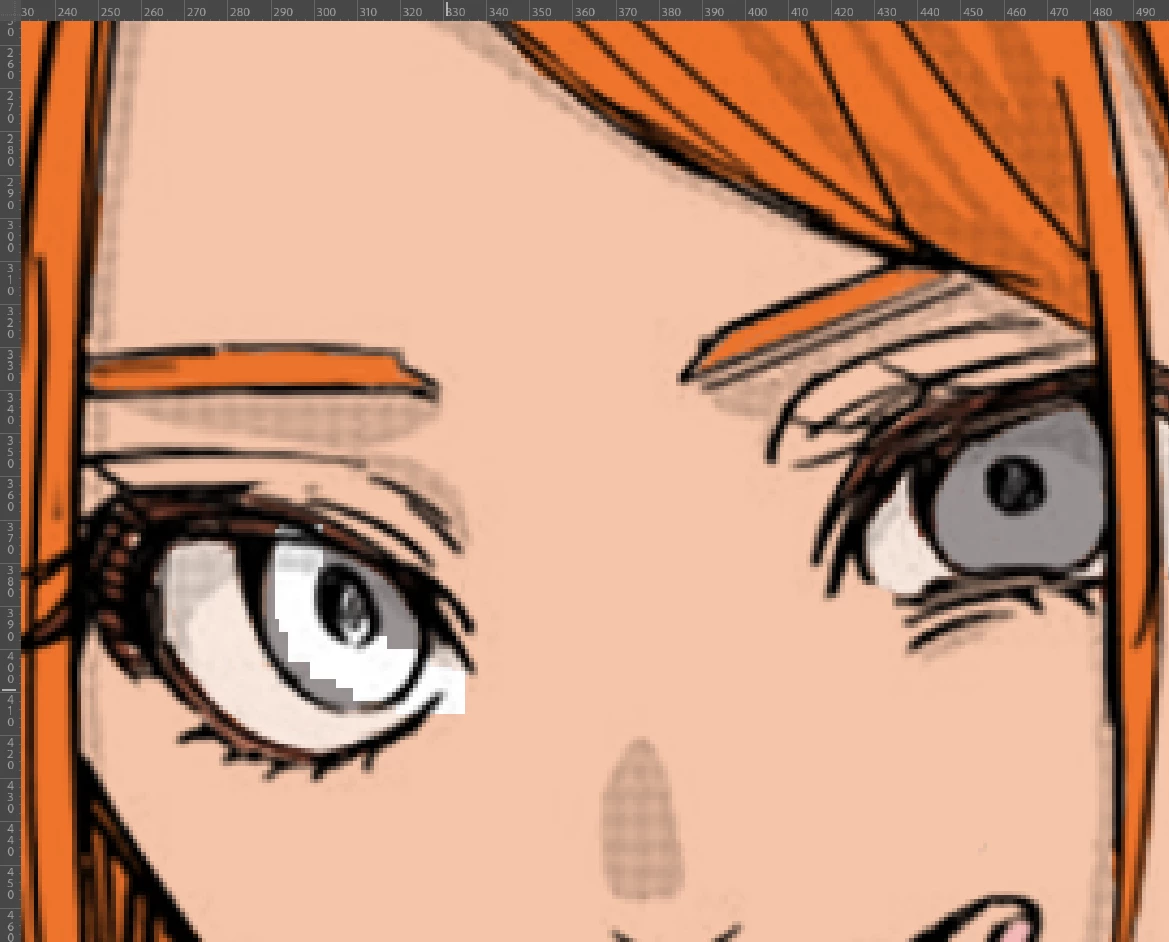

画笔在剪切蒙版上编辑的效果如图,附带更早的bug视频:https://www.bilibili.com/video/BV1vzDHYWEzi/?vd_source=007a4b207bd5e0ade4ca86191e6575ae
Already have an account? Login
Enter your E-mail address. We'll send you an e-mail with instructions to reset your password.
 AdChoices