
Black level crush when using Graphics Processor in Photoshop 2026
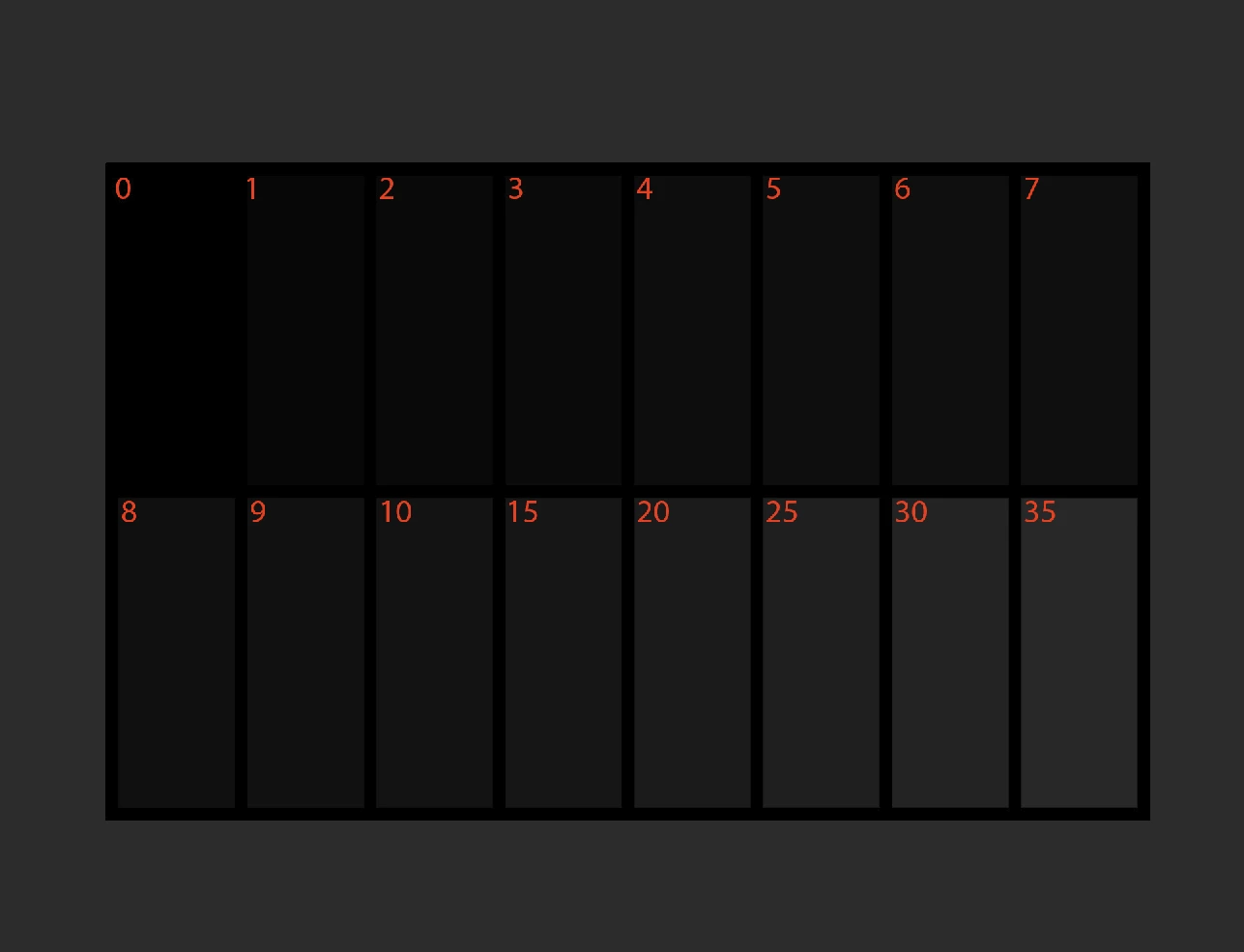
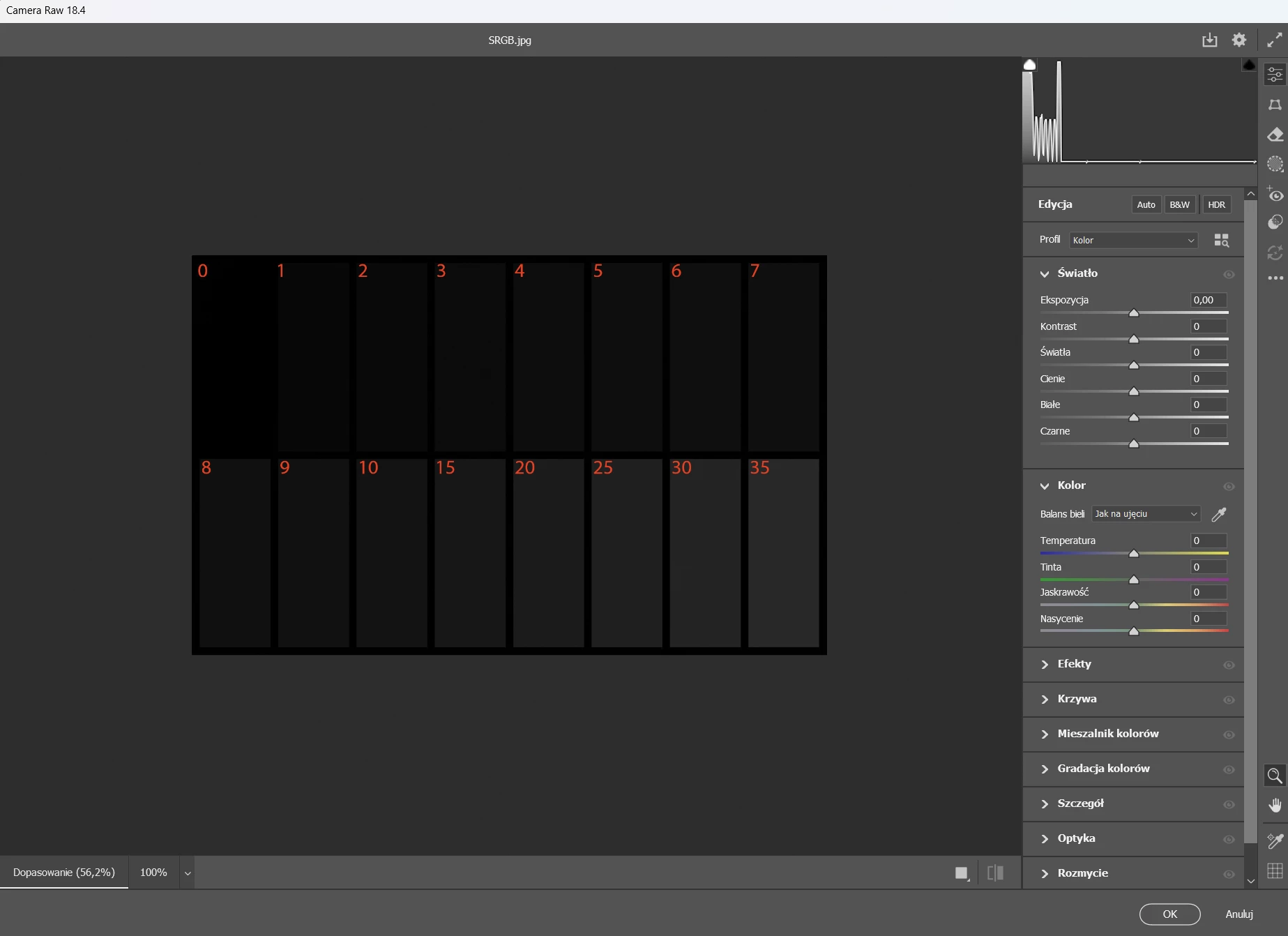
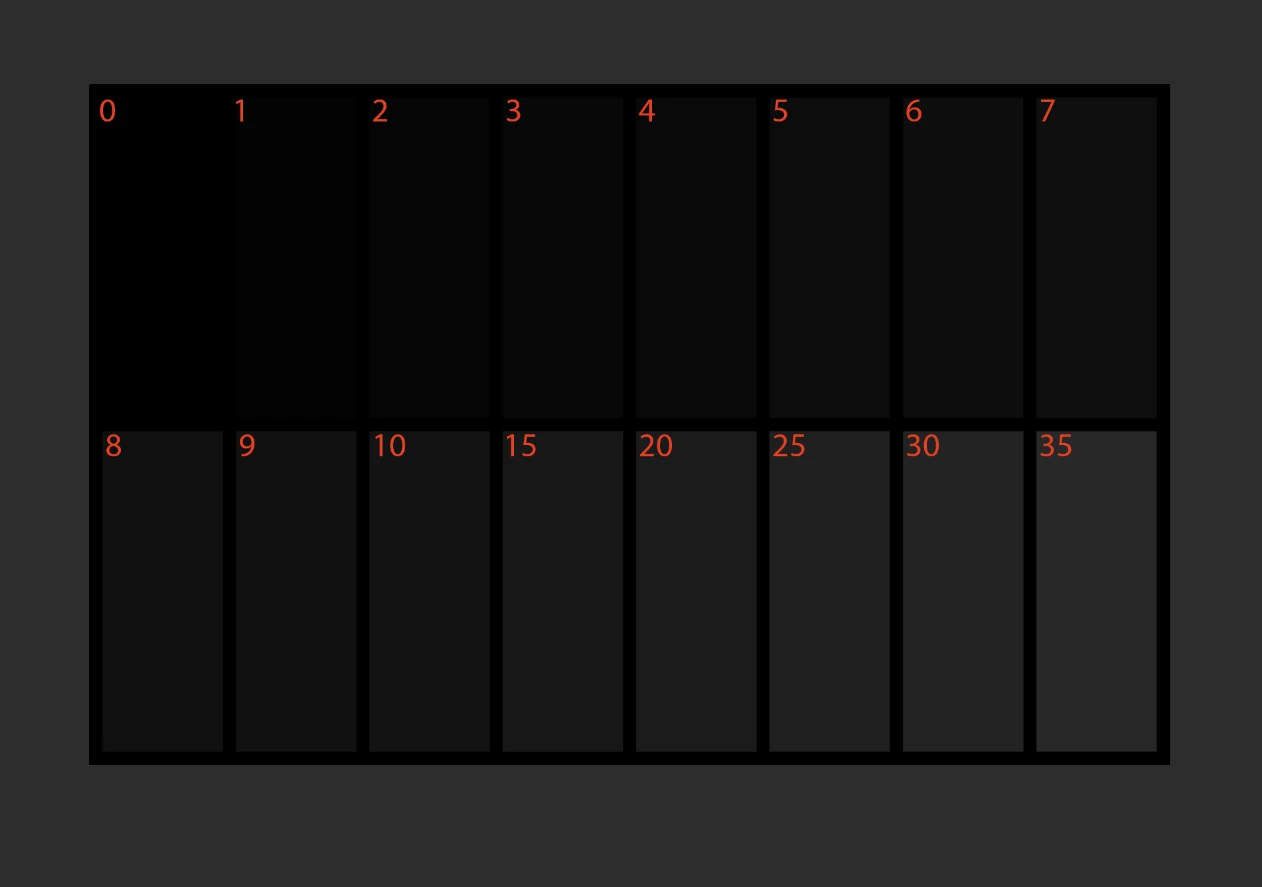
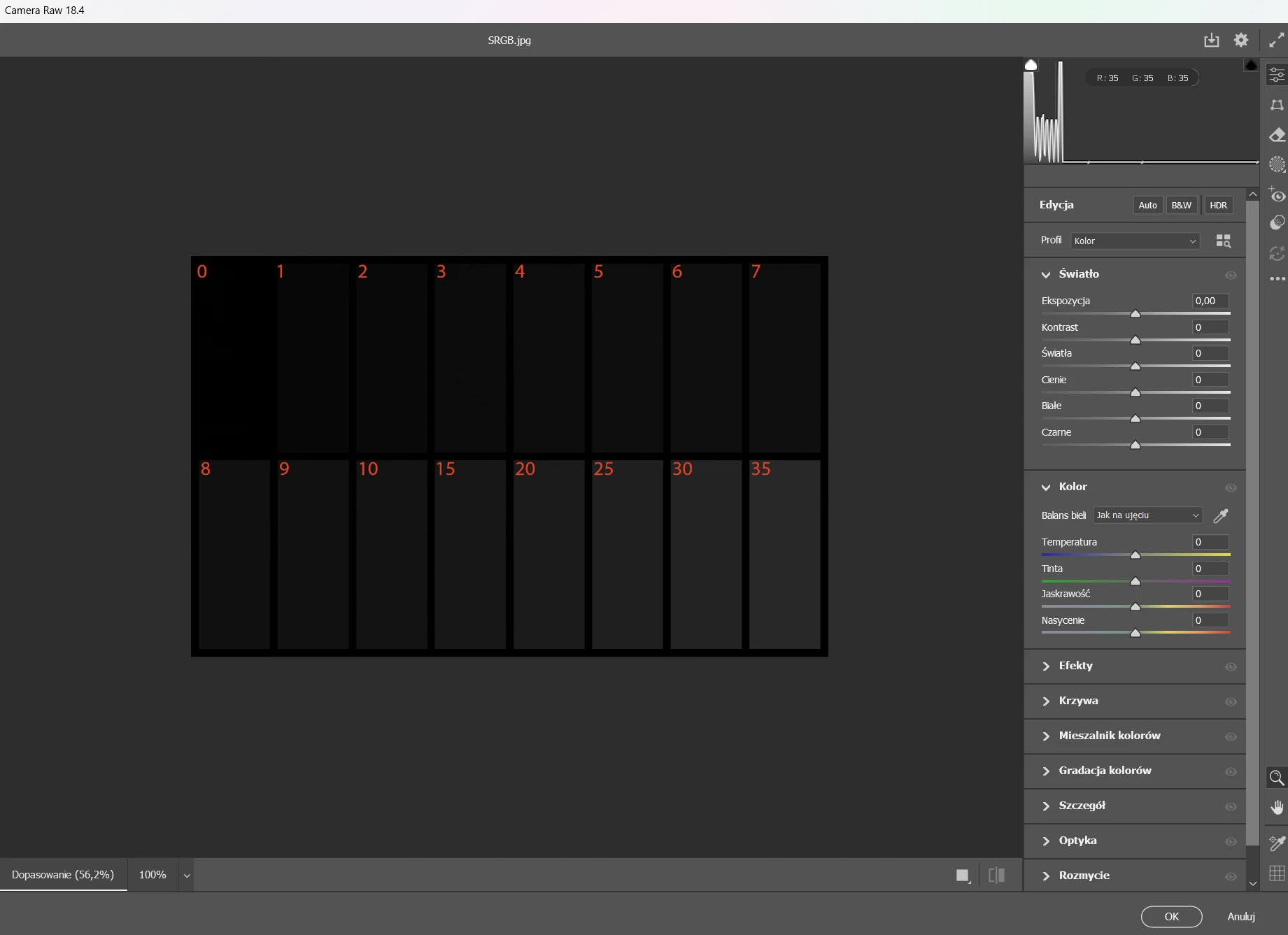
I am experiencing a problem with black crush when using the “use graphics processor” in photoshop 2026. To test this I am using a test pattern I made myself but all other black lever test charts behave the same. When “use GPU” option is off the image looks the same in photoshop and in cameraRAW as well as other color managed software like xnviewmp or even windows Photos app. When the use GPU option is turned on the image in photoshop has lower black levels in the lowest grey values. Image looks fine in cameraRAW and other software. For a color profile I am using an icc profile made with displayCal and calibrite display pro HL. My GPU is RTX5080 with newest nvidia studio drivers. I am not an everyday photoshop user as I work mainly in lightroom but I would like to know what causes this issue and if it can be resolved.


 AdChoices