Participant
November 25, 2024

Bug with smart objects and displace effect with AdobeRGB

  • November 25, 2024
  • 2 replies
  • 280 views

Issue

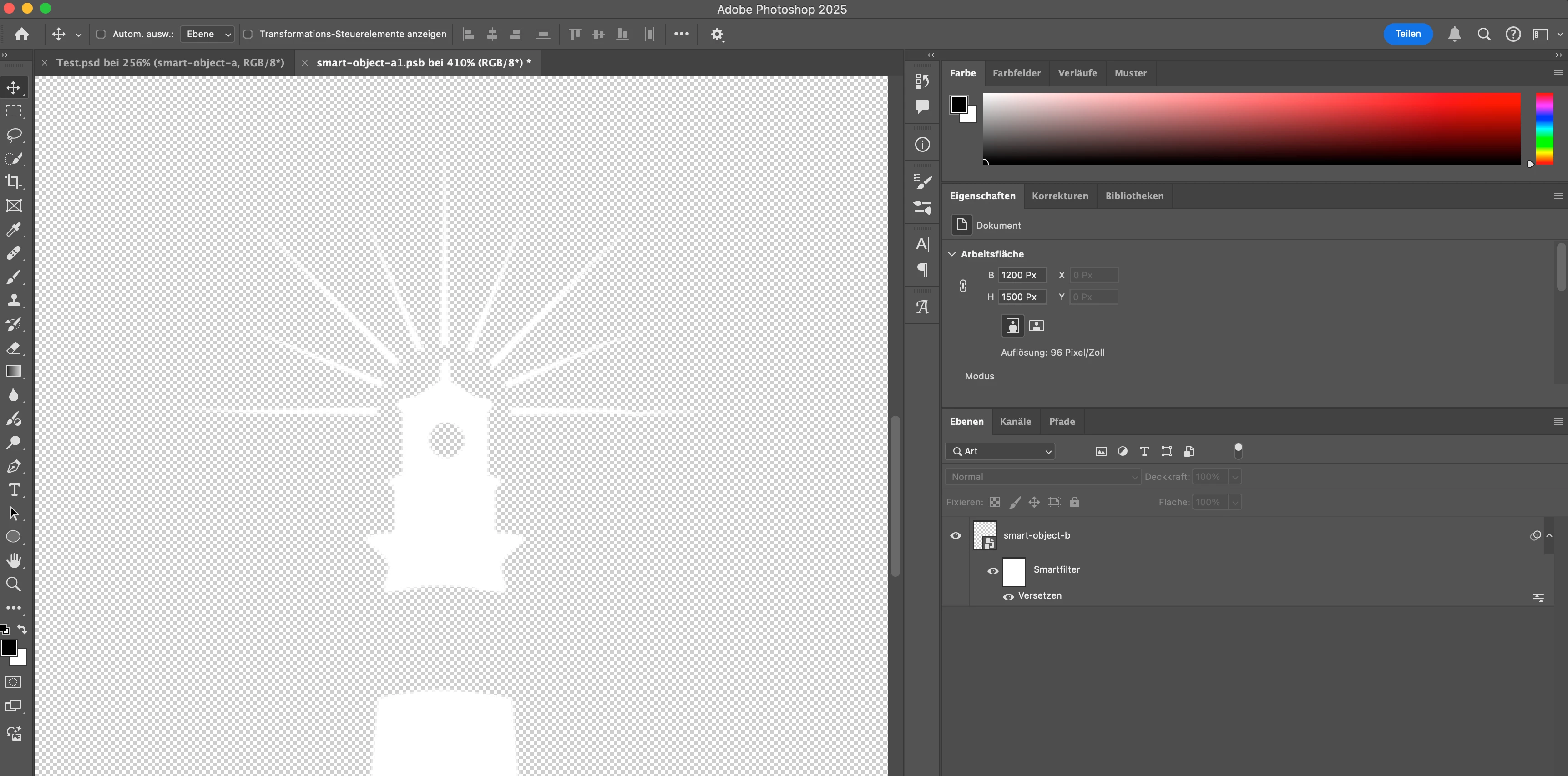
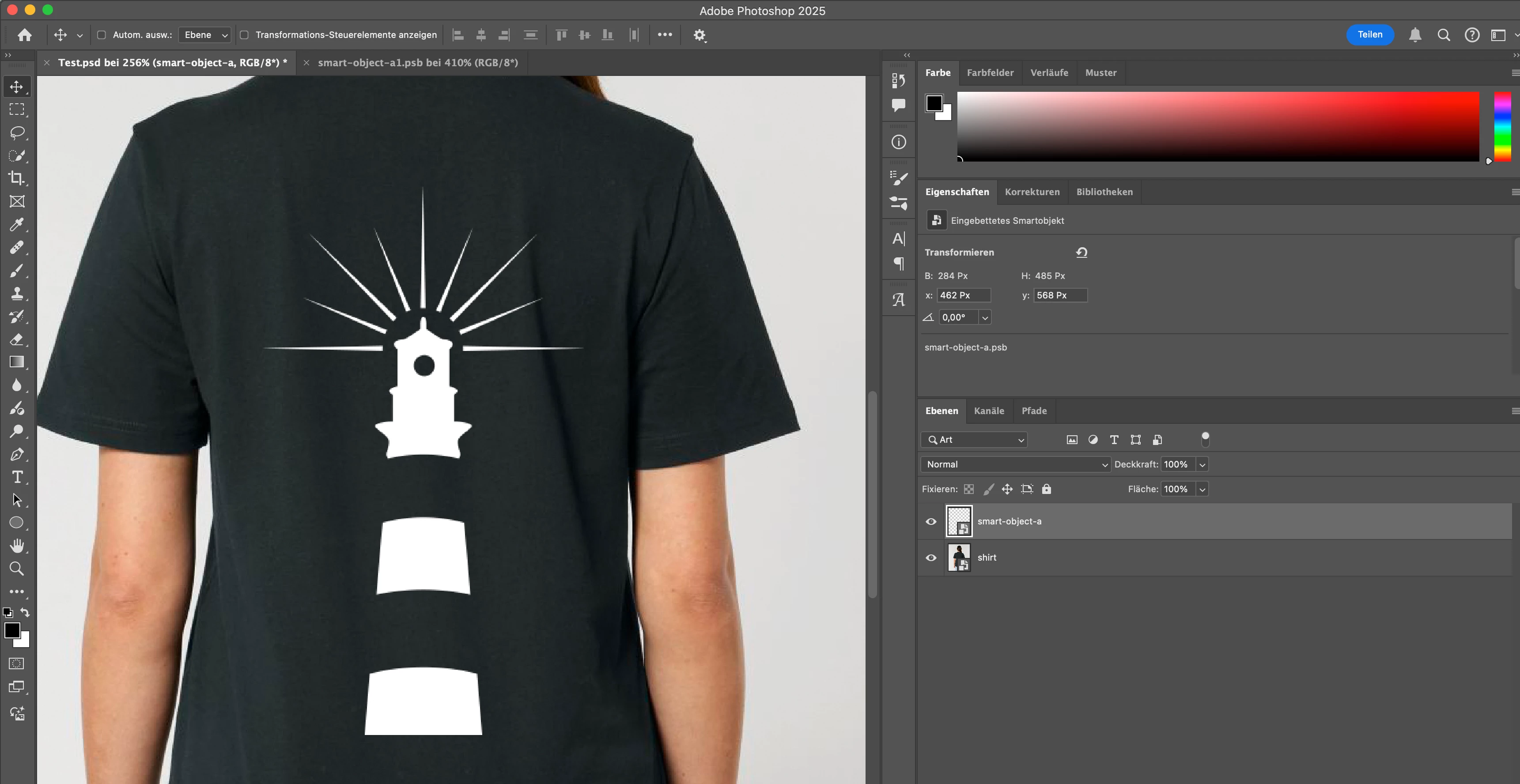
I am working in AdobeRGB and have a smart object (B) with a displace effect on it. When I update the displace effect, everything works as expected, but when I wrap it into an new smart object (A) and save this one the displacement is gone. I think it has something to do with the color space, because when I tried it in sRGB it worked.


  • Photoshop version: 26.1.0
  • OS: 15.0.1


Steps to reproduce:

  1.  Create a smart object with a displace effect on it
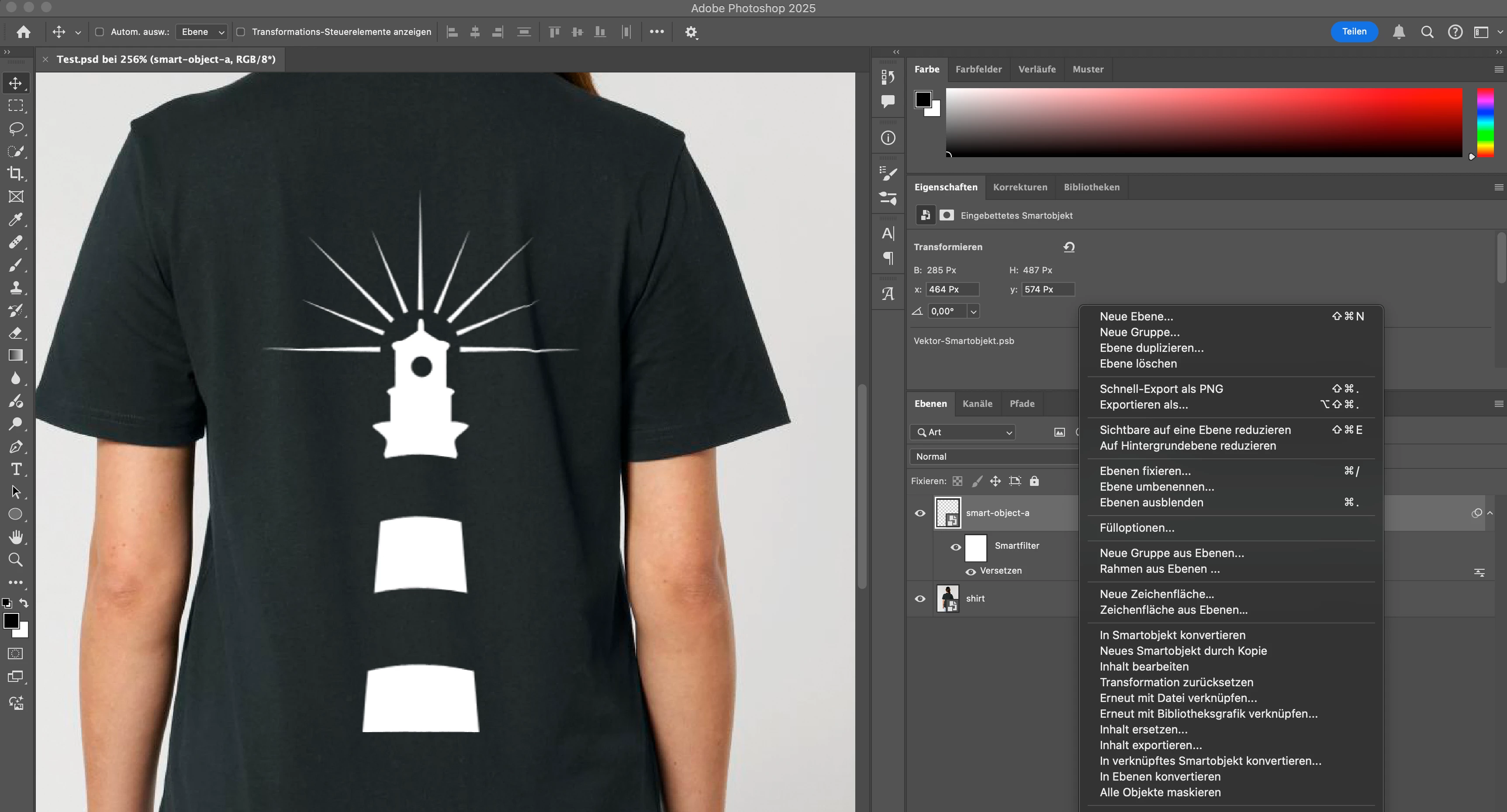
  2.  Open smart object and save it
  3. The displacement is gone.


Expected result: The displacement keeps working when I update the smart object.
Actual result: The displacement disappears after updating the smart object.

2 replies

TBriXAuthor
Participant
November 25, 2024

Hello @Anshul_Saini,

thanks for the quick reply. I tried resetting the preferences, but it didn't help.
I created a new screen recording and added an example which can be downloaded here:
https://drive.google.com/drive/folders/1-rb-RjI6sMUU83-kN6hAdIh-0QAhW6B-?usp=sharing 

I hope it helps to reproduce my issue.

Kind regards
Thorben Ziegler

Anshul_Saini
Community Manager
Community Manager
January 3, 2025

I want to sincerely thank you for your patience while awaiting a response, and I appreciate you sharing the detailed recording and example file. I understand how disruptive it can be to have this issue with the displacement effect, especially when it’s impacting your workflow.


I’ve taken a look at the issue you reported and tried replicating it on my end using Photoshop 26.2 on macOS 15.2, but I wasn’t able to reproduce the problem with the displacement effect in Adobe RGB. Since you’re using Photoshop 26.1, would you be able to update to version 26.2 and see if the issue persists? Sometimes, updates include fixes for bugs like this, and it could resolve the behavior you’re encountering.


Please let me know if updating helps or if the issue continues—I’m here to assist further if needed!


Best regards,
Anshul Saini

Anshul_Saini
Community Manager
Community Manager
November 25, 2024

Hello @TBriX,


Thank you for reaching out! I understand the frustration you’re experiencing with the displacement effect disappearing after updating the smart object in AdobeRGB color space. I wasn’t able to replicate the issue on my end in v26.1 on Mac, so it would be helpful if you could share a sample file, along with a screen recording that shows the steps of applying the displacement effect as well. This way, I can double-check if I might have missed anything and better assist you in resolving the issue.


Also, are you able to replicate this on all the files, and have you tried resetting Photoshop preferences?


Looking forward to your response!


Best regards,

Anshul Saini