
Can't install Photoshop "Remove Tool advanced components" – installation error in Creative Cloud
Phothoshop 27.8 (same error previously with 27.7).
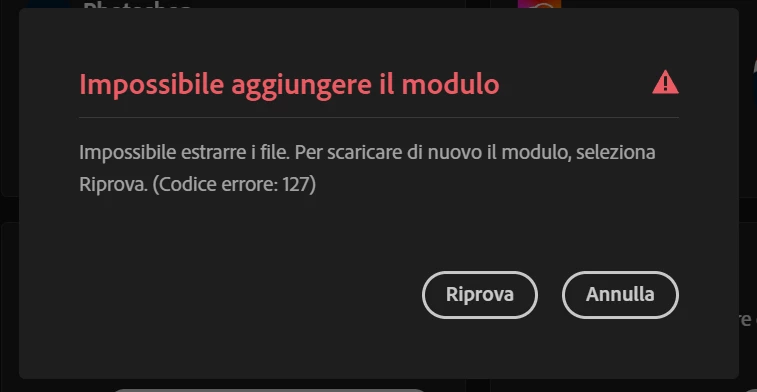
I'm trying to install the "Remove Tool advanced components" add-on through Adobe Creative Cloud (to use the new local remove tool), but the installation keeps failing with an "Installation Error" message (see attached screenshot), with error 127.
Same bug if I try to install it inside photoshop.
What I've already tried:
-
Restarting Photoshop
-
Restarting my PC multiple times
-
Installing it from both Creative Cloud Desktop and directly inside Photoshop
-
Retrying several times over the last 24 hours
-
Unistall creative cloud with repair tool
-
Delete adobetemp
-
Increse permissions to adobetemp folder
I'm using:
-
Windows 11
-
Latest version of Photoshop (27.8)
-
RTX 4090
-
Photoshop settings with image elaboration faster and performance with “use graphic processor”
Has anyone found a fix for this, or knows what could be causing it?
 AdChoices