

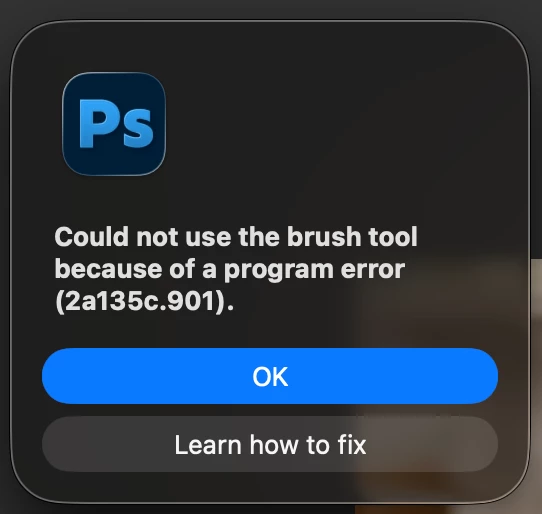
Error message "Could not complete the command because of a program error (2a135c.901)."
I am constantly plagued with this error message during normal working practices within Photoshop.
“Could not complete the command because of a program error (2a135c.901).”
During normal operation I’ll select any tool and it will randomly stop working - prompting the message above. Or I’ll run an action and it will fail and prompt the same message..
On a Save, Restart - Photoshop is back to normal operation - tools, brushes work correctly, actions play, until the message randomly appears again and the loop continues. save , restart …
The pop-up “Learn how to fix” is irrelevant. It’s not a fix!
I’ve tried all the other recommended fixes below to no avail. Please advise?
Resetting Photoshop preferences
Disable GPU Acceleration
Go to Preferences → Performance.
Uncheck Use Graphics Processor.
Restart Photoshop
Clear Adobe Cache
Navigate to ~/Library/Caches/Adobe and delete cache files.
Restart Photoshop
Mac Studio M2 Ultra, 64 GB - macOS Terrible-Tahoe 26.5.1 - Photoshop 27.8.0
Wacom Tablet Intuos Pro (Driver 6.4.13-4).
 AdChoices