


Participant
April 21, 2026

Font size issue on zoom / save when two colors are used within the same text

  • April 21, 2026
  • 1 reply
  • 10 views

Hello, I’m using the latest version of Photoshop on Mac and I’ve noticed a strange issue related to text scaling.

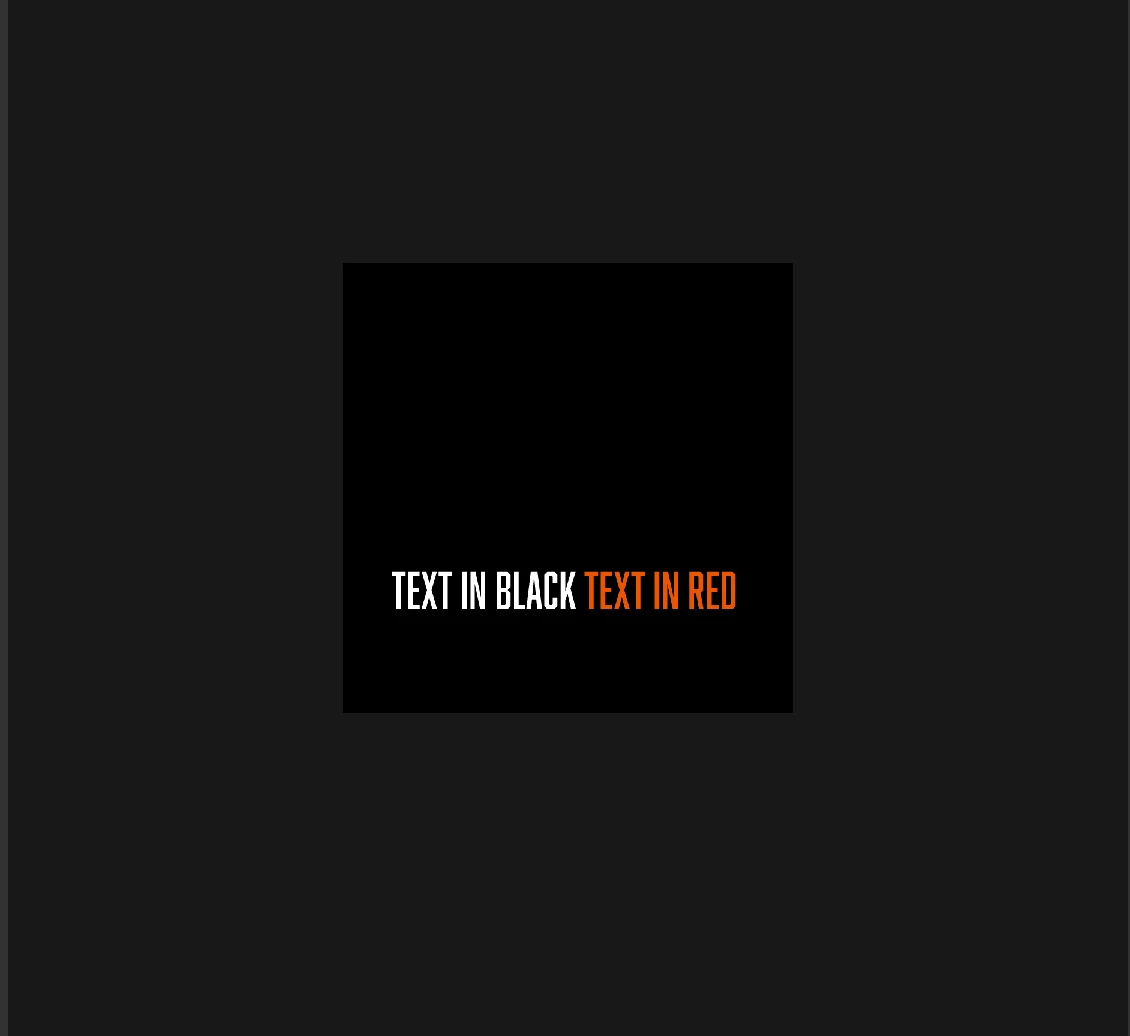
When I work with text that has multiple colors, everything looks perfectly consistent at 100% zoom — same size, no problem. However, when I zoom out, one part of the text (for example, the red portion) appears smaller than the rest. I’m seeing the same issue when I export or save the file at a different size.

the same happens if I use to different layers, one for text in white, and one for the text in red.

It feels like a display or rendering inconsistency, but I don’t remember running into this before.

Has anyone experienced this or found a fix?
Any help or insight would be greatly appreciated!


    1 reply

    Srishti Bali
    Community Manager
    Community Manager
    April 21, 2026

    Hi ​@geoffreyr44828770 


    Thanks for reporting this, what you’re describing sounds like a rendering or scaling inconsistency. To narrow it down, I’ll need a bit more detail. Could you please share:

    • System info from Photoshop Help Menu (Help > System Info > Copy-Paste it here)

    • Whether this happens in all documents or just specific files.

    • The font(s) you’re using, does it happen with all fonts or only certain ones?

    • The text settings (anti-aliasing method, font size, leading, tracking, etc.)

    • Are you working on a Retina display or an external monitor? If external, what resolution/scaling?

    • If possible, a screenshot or short screen recording showing the difference at 100% vs zoomed out.


    This will help determine whether it’s a display or font-rendering issue, or something specific to the font or file.


    Thanks, Srishti Bali | Community & Engagement Strategist, Digital Imaging | Adobe