


【New】About a text rotaion display error form Illustrator
Hi , I encountered a strange issue and would like your help.
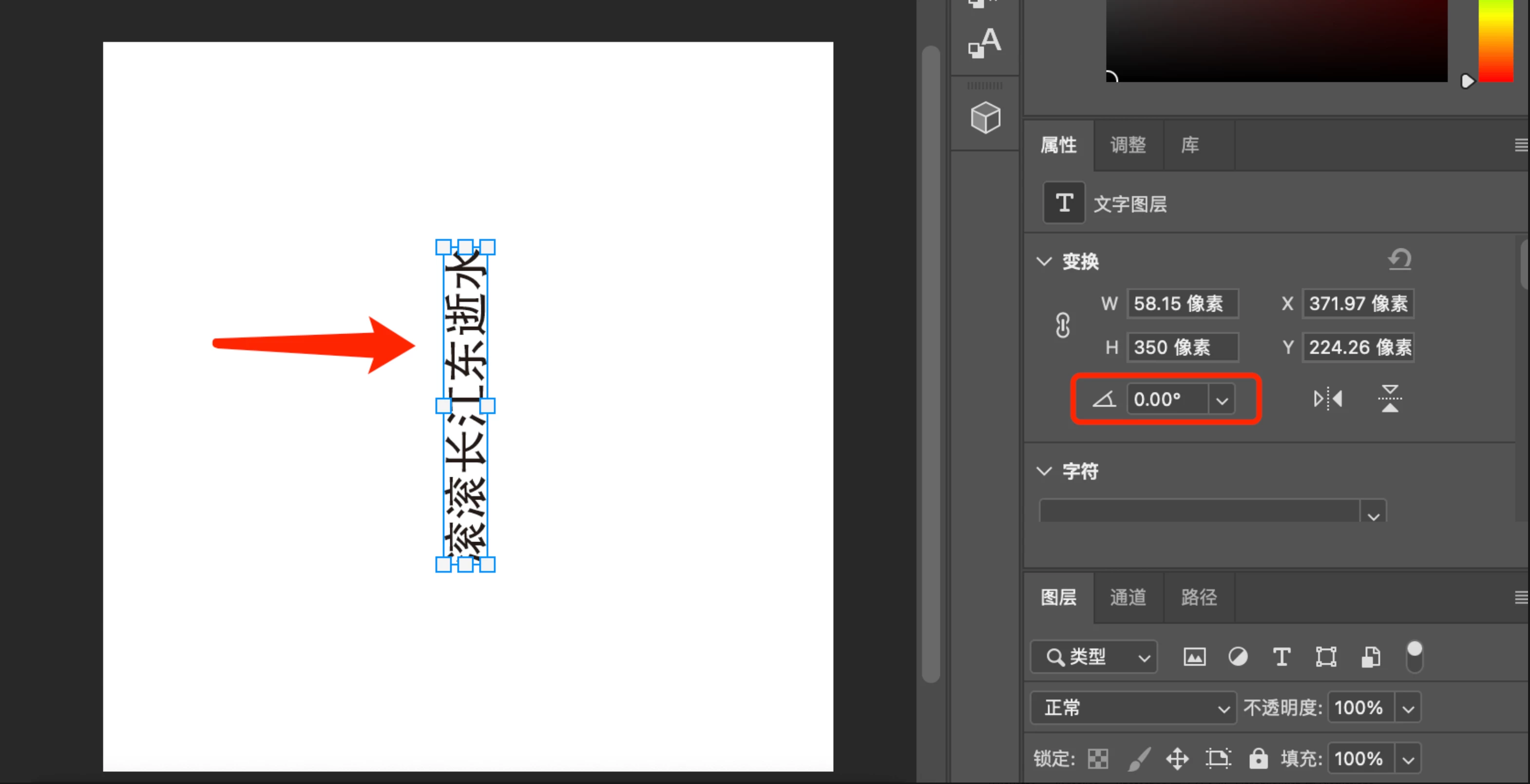
I designed a text in Illustrator and then rotated it by 90°. I exported it as a PSD file. When I open it in Photoshop, the style appearscorrectly, but the rotation angle is missing.
I used code to extract the JSON data from the PSD, and the transform for the text is {"xx": 4.166666666666667, "xy": 0.0, "yx": 0.0, "yy": 4.166666666666667, "tx": -32781.50000000001, "ty": -34487.0}, which also does not include the rotation angle. I am not sure if this is a bug.
Could you please explain what data Photoshop uses to determine that the text is rotated by 90° and how it correctly displays it?
Open In Photoshop:
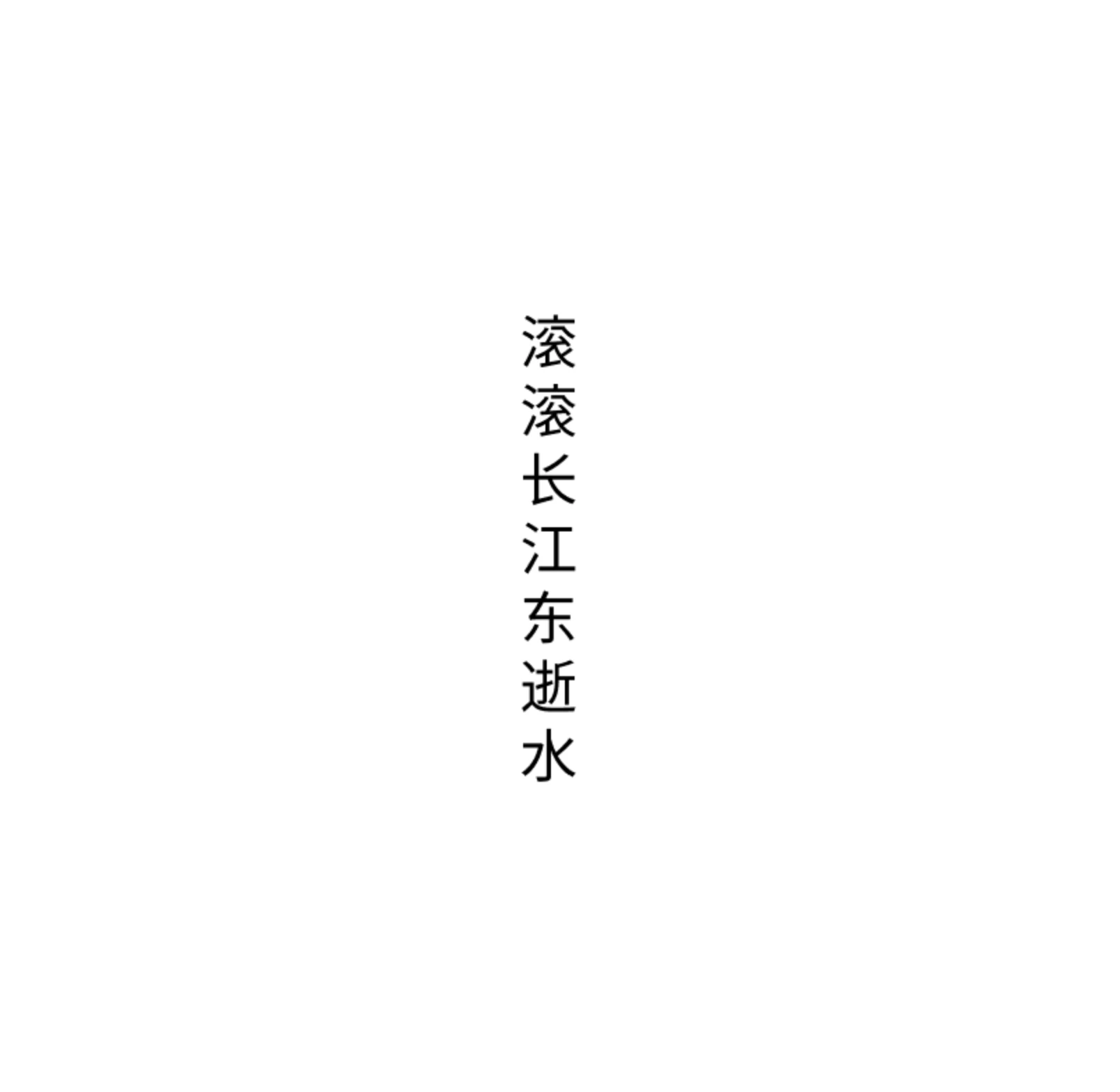
I wrote code to display this text. but it is wrong, because I can't extract an angle.
Photoshop version: 25.5.0
MacBookPro: Apple M1 Pro,
MacOS: Sonoma 14.4.1
 AdChoices