


Open for Voting
No way for Uninstalling Photoshop Beta in 2024
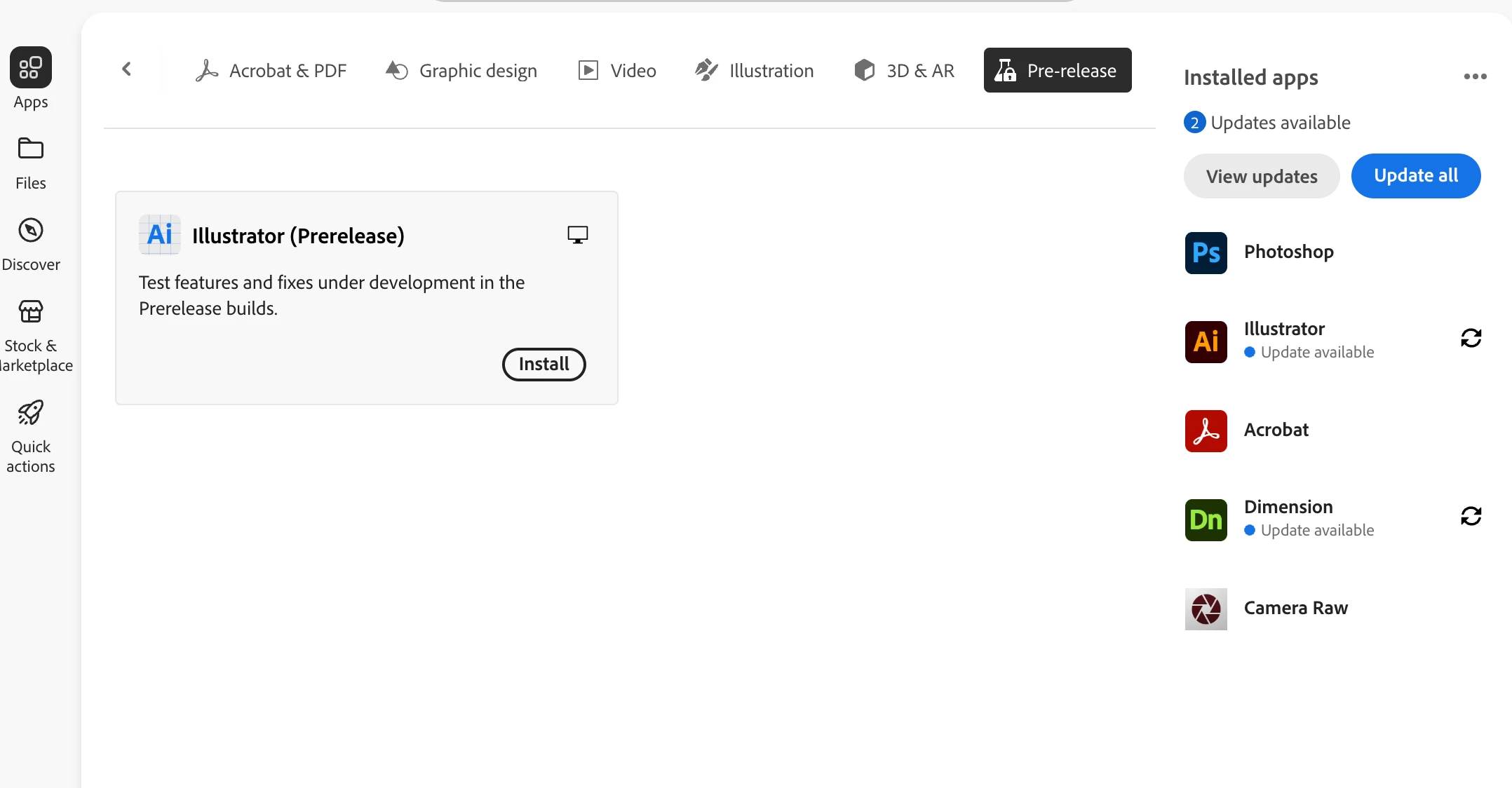
I installed Photoshop Beta last year, but now with the latest Creative Cloud update, it's no longer listed as an app. The Beta category is no longer available and it doesn't show up in the Pre-Release section either.
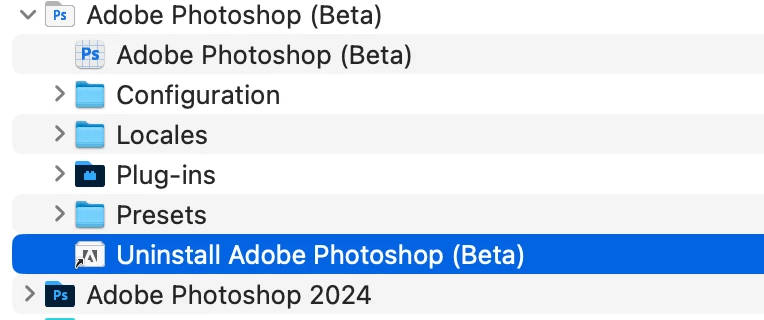
I tried launching the Uninstall shortcut but it does nothing...
Any tips on how I can uninstall Beta on MacOS?
(Screenshot: Photoshop Beta does not show up in CC)
(Screenshot: Uninstall shortcut does not work in the Applications folder)
 AdChoices