Participant
November 18, 2024

Not sure whats happening

  • November 18, 2024
  • 1 reply
  • 180 views


Not sure if this is a bug or something I'm not doing right.


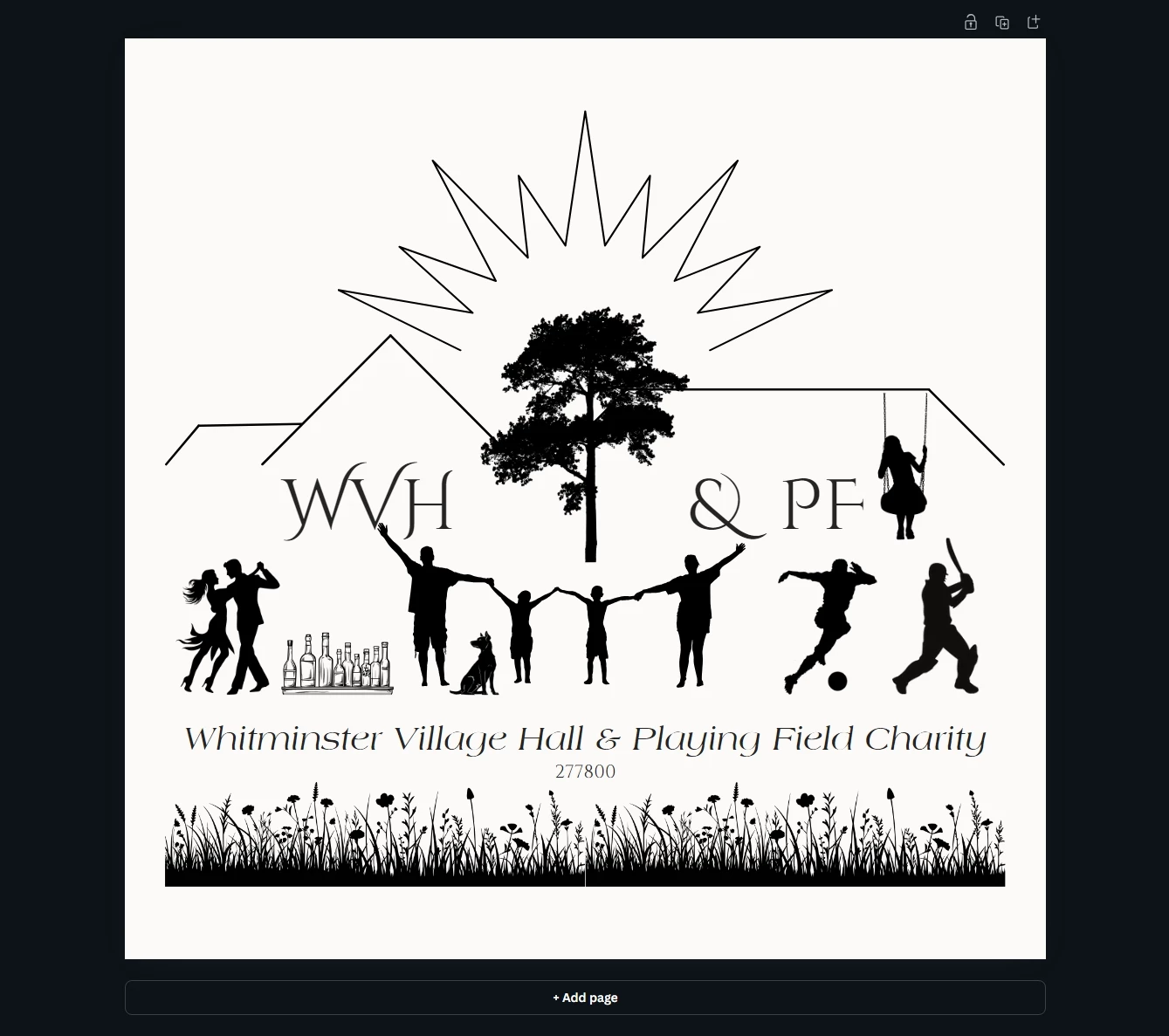
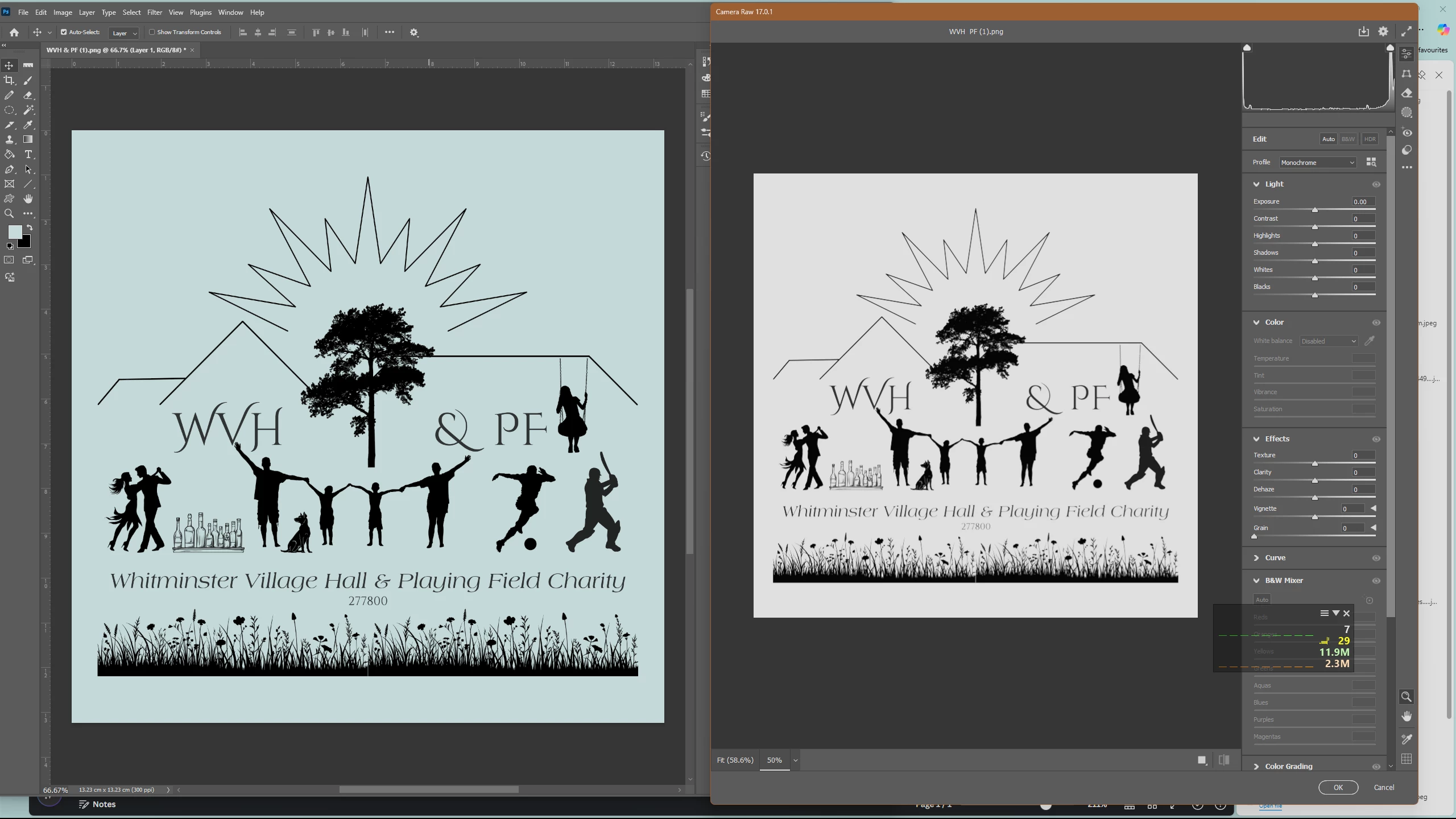
Top image was created in Canva, I downloaded it as a png and imported it into Photosop and it it has its horrible blue tinge to it and you can  see it clearly when it goes to print so opened it in camera raw and that is showing no blue tinge and it B&W as intended. 


Ive downloaded as an SVG and it looks fine and is fine - no blue tinge and prints fine.


Dont know if I've missed something or its a bug.

1 reply

Spas K.
Community Expert
Community Expert
November 18, 2024

Does it happen with other PNG images you import into Photoshop or just this one? Have you tried exporting from a different empty Canva file to see if it still happens? I tried doing the same and didn't have an issue.


When you say you imported it - did you merely open the image in Photoshop, or created a new PSD file and placed it in? Can you try doing that and see if the issue persists?


"you can see it clearly when it goes to print" - does that mean that it also prints out blue, and the blue tint is visible if you export from Photoshop as jpeg for example?


Can you confirm your Photoshop version as well?