


Participant
September 7, 2026
Open for Voting

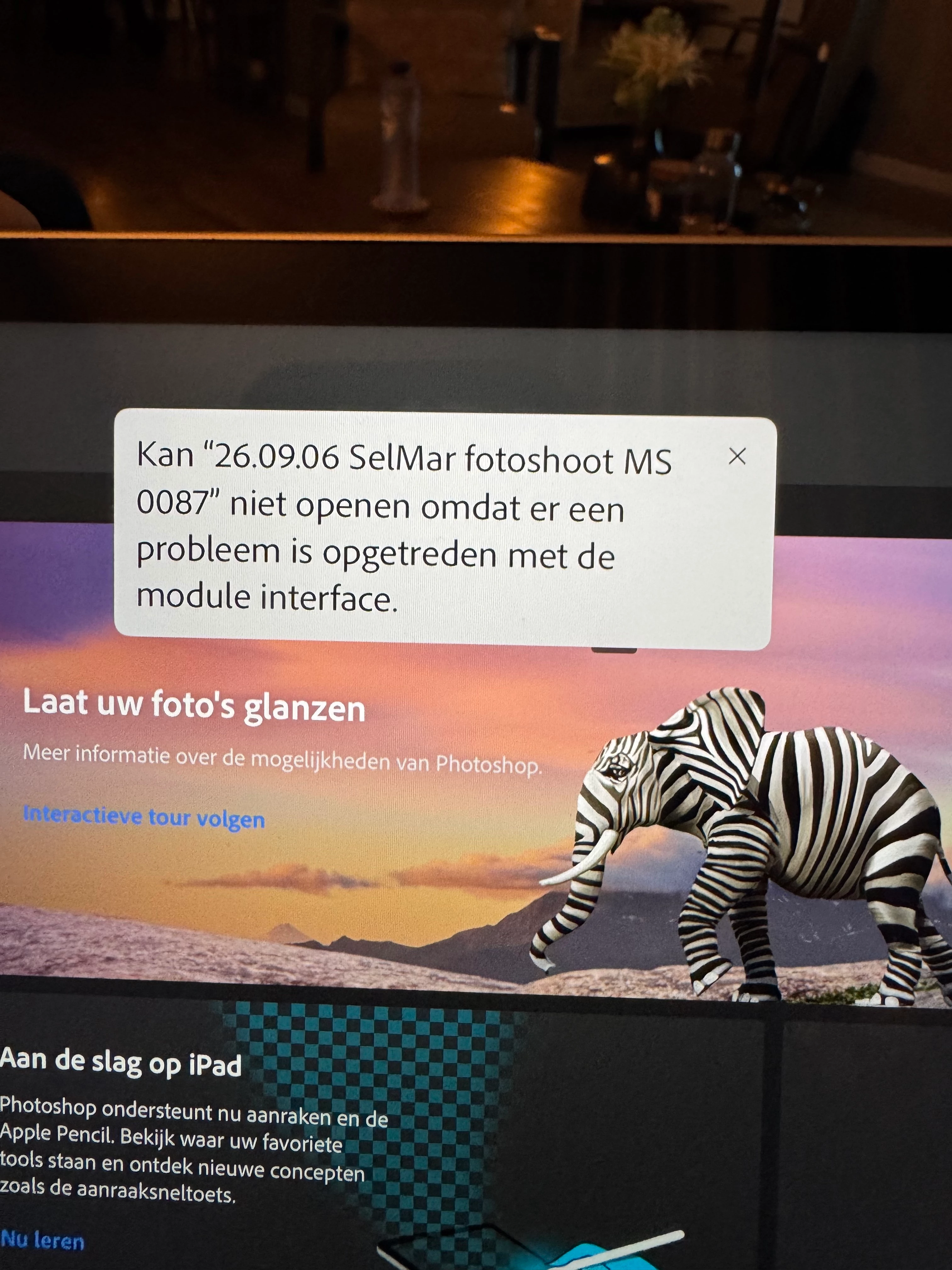
Openen van C3 Raw image vanaf Canon R6 Mark III in Photoshop op ipad werkt niet

Importeren en openen van C3 raw image vanaf Canon R6 mark III werkt niet in Photoshop voor ipad (7.8.2). Krijg melding dat er een probleem is opgetreden met de module interface. 
C3 raw images afkomstig van Canon R5 doen dat wel.

In Lightroom voor ipad werkt alles naar behoren….ook voor de Canon R6 Mark III.
 

    1 reply

    Abhishek Rao
    Community Manager
    Community Manager
    October 6, 2026

    Hi ​@M.E.23708229xmcp,


    Sorry for the delayed response, and sorry to hear you're having trouble opening the Canon EOS R6 Mark III CR3 files in Photoshop on the iPad.

    Are you still experiencing this issue, or has it been resolved since you originally posted?

    If it is still happening, please first make sure that the iPadOS iss fully updated, then restart the iPad and test again.

    If the issue persists, please try saving one of the affected R6 Mark III CR3 files locally under “On My iPad” and open it directly using Photoshop > Import and open > Files. 

    Please also try resetting Photoshop's app defaults from Profile icon > App Settings > General > Advanced > Reset app defaults, completely quit Photoshop from the App Switcher, relaunch it, and test again.

    If it still fails, please confirm the iPad model and iPadOS version. It would also be very helpful if you could share one original, unmodified R6 Mark III CR3 file that produces the error for investigation. 


    Thanks,
    Abhishek

    Translate