




Open for Voting
Overlapping object frames default to top-most layer rather than selected layer
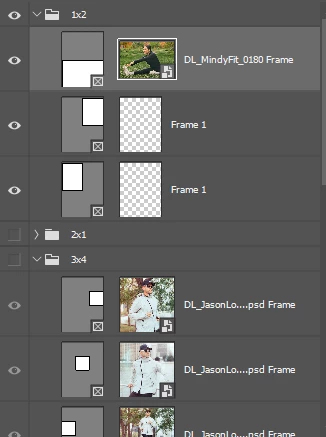
Dragging a photo from outside the window into an object frame in Photoshop will default to whatever the top layer aligns with the cursor rather than the layer that is currently selected. If two object frames are overlapping and I want to drag an image into the lower one, this will not work.
If I attempt to drop an image into the 3x4 group frames, my image will instead be placed inside the 1x2 group frames that overlap. I cannot get my image into my desired frames without moving my 1x2 group beneath my 3x4 group.
 AdChoices