


Open for Voting
P: 3D Generated UVs produces poor result
While I understand that using STL files from Thingiverse aren't guaranteed in any way to work in Photoshop... I have an STL file that used to work flawlessly in CC 2018 and is now utterly unworkable in CC 2019. I've got the latest version as of this posting date.
Model looks like this: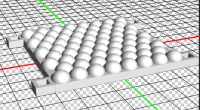
(There's a bunch of domes).
In CC 2018, opening the file immediately results in a UV map that looks like this: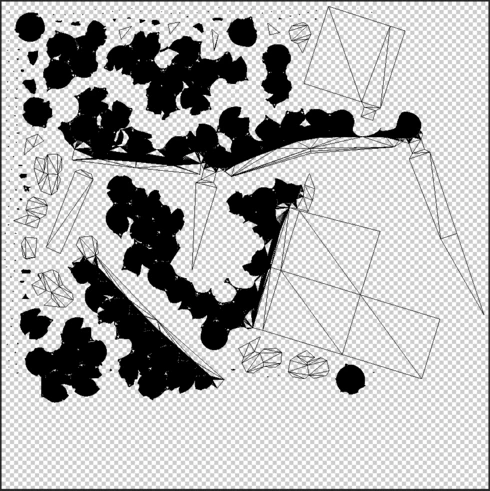
The round parts are the domes, and it all paints quite nicely.
In CC 2019, opening the file results in a prompt to generate UVs. The generated UV looks like this: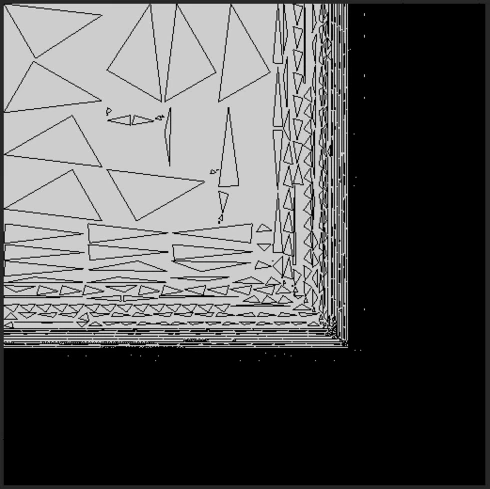
It is unusable. The result is the same with/without the preserve appearance checkbox.
Additionally!!!!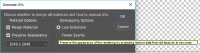
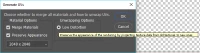
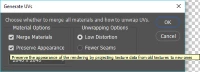
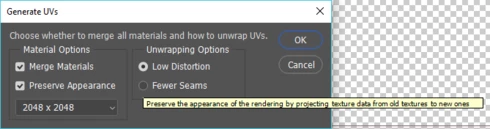
The exact same tool-tip appears for all 3 of these options in the Generate UVs dialog.
 AdChoices