


Known Participant
December 11, 2013

P: Applying an inner stroke above 2px to group adds grid lines that don't move with the shape

  • December 11, 2013
  • 4 replies
  • 441 views

Check out the attached image and this PSD: https://dl.dropboxusercontent.com/u/1...

I'm getting this on any group larger than the mysterious grid on any PSD. Including new documents and really old documents.
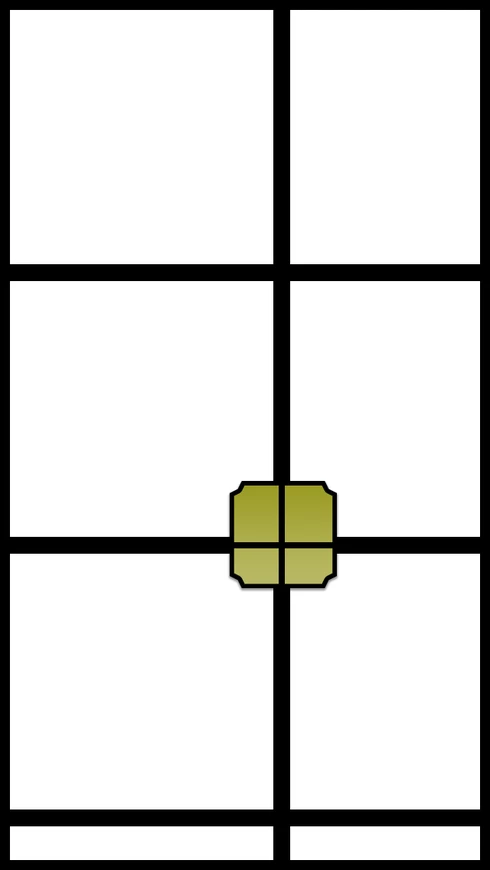


Photoshop 14.1.2

This topic has been closed for replies.

4 replies

Legend
June 16, 2015
This should be fixed in the Photoshop CC (2015) update.
ro55a
Participant
June 27, 2014
Same issue here. Changing cache tile size to 1024px hid the issue, but it still a bug. I don't remember seeing such problem in Photoshop CS6.

Running PS CC 14.2.1 on Mac OSX 10.8.5.
Known Participant
January 2, 2014
Yep. Increasing the tile size seems to've alleviated the issue.

Might suck down the road but I can just work around it if the larger (largest) tile size becomes an its own issue
Adobe Employee
January 2, 2014
This looks related to the tile size. I'll go ahead and log it as a bug. But if you're looking to minimize this in the meantime, you can try increasing the Cache Tile Size setting inside the Performance section of the Preferences. I was able to get this problem to go away by increasing the tile size to 1028K and restarting Photoshop.

Whether or not this is feasible depends on the performance of your particular machine.