

Participating Frequently
May 8, 2023
Open for Voting

P: Blue box appears when moving objects.
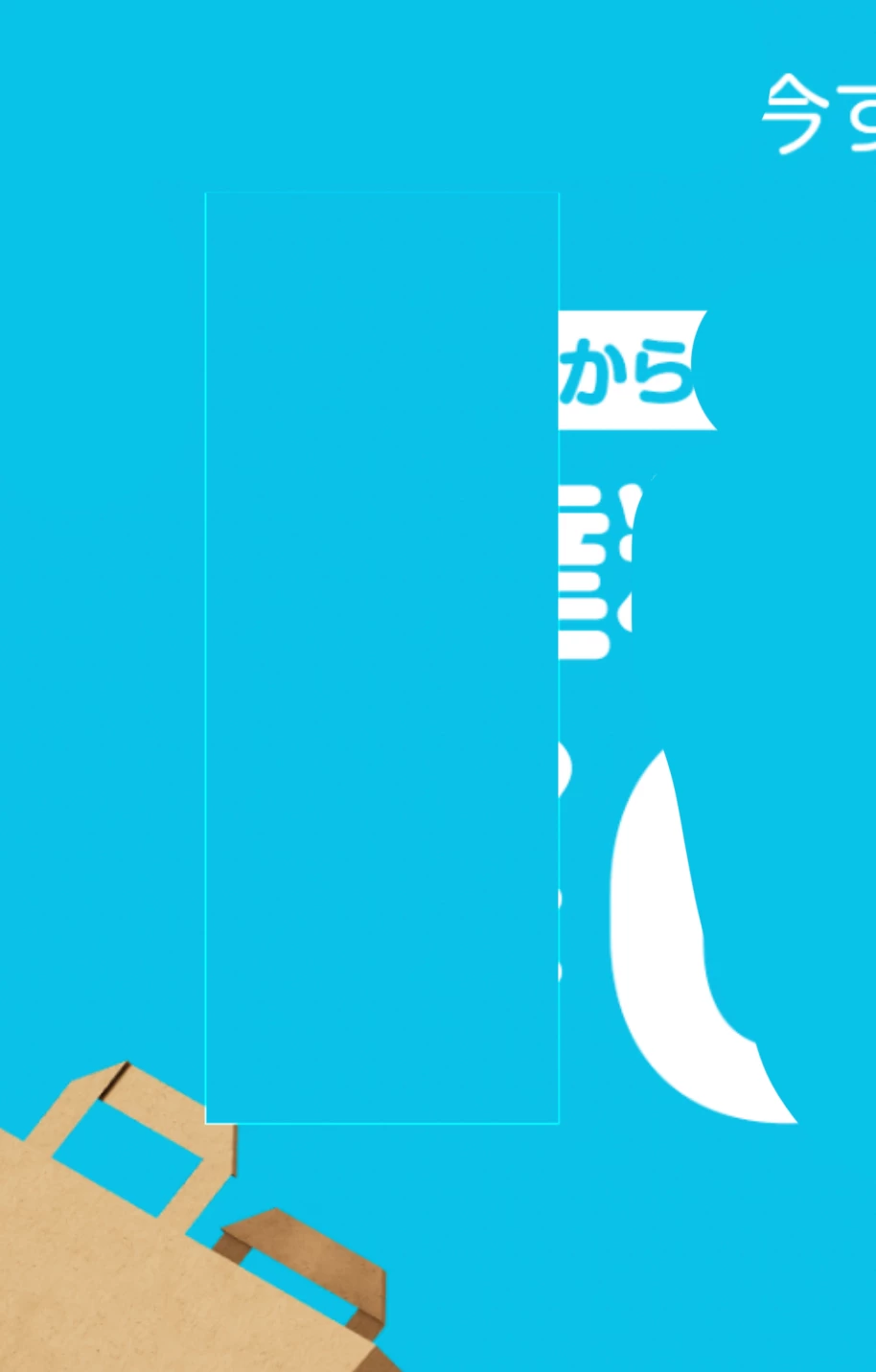
 

1 or multiple blue boxes appears when I zoom in/out or move elements in the artboard. 
Does anyone know how to fix this issue? 

This topic is closed to new replies. Start a new post to keep the conversation going.

15 replies

Andrew Sender
Community Manager
Community Manager
May 17, 2023

Thanks @Non5EC5 

I experienced something similar with random green lines appearing.  I'll let engineering know and look into it further.

Andrew


Translate
CShubert
Community Manager
Community Manager
May 17, 2023

@Non5EC5 

Could you create a NEW file that is just random artwork or something that shows the issue and then share that with the team?


Translate
Non5EC5Author
Participating Frequently
May 17, 2023

Hi Andrew, I won't be able to share any files for confidential reasons but it happened everytime in different files! 

Translate
Andrew Sender
Community Manager
Community Manager
May 16, 2023

Hi @Non5EC5 , can you share the PSD file you were using that caused the blue box to appear while zooming or moving elements?

Andrew

Translate
CShubert
Community Manager
Community Manager
May 16, 2023

Thank you again @Non5EC5 the team will look into this.


Translate
Non5EC5Author
Participating Frequently
May 16, 2023

Looks like the new version was the reason. I changed it back to the previous version! THank yoU!

Translate
Andrew Sender
Community Manager
Community Manager
May 11, 2023

Hi @Non5EC5 ,

Can you also try disabling Preferences -> Performance -> (GPU) Advanced Settings ... -> GPU Compositing?

Andrew

Translate
CShubert
Community Manager
Community Manager
May 10, 2023

@Non5EC5 curious if you have tried rolling back a version and how it works?


https://helpx.adobe.com/download-install/using/install-previous-version.html


Translate
Kevin Stohlmeyer
Community Expert
Community Expert
May 10, 2023

Ah my bad you are on a Mac, not Windows.

Translate
Non5EC5Author
Participating Frequently
May 10, 2023

Hi @Kevin Stohlmeyer . I've tried lookin into it but couldn't find a way to disable it. 

Translate