


Open for Voting
P: Brush HUD: opacity preview
I've just updated to the latest version of Photoshop cc 2019 and since then when I have the brush tool selected the resizing/opacity HUD won't work as expected.
In Photoshop CC 2018 the brush preview (i.e. the usually red overlay) look faded to the edges depending on the opacity level. like this: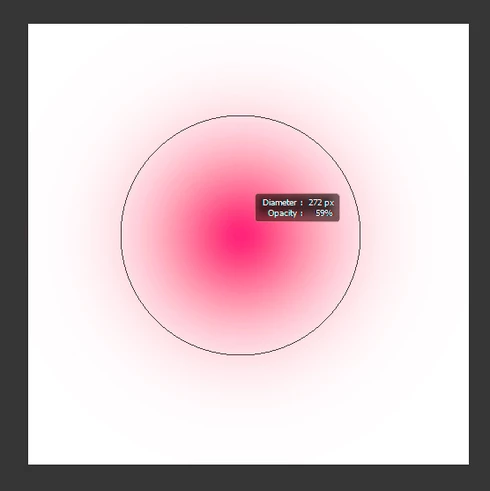
In Photoshop CC 2019 this works only if I use the HUD to change hardness instead of opacity, otherwise the brush won't show any fading, like this: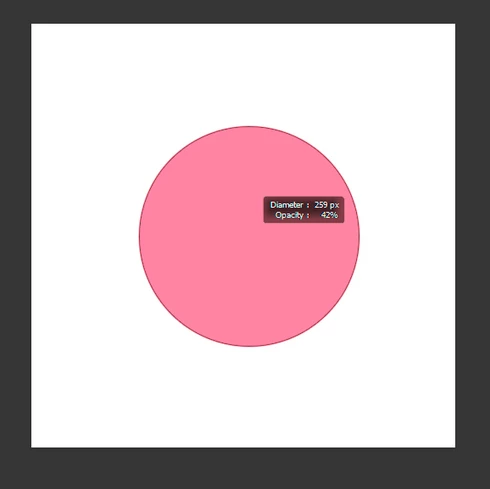
Is there a way to show the fading edges in the preview even when changing opacity?
 AdChoices