Inspiring
November 13, 2018

P: Can't Exports Artboards to .PSD After Updating

  • November 13, 2018
  • 6 replies
  • 187 views

Before I updated to CC2019 I created a workflow where I create versions of different templates in PS using artboards. Then I'd exports the artboards as separate .psd files for people in a different department to use. It worked wonderfully until I updated to the latest version of PS.

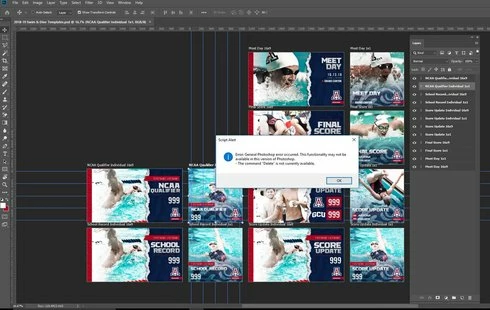
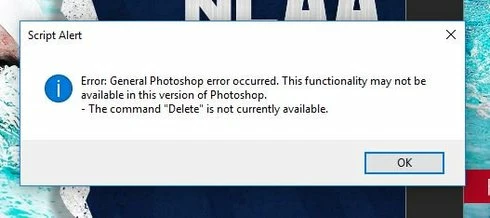
Now I get the error in the attached image below when I try to do this.

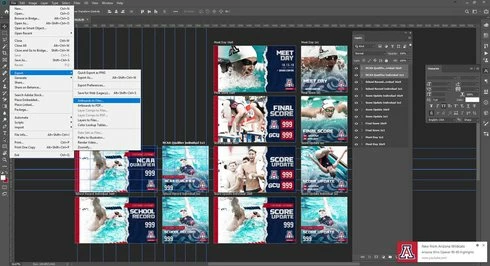
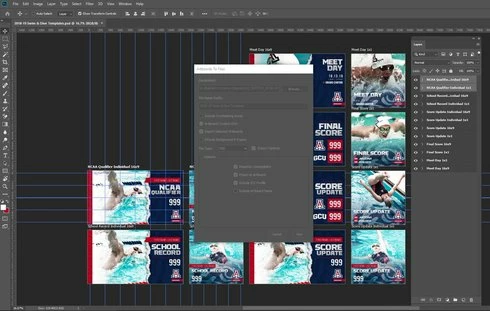
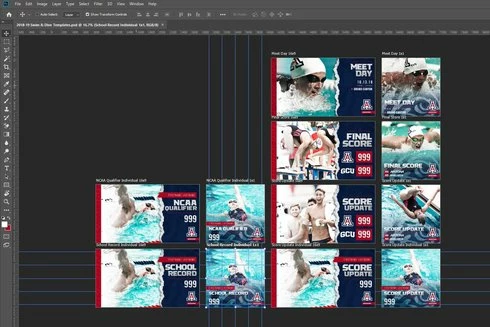
I've also attached screen grabs to get an idea of exactly what I'm trying to do.

I've tried flattening library elements and smart objects. I've tried all the different options in the export options panel. Nothing changes.

(was sent here by Adobe Customer Care on Twitter)


This topic has been closed for replies.

6 replies

Inspiring
February 19, 2019
I have had a very similar problem except instead of "Delete" not being available I get the error "Make" is not currently available. This happens when trying to export Artboards as JPGs and PSDs (I didn't try the other options). I'm running 20.0.3.
Legend
January 15, 2019
Please update to 20.0.2 which was release last night. It should fix this problem. Please let us know if that's not the case.

Thanks for reporting this issue!
Legend
November 13, 2018
Thanks. I'm going to email you. Need the linked assets for it to work.
Inspiring
November 13, 2018
Inspiring
November 13, 2018
Yeah, definitely.
Legend
November 13, 2018
Would it be possible to get a copy of a file that exhibits this error for us to troubleshoot? I can shoot you an email to get a link.