


Not Prioritized
P: Checkerboard on less than 100% opaque layer in liquify
In Photoshop CS6 I see a checkerboard pattern (and a white line around the layer) in liquify if I check 'show backdrop' and I show a non-opaque layer 'In Front'.
Is there any way to get rid of this as It obscures the layer I'm working on and makes Liquify useless? Or disable hardware acceleration for Liquify alone?
example 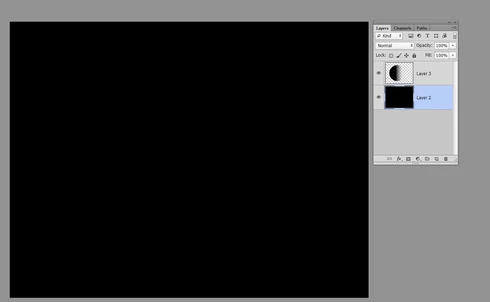
layer setup 
PS CS6, Windows Ultimate x64. ASUS ATI RADEON HD 6950 2GB (latest drivers - 12.4 then 12.6), 16gb RAM, 60gb partitioned ssd scratch disk.
p.s. Is this related to the other 'jagged preview' bug (I also have) with the AMD/ATI cards?
 AdChoices