


Not Prioritized
P: Clipping mask issue when copy pasting from Illustrator
When copying an image with a clipping mask from Illustrator, the bounding box is not set to the clipping mask boundaries, but to the boundaries of the clipped image. This makes scaling the image difficult.
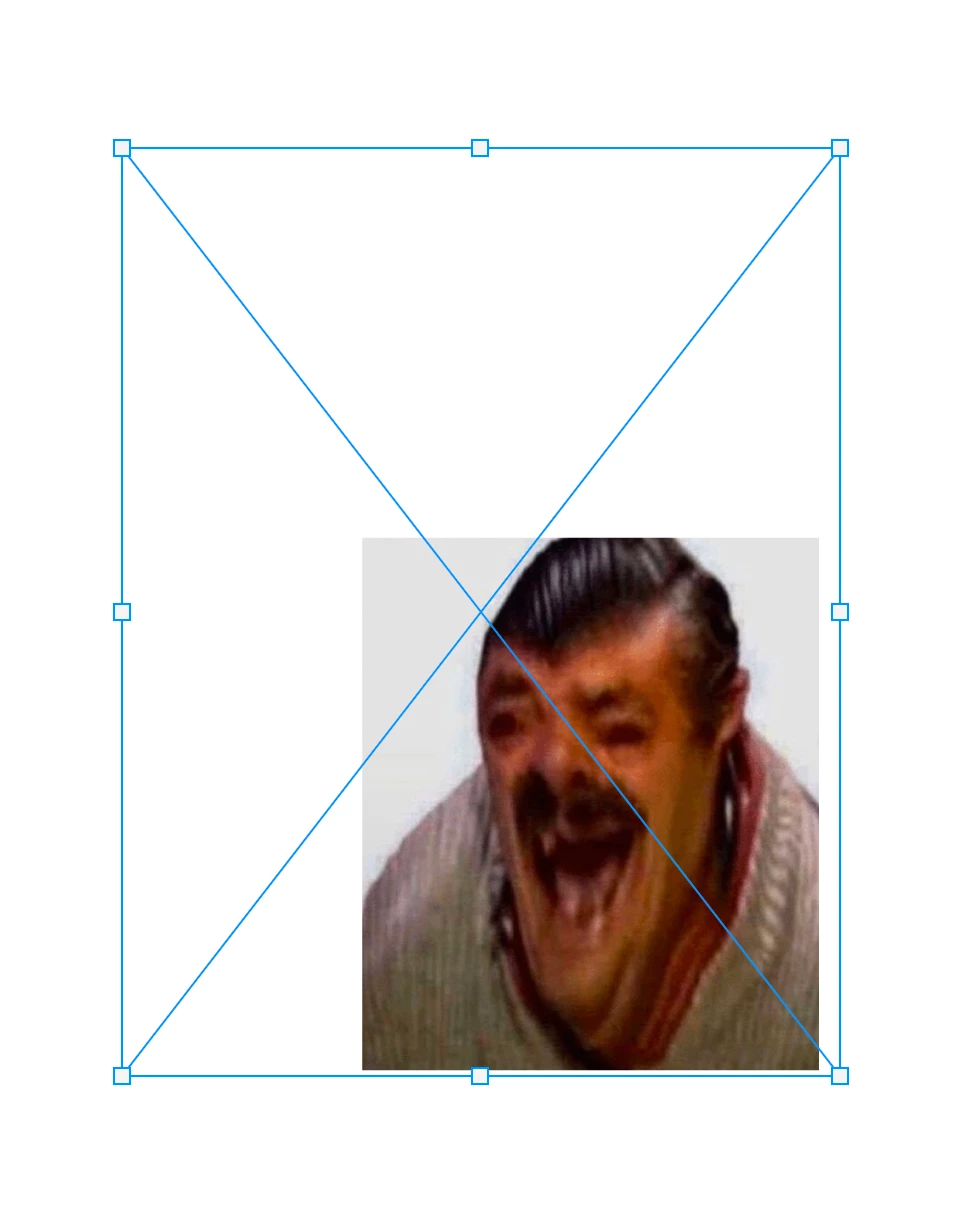
I'm not sure if this is an Illustrator or Photoshop problem. I know Illustrator has had problems with masks before and say they have solved it, but the issue still occurs when copy pasting from Illustrator to Photoshop.
 AdChoices