



Needs More Info
P: Clone stamp "crosshair cursor" hidden when CTRL + H
There is a similiar thread about this issue, but since it's years old (and marked as "solved") I will start a new bugreport.
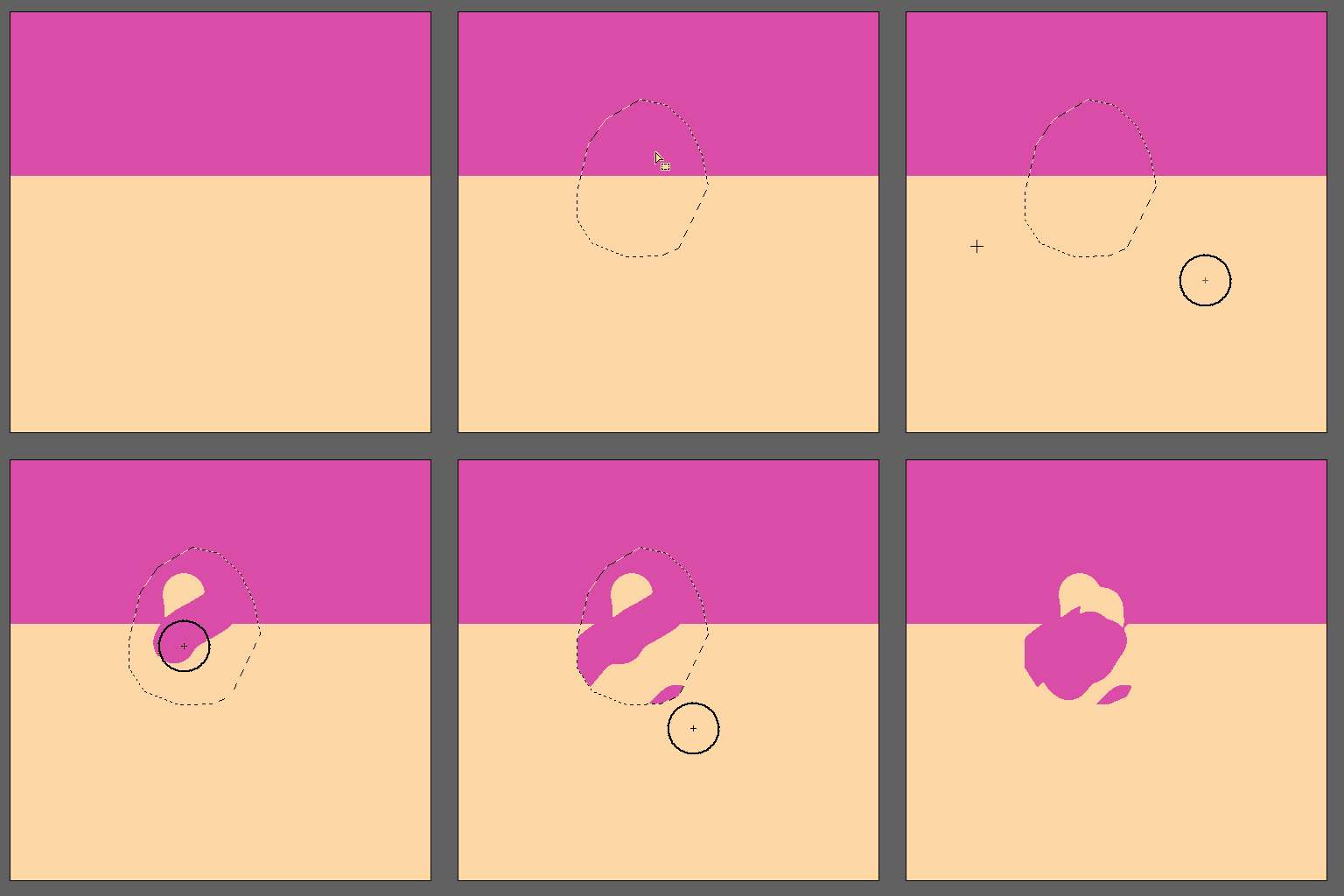
When I use the clone stamp, the source reference (the crosshair cursor) is not visible when you hide any selection.
CTRL + H = hide edges = hide clone stamp cursor.
I think it's a bug, since it doesn't make sense. I want to hide selection edges when cloning, but not the clone source/ crosshair itself.
Windows 11 | 64 bit | Photoshop 26.6.1
 AdChoices