



P: "Color" blending works incorrectly with semitransparent layer on square canvas
When I use "Color" blending, I got incorrect color under the some circumstances.
Environment:
OS: Win10x64-1809 (OS build 17763.437) or Win7x64
Photoshop: 20.0.4 20190227.r.76 2019/02/27: 1205725 x64
Steps to reproduce:
- Create PSD with 1080*1080 canvas size.
- Create layers group
- Create red rectangle inside the group (use Rectange tool)
- Set Stroke to None in the rectangle settings
- Set Opacity=95% for the rectangle
- Use Free transform to stretch the Rectangle on the whole canvas
- Set Color blending for layers group
- Remove white bacground layer
Expected result - semitransparent red color over the whole canvas. Something like this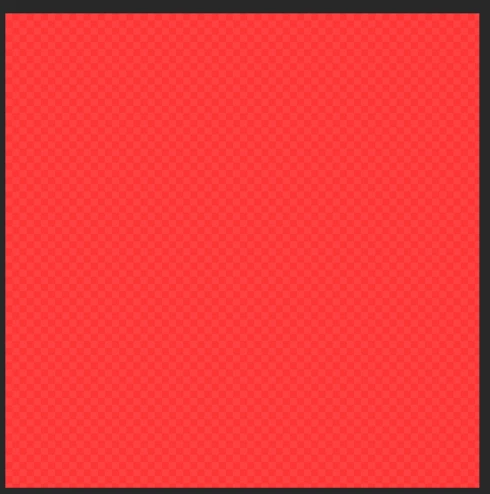
Actual result - semitransparent black layer
Also, when I exporting the group with "Quick export as PNG", I expecting semitransparent red color, but get the whole black color without transparency.
The problem gone if I turn on "Use old compoistion core" in settings. The problem can't be reproduced on non-square canvas sizes and unstable reproduces on different canvas size (like 100*100px")
For the reference - the screenshot with document settings and rectangle layer setting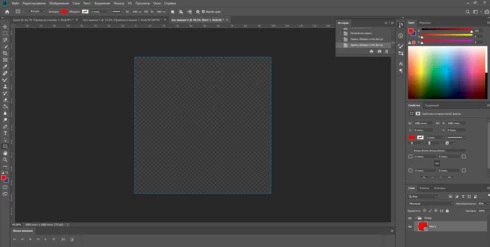
Comment for myself - referenct to my local ticket PTT-1852
 AdChoices