



P: Color swatches in Library no longer changes color of shapes?
Since the beginning of Adobe CC, I've been using Libraries to set brand colors for clients and quickily select those colors as I make new shapes/text/etc. It seems as though since the latest Photoshop update (with support for Apple's M1 Chip) the ability to pick a Library color swatch and see a live preview of the shape change doesn't work.
What used to be an easy process now seems to be completely...gone? Is this a graphics performance issue with the M1 Chip? Is there some new random button toggle I have to click to make this work like it used to (one of Adobe's favorite hobbies)?
How it used to work:
You could select the shape (also worked for text layers) you wanted to change the color on.

With the shape selected, you could pull up a Library and select one of your saved color swatches.
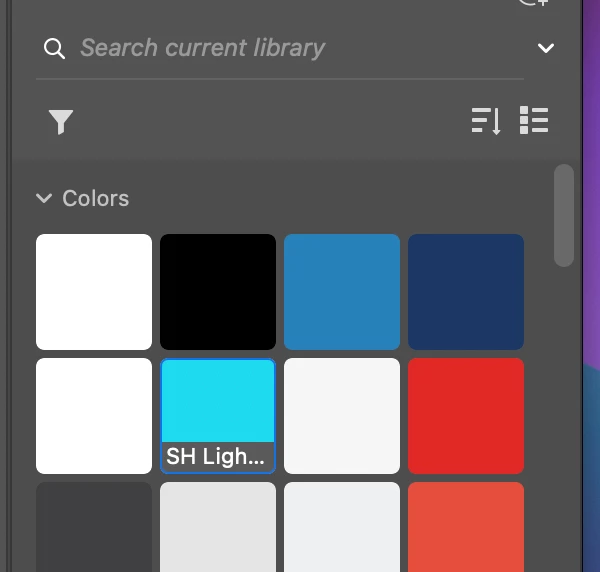
And this would automatically change the color of the shape on the artboard.
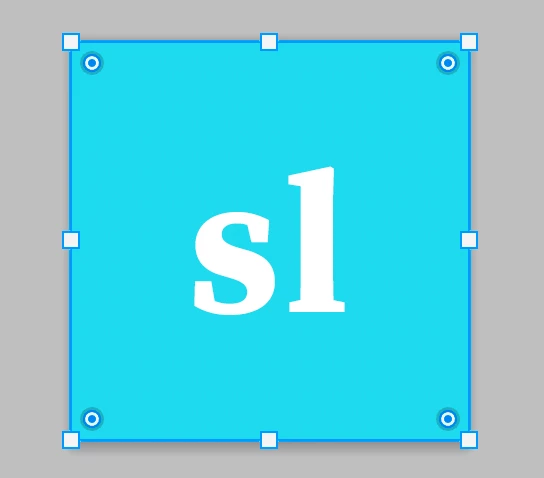
How it works now:
You have to first select the Library color swatch to change the Foreground color.
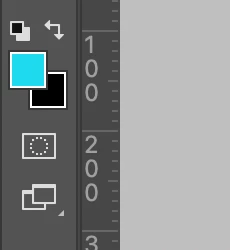 '
'
Then you have to double click the Shape layer on the layer you want to change the color.
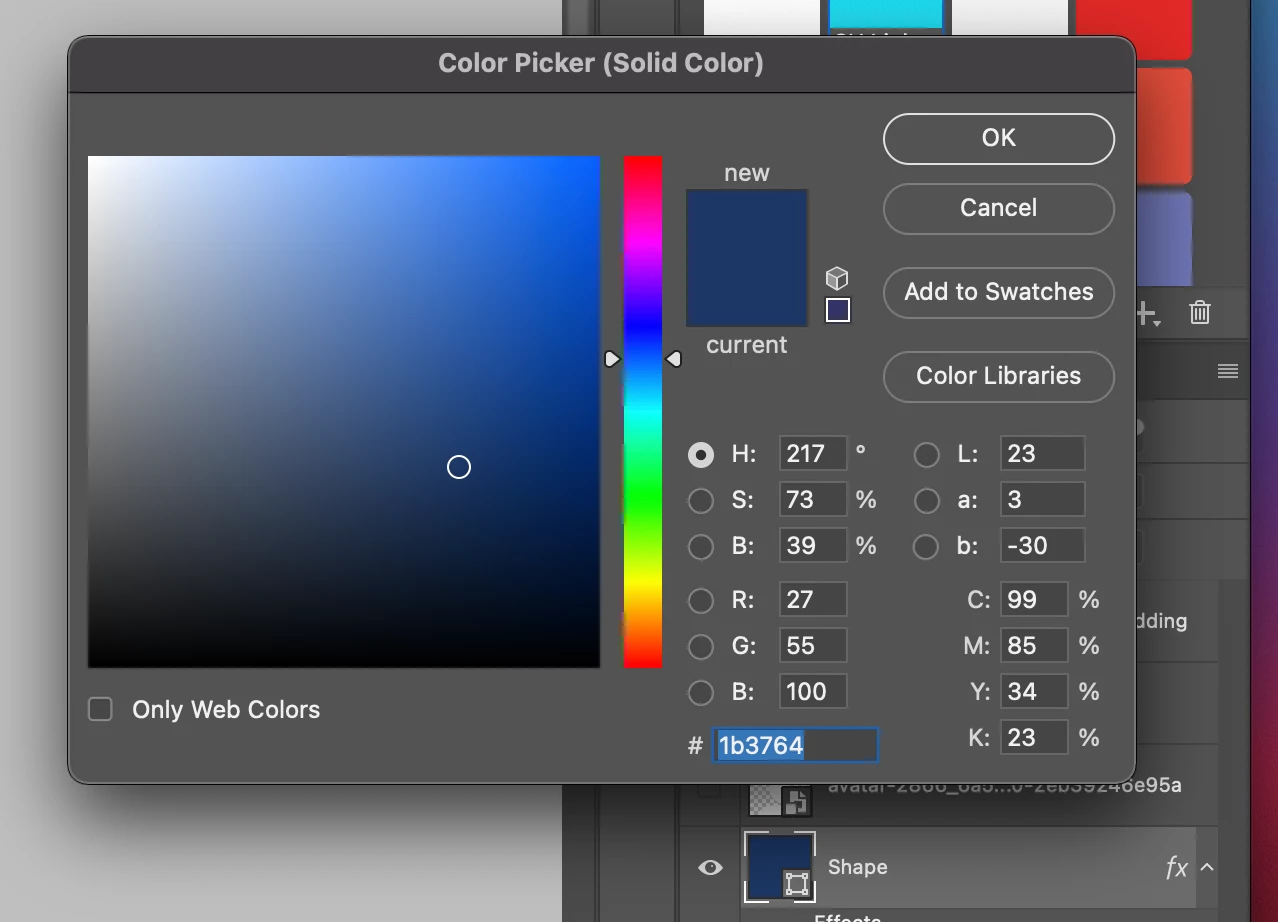
Then – using the eyedropper on the Foreground Color – the color will finally change on the shape.
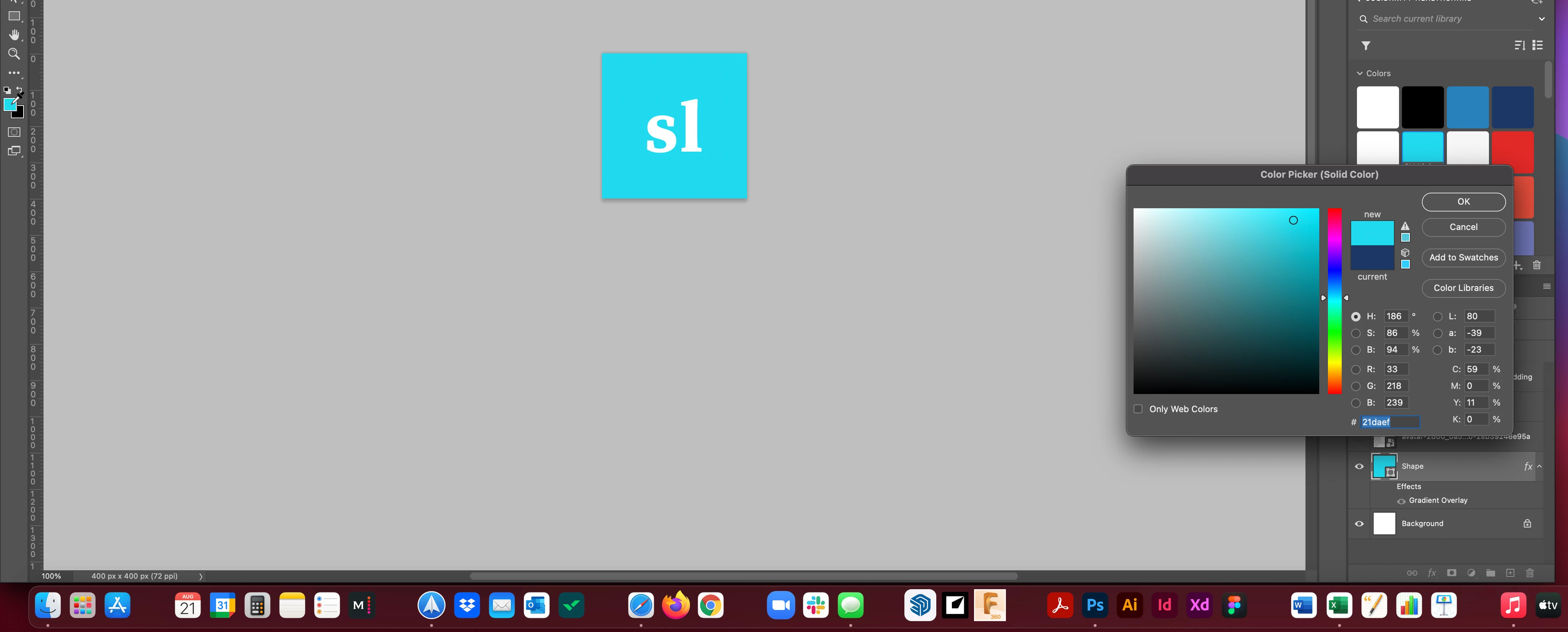
Altnerate way it works (less than ideal):
And to keep anyone from wasting time replying, "you can select the fill or border color from the 'Appearance' section of the 'Properties" window – yes I know you can do that. This is even worse because I have to switch back and forth between Properties and Libraries tabs every time I want to change the Library color.
––––––––––
Does anyone know what's going on? This process takes a lot longer and is far more cumbersome than before. My team is wasting a ton of time on quick, production-level work that used to be easy and straight-forward.
Thanks for the support.
 AdChoices