


esandy
Participant
September 13, 2023

P: Creative Cloud Apps Popup when opening latest Photoshop

  • September 13, 2023
  • 18 replies
  • 4051 views

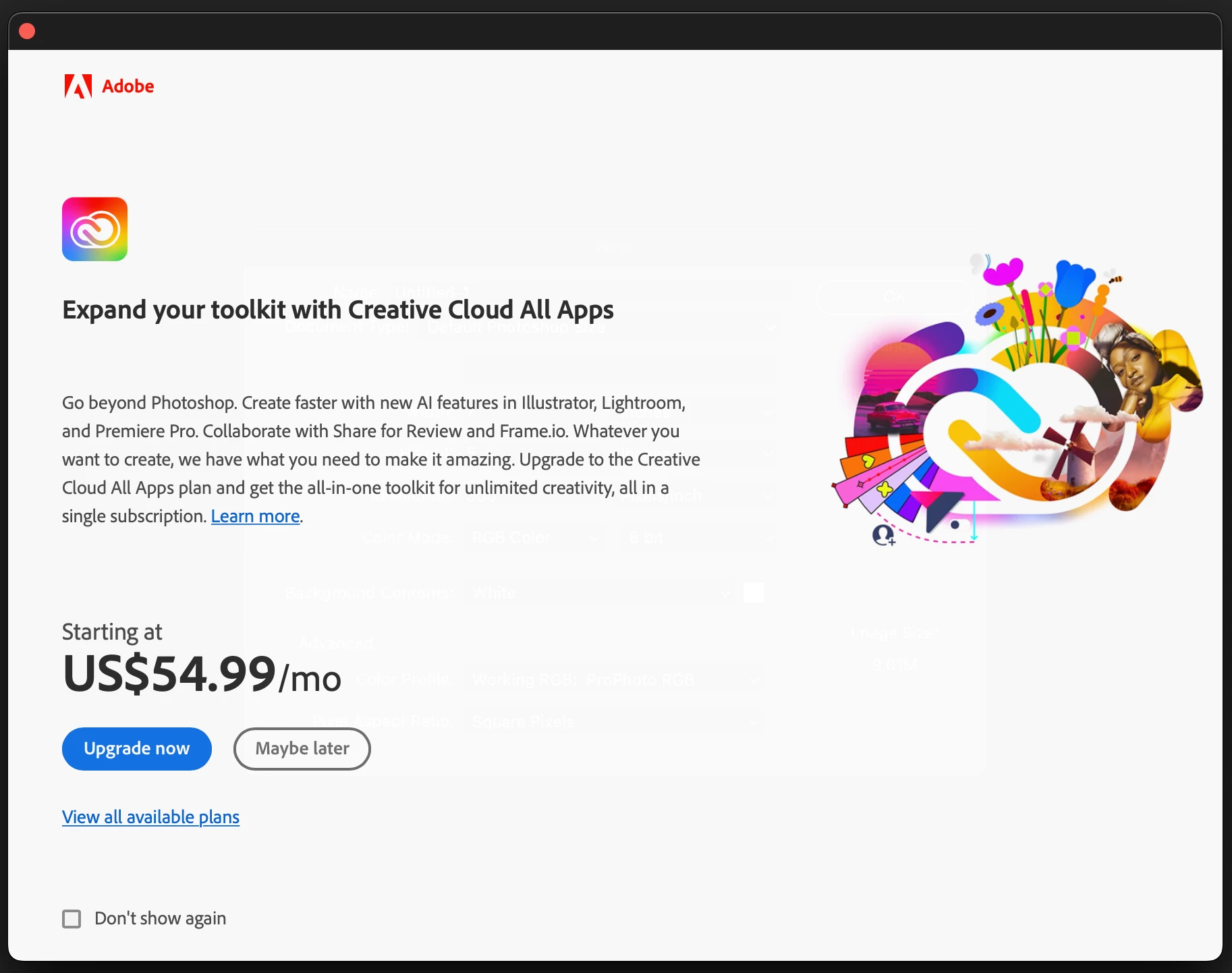
I installed PS 24.7.1 and PS 25 yesterday. Now when I open either version of PS a creative cloud all apps advertisement opens. Even when sending a photo from LR. The popup prevents you from doing anything until you close, to include a photo send from LR.

I've checked the box in lower left corner for "don't show again." Doesn't work.

Have ensured I'm logged in to CC, logged out and back in, restarted computer, reinstalled the older versions, nothing works. I've been a subscriber for 8 years and my plan is current.

How do I get rid of this annoying popup?

Running on Mac Studio M1 Ultra with latest version of Ventura.

Thank you for your assistance,

Ed
This topic has been closed for replies.

18 replies

Inspiring
November 5, 2024

Still happens in 2024, for the past few days despite ticking 'Don't show again' every time I open photoshop I'm slapped in the face by this pop up from adobe trying to drain more money from me with their endless subscriptions

Participant
May 9, 2024

so it's still same until today, what a bravo adobe software engineer, cant even solve a small buggy thing

Participating Frequently
April 27, 2024

This issue is hard to pin down. Shortly after my last post the post the popups ceased.

However in the last month or so I am getting a popup advertising "Creative Cloud All Apps". It appears the first time I go to the Home screen after opening Photoshop. (I have the "Auto show the Home Screen" setting disabled) It does not appear with subsequent visits to the Home screen during the same Photoshop session.

Participant
April 26, 2024

I am having this same problem. I keep checking the box "Don't show again" but this splash ad pops up every time I open Photoshop. Super annoying to be a paying user and have this thrown in your face multiple times a day. Can Adobe really not fix this?

Participating Frequently
December 20, 2023

Thanks for the clarification Kevin. I misunderstood your comment. Yes, you are probably right about the source of the post.

Kevin Stohlmeyer
Community Expert
Community Expert
December 20, 2023

I wasnt referring to you @pgmanuel the responder before you. You were right to question the validity of the "blunt force" method for something like this.

Participating Frequently
December 20, 2023

@Kevin Stohlmeyer Not sure what you are suggesting Kevin, but I am real and I have a real problem for which I am seeking answers.

Kevin Stohlmeyer
Community Expert
Community Expert
December 20, 2023

@pgmanuel that screams GPT generated answer. Marked for follow up.

Participating Frequently
December 20, 2023

Thank you @Milazzo34368799hx2b for your suggestions. I am not sure that I want to use such a blunt instrument to address a problem that Adobe has known about for at least 3 months. Hopefully @CShubert will see fit to revisit this issue with the team.

Participating Frequently
December 20, 2023

Any official fix for this issue yet?

I am getting the popup each time I launch Photoshop. 

I am using Photoshop 25.3.1 on a Mac Studio M2 Ultra running macOS Sonoma 14.2.

I followed the steps outlined by @esandy but I did not get a "PS Cloud Value Dialog" folder in Photoshop's Package Contents Contents/Required folder.