


Released
P: Disrupt edges when painting masks under adjustment layers
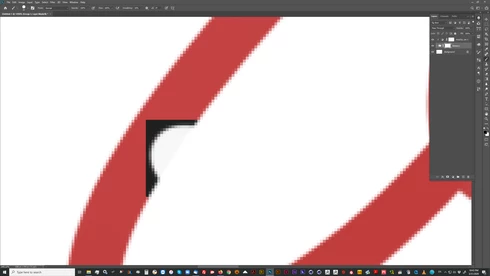
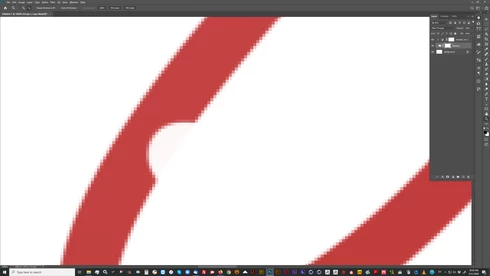
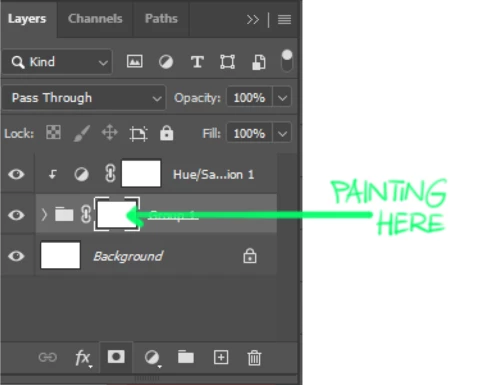
I've grouped a few layers and added a mask to this group. On top of that mask I've placed an adjustment layer. When I am masking/brushing out parts of that groupmask, I get hard right angular edges and no smooth blending like it used to be. As soon as I zoom in, the edges are gone. Switched of the GPU acceleration, restart PS, same problem. Working on WIN10 and updated PS to the last version. Came from PS 2018, no problem over there.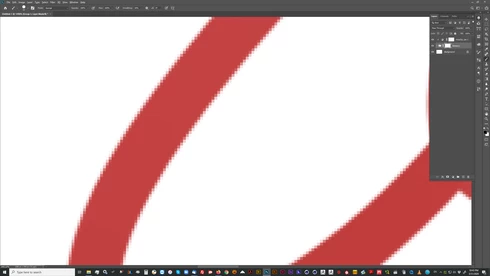
 AdChoices