


P: Gradient fill doesn't live update during transform (until committed)
So I've noticed after the 2020 update, the gradients are behaving strangely, I don't know if this is a bug or a change of how it functions. If it is the latter please change it back
If you insert a shape layer and change its fill to a radial gradient...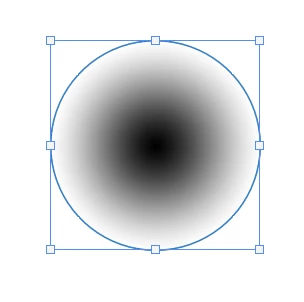
If you then try to squash the circle, say to create a shadow under something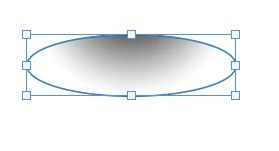
Then commit the shape transform, the gradient doesn't change with the shape, instead, it reverts to the same aspect gradient in which you start.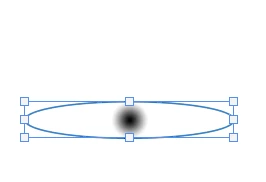
This occurs even with the Layer Style > Gradient Overlay method, it will still not function correctly.
The only way around this I have found is to make the gradient as in step 1, Rasterise the shape, then transform. This is way more destructive than the old method of the gradient just transforming with the shape.
let's get this either sorted or changed back
 AdChoices