


P: Graphics Corruption
This is an ongoing issue it seems so moderators may want to move this post to an existing thread if applicable.
I continue to have graphics issues in V20.0.2. Since pictures are worth a thousand words, let me sum this up with photos:
I am masking the edge of a cloud layer against the background. The cursor is near the bottom of the screen and is in the process of masking the edge of the cloud. I'm using a soft brush (it seems this always happens while using the brush tool but no specific brush), and this is what is happening: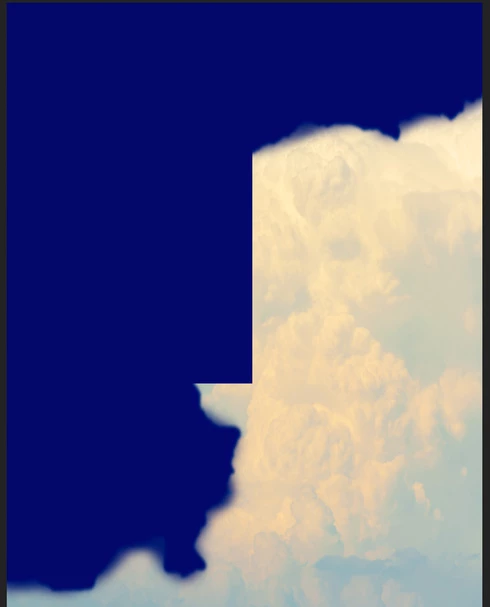
This (below) is what it should look like: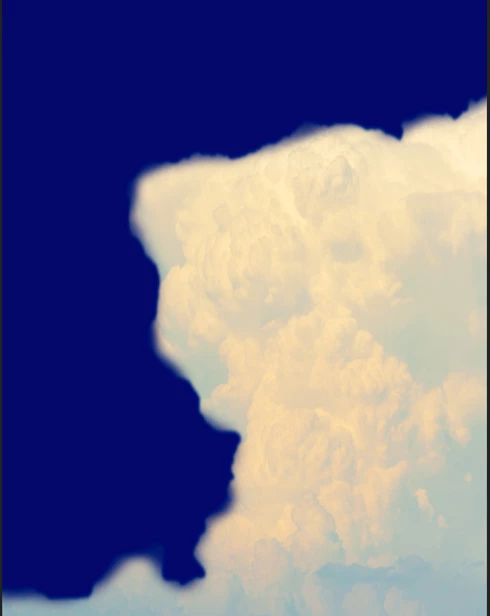
Here is my system and PS info: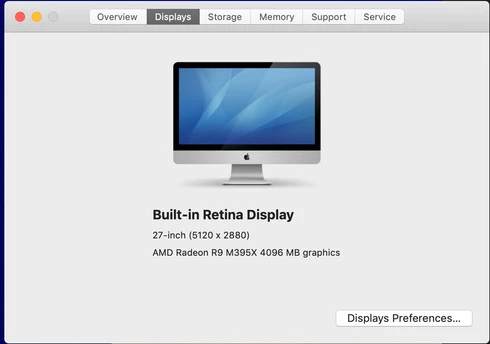
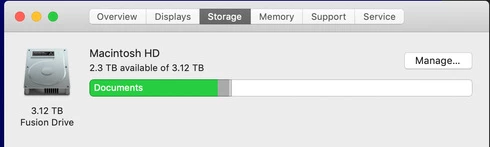
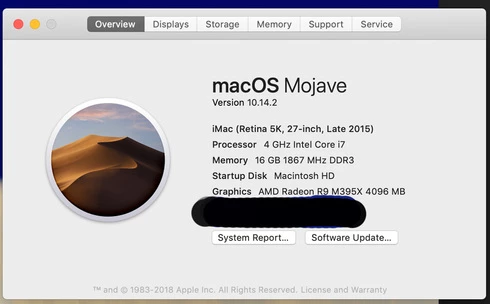
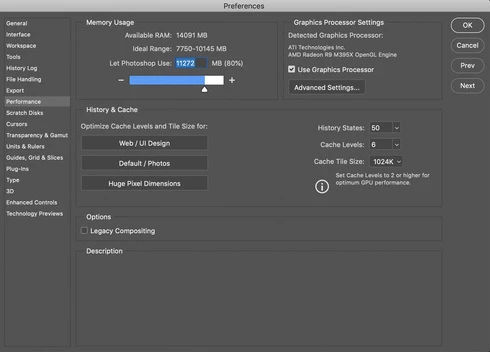
If you have further questions, please let me know. I can get rid of the problem (I think) by switching off the Graphics Acceleration, BUT that's not an option for me. I use a lot of things that require that option. My drivers are completely up to date as is PS. My workaround right now is to turn off the layer then turn it back on, but this is both time consuming and disruptive. I really hope Adobe can start addressing some of these issues soon. Thanks.
Glenn
 AdChoices