



Acknowledged
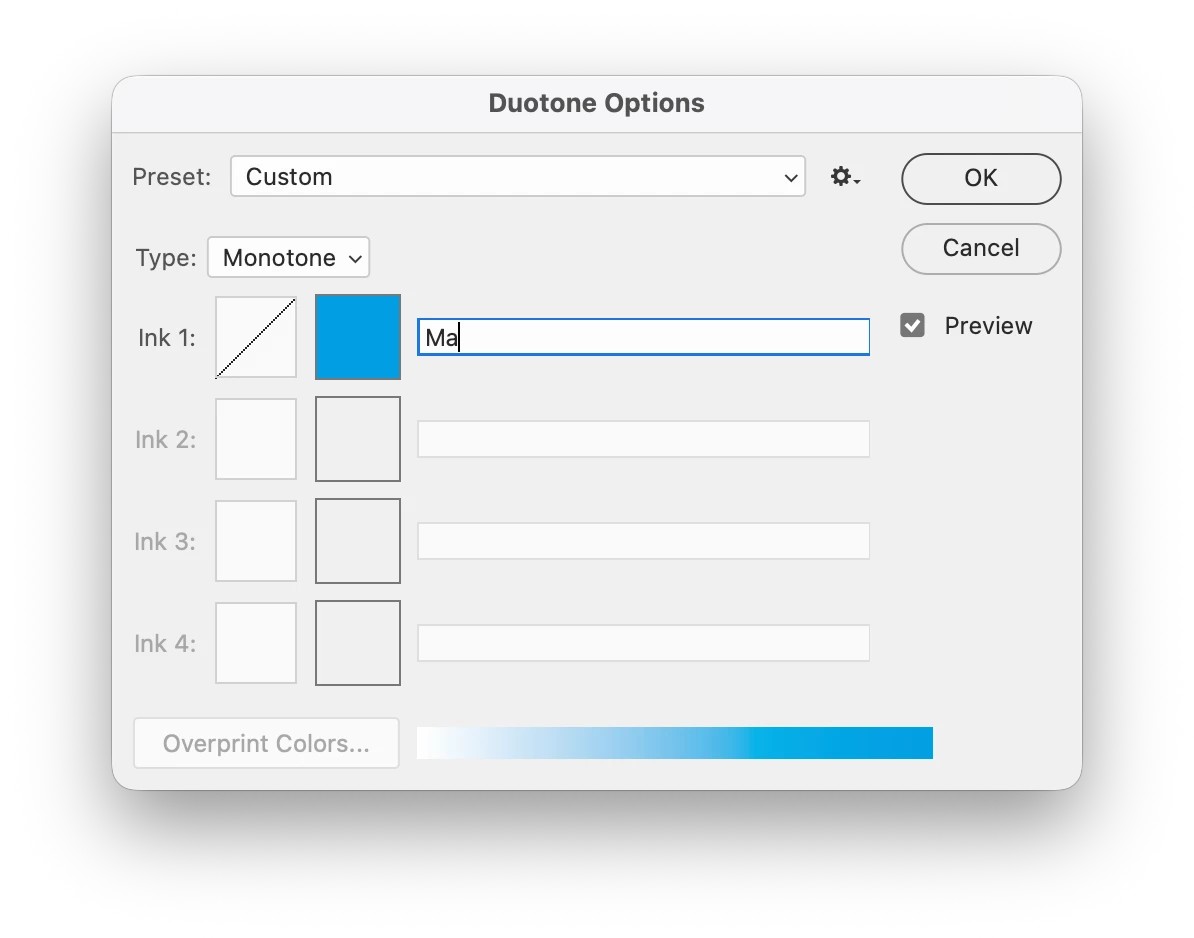
P:(Mac) Photoshop v27.3.1 Image > Mode > Duotone Typing P in the text fields toggle Preview
Issue:
- Photoshop version: 27.3.1 Release
- OS: Tahoe 26.3 (25D125)
Steps to reproduce:
- Image > Mode > Duotone…
- Change Type to Monotone
- Attempt to name Ink 1 anything with the letter “P” in it
- You will not be able to type the letter “P” because it will instead toggle the “Preview” box in the Duotone Options panel on and off
Expected result: Being able to name an Ink color with words that have the letter “P” in them
Actual result: Typing the letter “P” toggles Preview on / off
 AdChoices