


Open for Voting
P: Pasting as Layers (from illustrator)
Hello,
Does anyone else have the following issue, like I do?
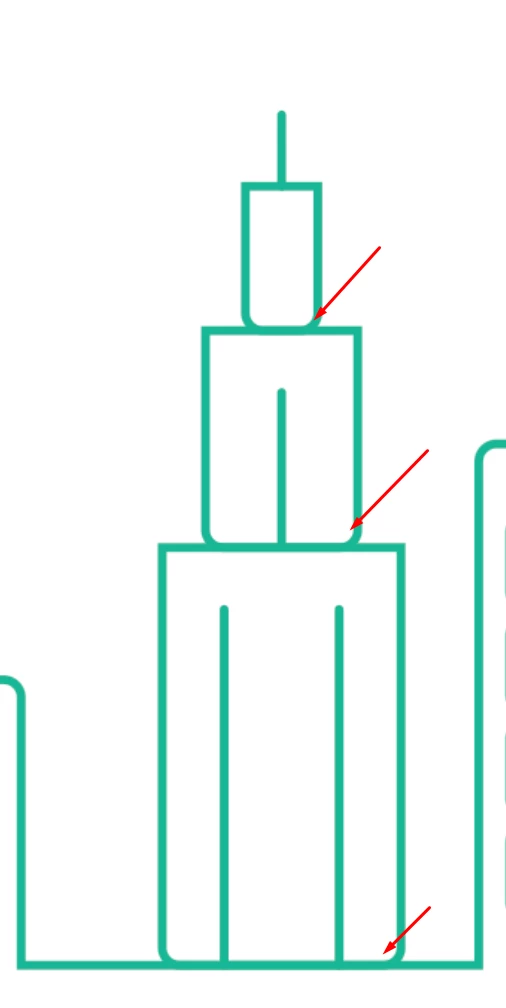
1) In Illustrator, draw a rectangle (as far as I tested, only by using the rectangle tool, not the pen).
2) Apply a radius to one or more corners.
3) Mirror-transform the shape and copy it.
4) In Photoshop, paste as layers.
The shape is placed in its unmirrored state.
I have a suspicion that corners radiuses get reversed in cases where I didn't had to use a mirror transformation.
 AdChoices