


Inspiring
December 4, 2018

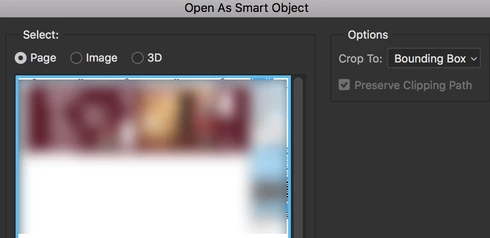
P: PDF - Open As Smart Object > "crop to" settings

  • December 4, 2018
  • 5 replies
  • 1173 views

A view Photoshop versions ago, when placing multiple pdfs, the crop-to-setting chosen for the first pdf, stayed the same for all the pdfs. 
Since CC 2016 it reverts back to bounding box every time.
Can we have that back, please?

I have to place hundreds of files every week, you can imagine how cumbersome that is 😉

Thanks.
5 replies

Participant
March 11, 2025

This is still (or has once again become) an issue in 2025... (PS 26.4.1 on Windows)

Legend
June 16, 2020
This issue should be fixed in the 21.2 update that went out this AM. Let us know if you're still having trouble.
040767Author
Inspiring
December 13, 2018
This would be a nice addition 🙂
Inspiring
December 12, 2018


When I place a PDF there's an "Open As Smart Object" box that pops up where you can choose the "Crop to" that you'd like. Is there any way to set the default to "media box" instead of "bounding box"?
Legend
December 12, 2018
Thanks. I've asked engineering to take a look.