


EuanWilliamson
Community Expert
Community Expert
Nov 29, 2024 12:33 PM UTC
Open for Voting

P: Photo restoration neural filter error

I have the following error message from the Photo restoration neural filter
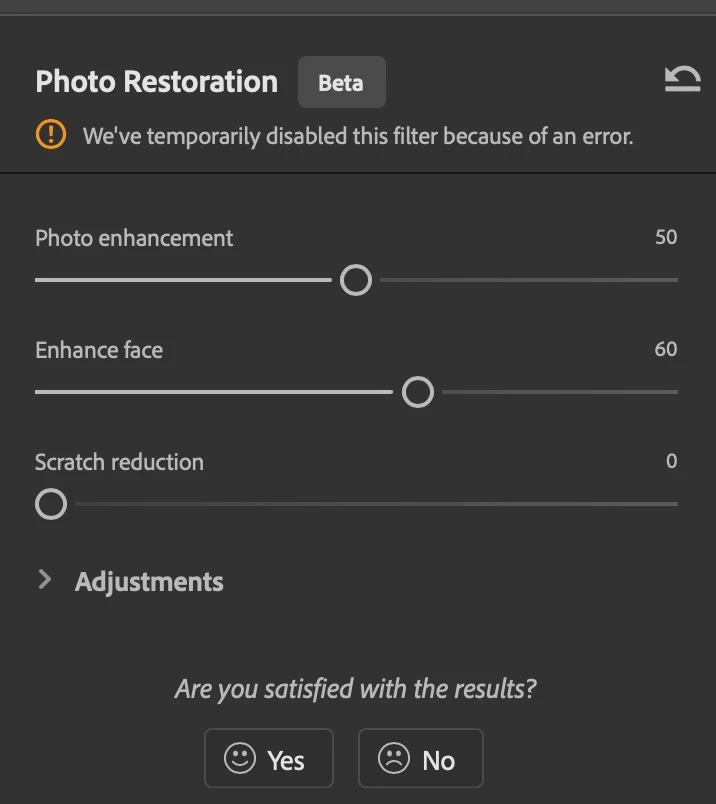
 

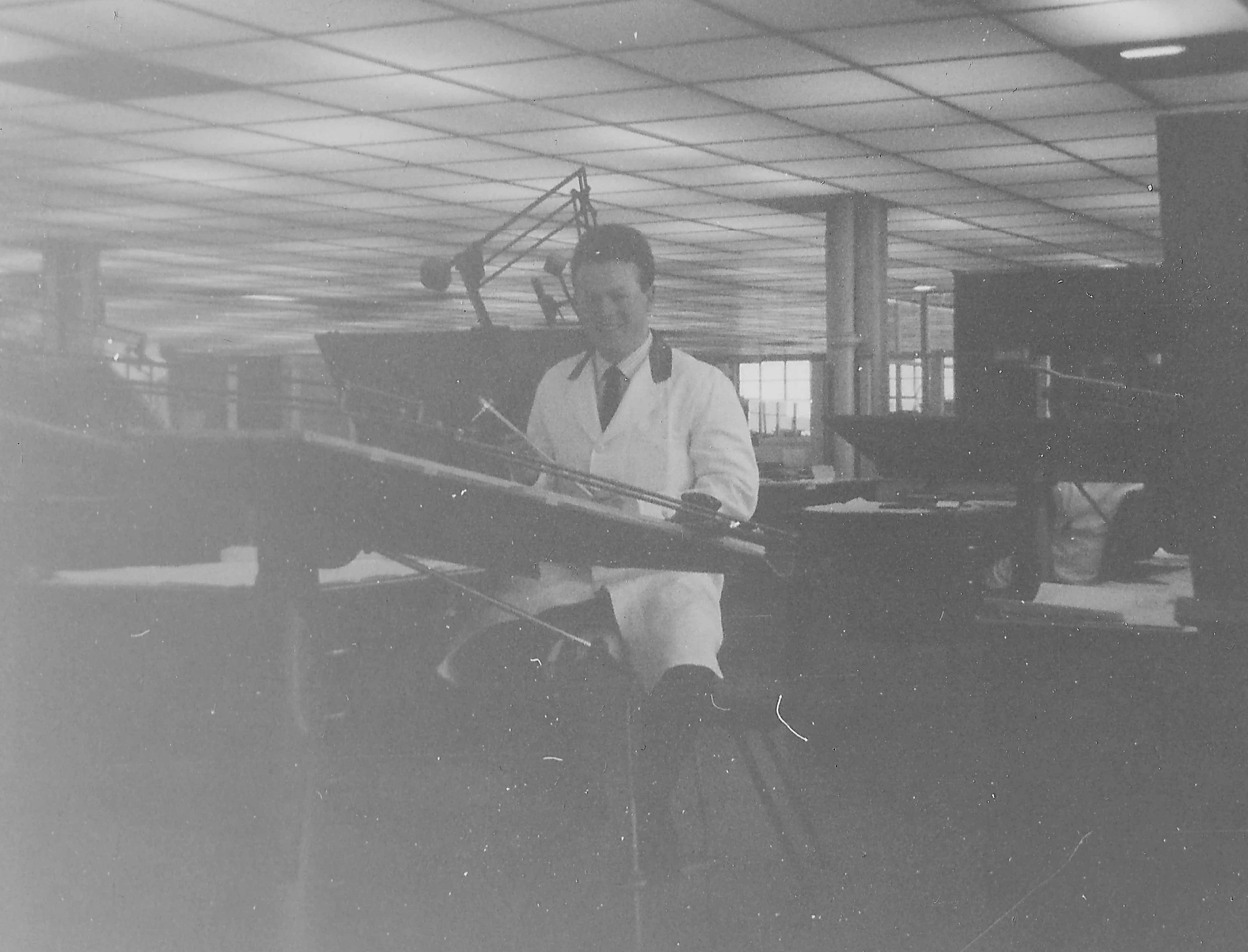
It seems specific to this image which I think is an ideal candidate.
 

Adobe Photoshop Version: 26.2.0 20241127.m.2885 1797431 x64
Number of Launches: 353
Operating System: Mac OS 15.1.1
System architecture: Intel CPU Family:6, Model:14, Stepping:12 with MMX, SSE Integer, SSE FP, SSE2, SSE3, SSE4.1, SSE4.2, AVX, AVX2
Physical processor count: 6
Processor speed: 3700 MHz
Built-in memory: 40960 MB
Free memory: 23011 MB
Memory available to Photoshop: 36510 MB
Memory used by Photoshop: 70 %
Crash Handler: Adobe
DCX Version: 7.24.8
SAM SDK Version: 9.1.0.1-fio
ACP.local Status:
- SDK Version: 4.0.0.5
- Core Sync Status: Reachable and compatible
- Core Sync Running: 7.2.0.58
- Min Core Sync Required: 4.3.66.28
Live Edit Client SDK Version: 4.0.6
Adobe Firefly: Please use any generative AI feature to view the latest version.
OpenColorIO version: 2.4.0


11 replies

Participant
Jul 4, 2026 3:47 PM UTC


Translate
Participant
Jun 5, 2026 9:45 AM UTC

Good day, I am currently paying for something that is not working and very frustrating. My Neural Photo Restoration Filter does not work everytime. I have tried every single thing that has been suggested. It will work once and then for the next photo not. I am very angry. I have wasted so much time just to use the one filter I really want to use. Signing in and out, restarting Photoshop. This is not COOL. Please can I get assistance as your robot answering me is not helping either.

Translate
Participant
Dec 7, 2024 10:15 AM UTC

i have same issues recently

Translate
EuanWilliamson
Community Expert
Community Expert
Dec 4, 2024 1:42 PM UTC

Thanks!

It's a more than a bit flaky then 😉


Translate
Best regards, Euan.
EuanWilliamson
Community Expert
Community Expert
Dec 4, 2024 1:41 PM UTC

Thanks Dave, I tried all that too - same result !


Translate
Best regards, Euan.
Participant
Dec 4, 2024 1:16 PM UTC

Alright, after some further exploration, I discovered that setting the enhance face slider to 0 resolves the issue.
It seems like the facial recognition feature is acting up for some reason.

Translate
JR Boulay
Community Expert
Community Expert
Nov 29, 2024 3:28 PM UTC

The result isn't great, but it works for me.

(I copied the image in your message and created a new one in Photoshop from the clipboard)


Translate
Acrobate du PDF, InDesigner et Photoshopographe
davescm
Community Expert
Community Expert
Nov 29, 2024 3:27 PM UTC

Yes, same here, must be something about this image but I can't see what. I tried converting to sRGB, enhancing the contrast, processing as a smart object. All gave the same error.


Dave

Translate
EuanWilliamson
Community Expert
Community Expert
Nov 29, 2024 3:08 PM UTC

Ok, after some more digging, If I reduce the enhance face slider to 0, all is well.

For some reason, the facial recognition is throwing a wobbly.


Translate
Best regards, Euan.
EuanWilliamson
Community Expert
Community Expert
Nov 29, 2024 2:40 PM UTC

Thanks for checking  @Ged_Traynor  not just me then!

Anyone else? 

Translate
Best regards, Euan.