

Daniel Castro Vilela
Participant
November 4, 2022

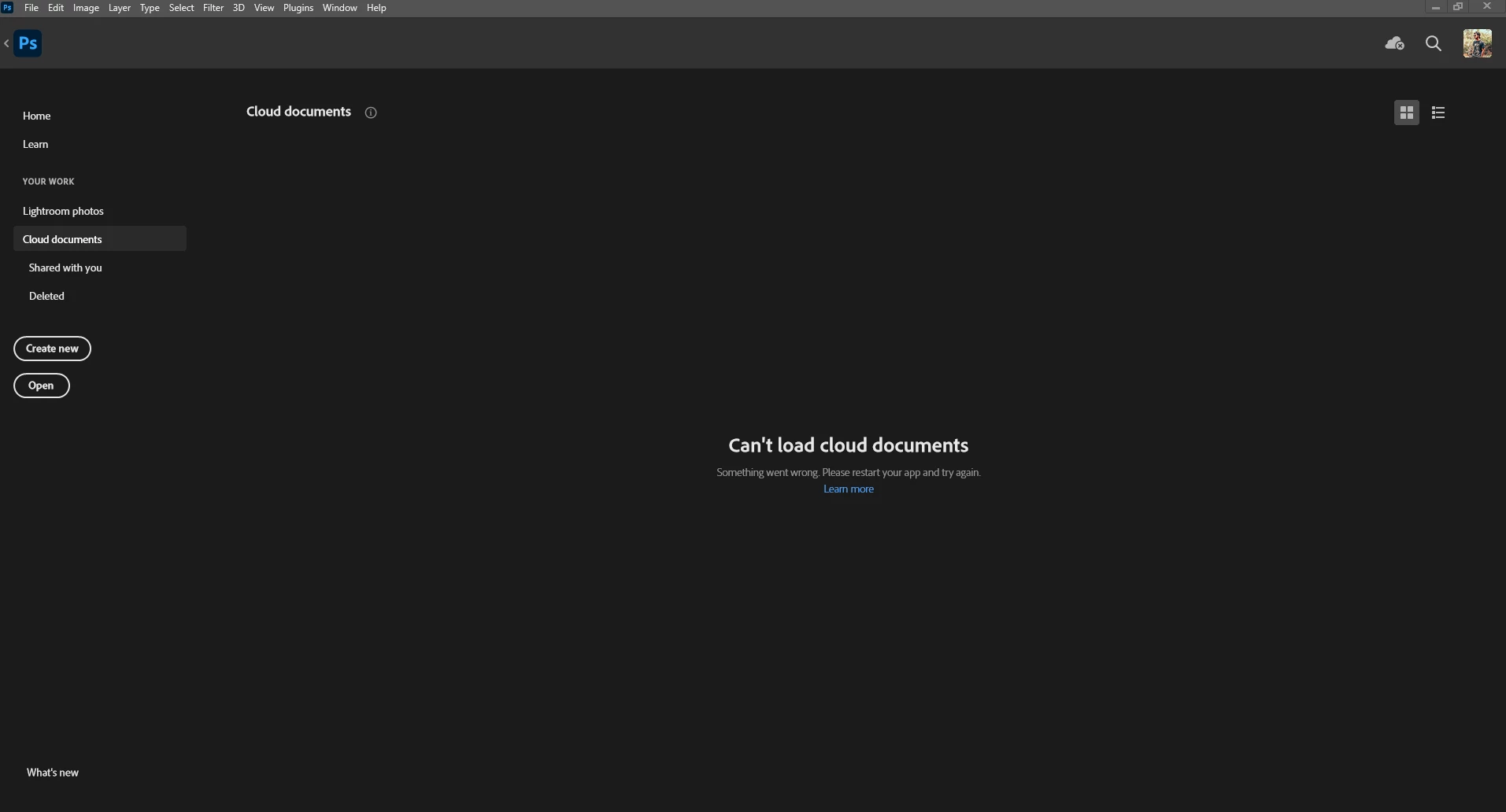
P: Photoshop 24.0 bug "Can't load cloud documents"

  • November 4, 2022
  • 2 replies
  • 203 views

I can't access my cloud documents after updating my photoshop to the latest version, and I keep getting this message "Can't load cloud documents. Something went wrong. Please restart your app and try again."


2 replies

Daniel Castro Vilela
Participant
February 16, 2023

I've reinstalled Photoshop, and it worked

Adobe Employee
November 16, 2022

Hi Daniel, 
Can you restart your Creative Cloud App and check if you are able to use Photoshop
If you are not able to use Photoshop after restarting the Creative cloud. Please provide the below information.
Go to Photoshop > Click on Help Menu >  System Info > Copy 
Please provide the information in the system info. 
Thank you.