

Participant
May 1, 2022

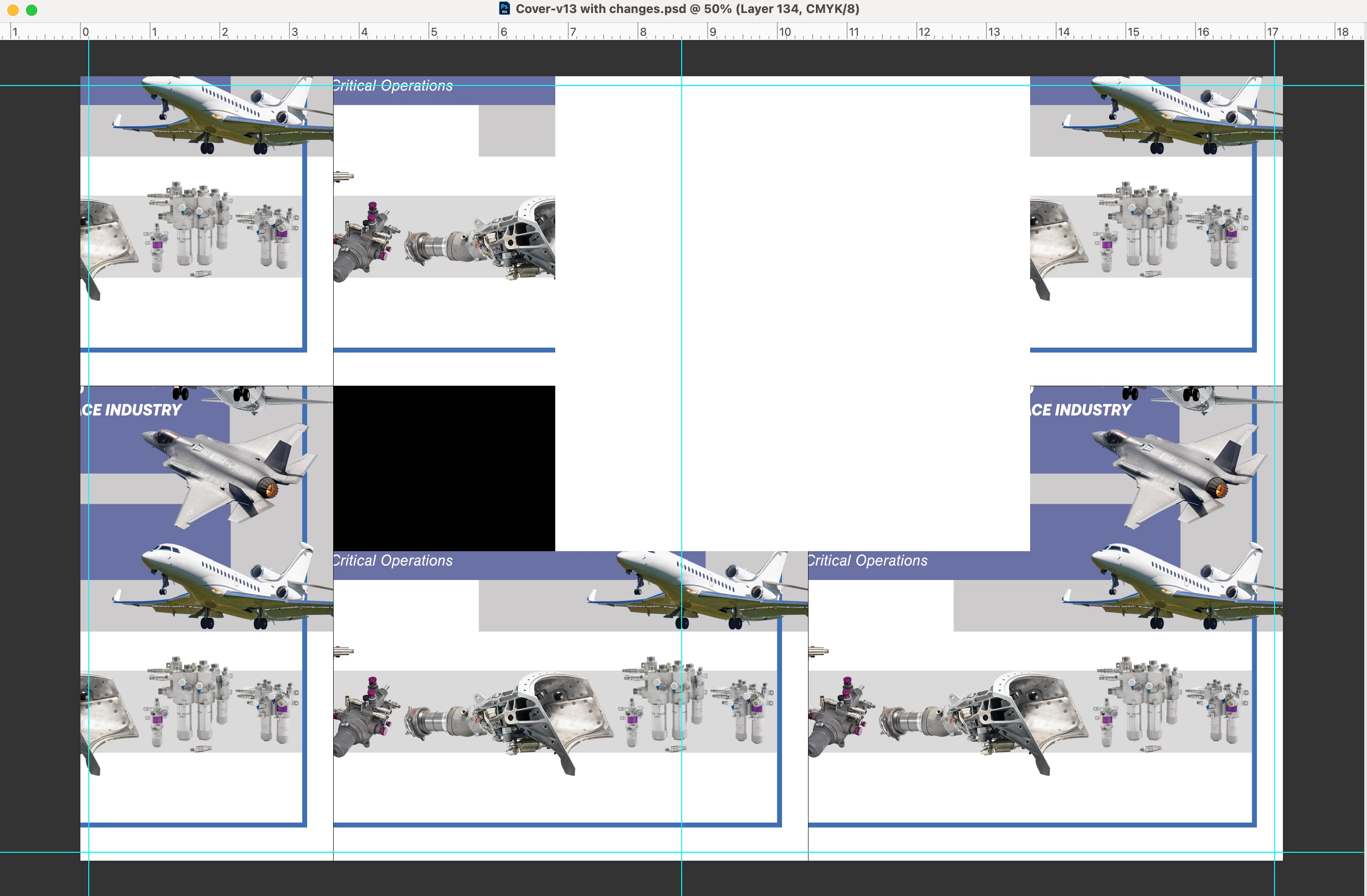
P: Photoshop file opening problem all a mess with GPU Compositing enabled

  • May 1, 2022
  • 6 replies
  • 700 views

I have 12.3.1 Montereay on my mac & & PH 23.3.1 have odd disjointed image or black screen coming up whe opening files All the layers are there but what give?? 
6 replies

Andrew Sender
Community Manager
Community Manager
June 3, 2022

Hi @defaultgbdwb41gs4zk ,

Have you tried re-enabling GPU Compositing in the latest version of Photoshop?

-Andrew

Andrew Sender
Community Manager
Community Manager
May 9, 2022

Hi @defaultgbdwb41gs4zk ,

Are you still using Photoshop with GPU Compositing disabled?  By any chance can you quickly try with it re-enabled and see if the while tile still exists?

-Andrew

Andrew Sender
Community Manager
Community Manager
May 2, 2022

Hi @defaultgbdwb41gs4zk ,

My team and I work on the GPU Compositing feature.  We're so sorry for the inconvienance.  Could you share with us your Help -> System Info and the psd file causing this problem?  Our team wants to make sure we resolve all issues relating to GPU Compositing.

Participant
May 1, 2022

WOWIE ZOWIE That did it!!!!!! Thanks Dave!!!!!! 

davescm
Community Expert
Community Expert
May 1, 2022

Can you try going to Preferences > Performance > GPU Settings > Advanced and uncheck GPU Compositing. Then click OK and close and restart Photoshop.


Dave

Participant
May 1, 2022

Also when Isave the file out a pdf & open it up in Acrobat it looks fine?? Go figure
